AI tool
Wondershare EdrawMax
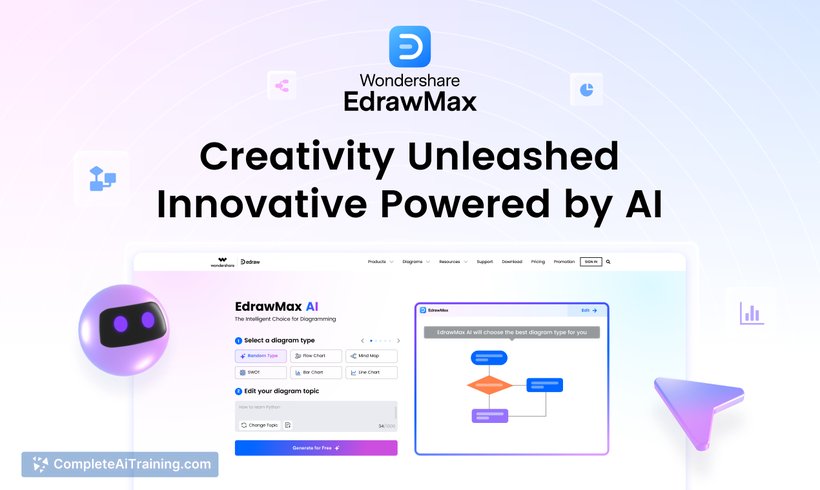
Wondershare EdrawMax AI Diagram Generator simplifies creating diagrams like flowcharts and mind maps with smart suggestions, helping you visualize ideas clearly and improve productivity effortlessly.

About Wondershare EdrawMax
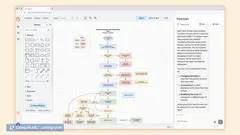
Wondershare EdrawMax is a versatile diagramming software that supports the creation of flowcharts, mind maps, organizational charts, and various other visual representations. It integrates AI technology to streamline the diagram creation process, making it accessible for users of all experience levels.
Review


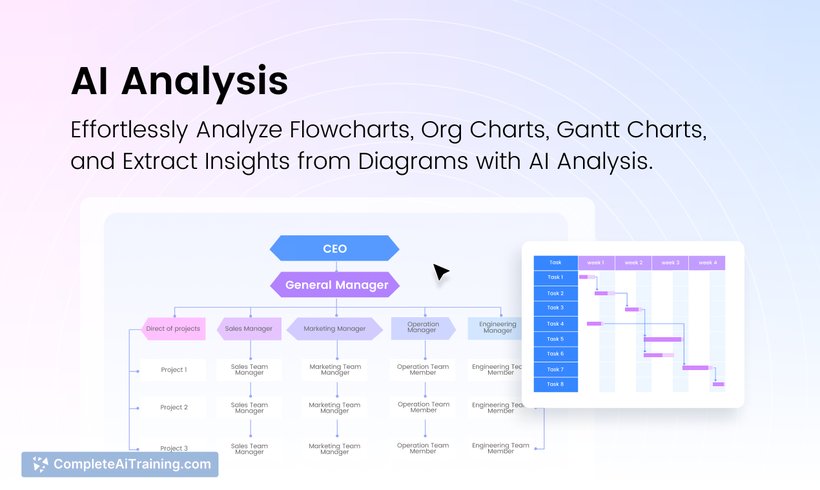

Wondershare EdrawMax offers a comprehensive solution for users needing to visualize ideas and data clearly and efficiently. Its AI-powered features assist in generating diagrams quickly, while an extensive template library caters to diverse professional and personal needs. The tool balances simplicity with a rich set of functionalities, making it suitable for a wide range of diagramming tasks.
Key Features
- AI Diagram Generator that creates flowcharts, timelines, user journey diagrams, SWOT analyses, and more from text input.
- Extensive collection of templates and symbols covering various diagram types.
- Intuitive drag-and-drop interface that simplifies the design process.
- Options for exporting diagrams in multiple formats for easy sharing and integration.
- Additional tools such as AI proofreading and image editing to enhance diagram quality.
Pricing and Value
Wondershare EdrawMax offers a range of pricing options, including subscription plans and one-time purchases, allowing users to select the model that best fits their needs. Additionally, there is a free tier that permits limited daily AI-generated diagram creations, providing an opportunity to explore the software before committing financially. Considering its comprehensive features and ease of use, EdrawMax presents good value for individuals and teams seeking an efficient diagramming tool.
Pros
- AI-assisted diagram generation significantly reduces time spent on creating visuals.
- User-friendly interface suitable for beginners and experienced users alike.
- Wide variety of templates supports numerous professional and creative applications.
- Multiple export options facilitate sharing and collaboration.
- Integrated tools like proofreading and image editing add convenience.
Cons
- Free usage limits the number of AI-generated diagrams per day.
- Some advanced features may require a learning curve for new users.
- Performance can vary depending on system specifications when handling very complex diagrams.
In conclusion, Wondershare EdrawMax is well suited for professionals, educators, and students who need to create clear and attractive diagrams efficiently. Its AI capabilities and broad template library make it a practical choice for anyone looking to communicate ideas visually without extensive design experience.
Jobs Wondershare EdrawMax suits
We checked Wondershare EdrawMax against 500+ jobs; these get the most out of it.
Alternatives to Wondershare EdrawMax
Other tools that do the same main job. Our AI compared Wondershare EdrawMax with similar tools and kept the ones you could use instead.