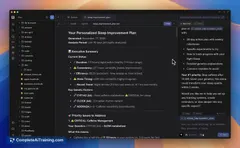
AI tool
Znote
Znote is a private, local app combining ChatGPT, Notion, and a terminal. It lets you chat with AI, take smart notes, run code, create reports, and automate workflows—all in one secure workspace without subscriptions.
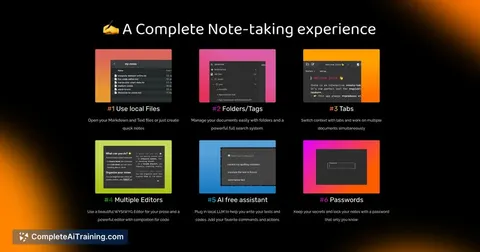
About Znote
Znote is an all-in-one local application that combines AI chat capabilities, note-taking, and terminal functions to create a unified workspace. It allows users to continue AI conversations directly within their notes, run code, and automate workflows without relying on subscriptions or cloud services.
Review
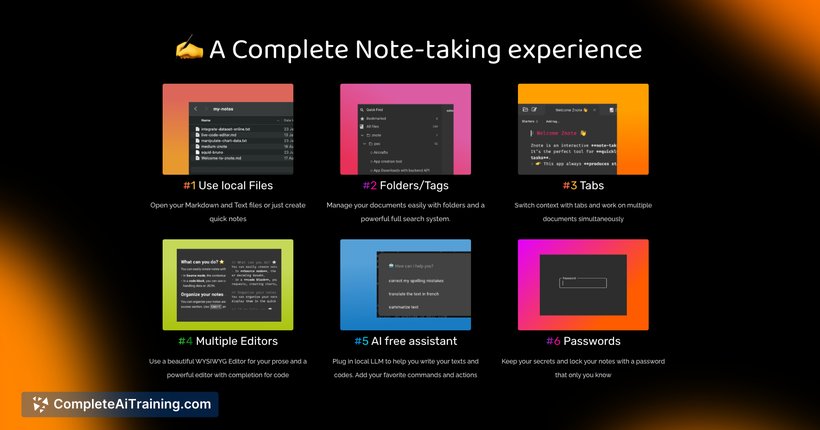
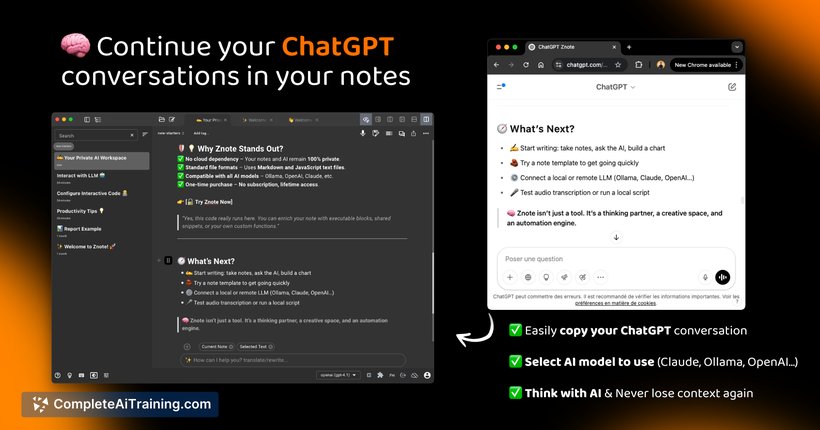
Znote offers a unique approach to managing information and AI interactions by integrating multiple tools into a single environment. Its focus on privacy and local-first operation makes it an attractive choice for users who want more control over their data. The tool is especially useful for developers, researchers, and anyone who frequently switches between AI chats, notes, and code execution.
Key Features
- Seamless continuation of AI conversations embedded directly in notes, with separate AI contexts per note.
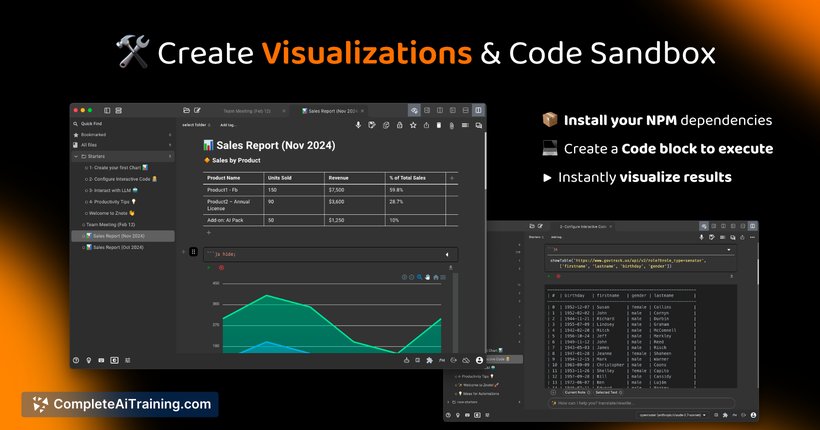
- Support for executable code blocks in JavaScript and Bash, enabling automation and dynamic report generation.
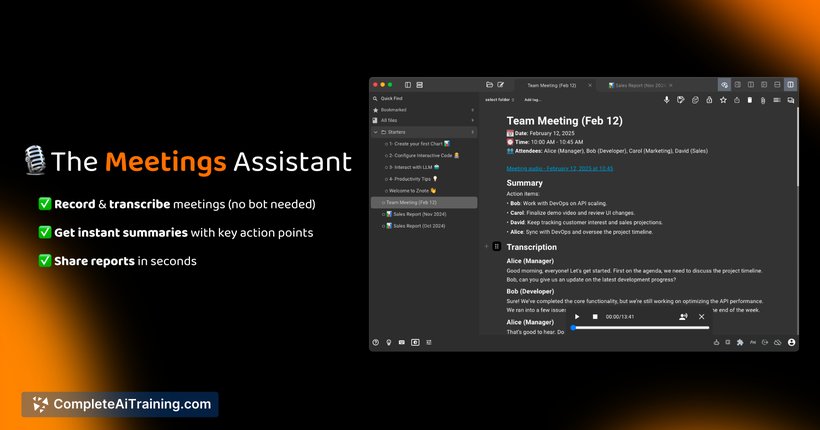
- Markdown-based note-taking with the ability to include charts, audio recordings, and meeting transcripts.
- Local-first design ensuring privacy with optional integration of APIs or local AI models like Ollama.
- Export and sharing options including PDF, HTML, and online publishing with embedded outputs.
Pricing and Value
Znote operates without subscription fees, providing a pay-as-you-go model for API usage if users choose to connect external AI services. The core application is local and private, eliminating ongoing cloud costs and vendor lock-in. For users seeking a one-time license or free access during launch promotions, Znote represents excellent value, especially for those requiring a combined AI and note-taking environment.
Pros
- Integrates AI chat, note-taking, and coding in a single app, reducing context switching.
- Local-first approach enhances privacy and data control.
- Flexible AI usage with options for API keys or local models.
- Rich feature set including dynamic charts, audio recording, and transcript support.
- No subscription required, making it cost-effective for long-term use.
Cons
- Collaboration features like real-time multi-user editing are not yet available.
- May have a learning curve for users unfamiliar with Markdown or code execution within notes.
- Limited to supported code languages (JS, Bash), which might restrict some workflows.
Overall, Znote is well-suited for individuals who need a versatile and private workspace combining AI assistance, note-taking, and development tools. It is ideal for developers, researchers, and professionals who value uninterrupted workflow and data ownership. Users looking for extensive collaboration features or broader programming language support may need to consider additional tools alongside Znote.
Jobs Znote suits
Useful in almost any job. We checked Znote against 500+ jobs; these get the most out of it.
Alternatives to Znote
Other tools that do the same main job. Our AI compared Znote with similar tools and kept the ones you could use instead.