
Certification
Certification: Claude 3.7 AI Essentials
Show the world you have AI skills with the 'Certified Claude 3.7 AI Mastery: Beginner's Guide & Tips'. Dive into practical insights and foundational knowledge, empowering you to enhance projects and decisions with confidence in AI technology.
The exam
Take the certification exam
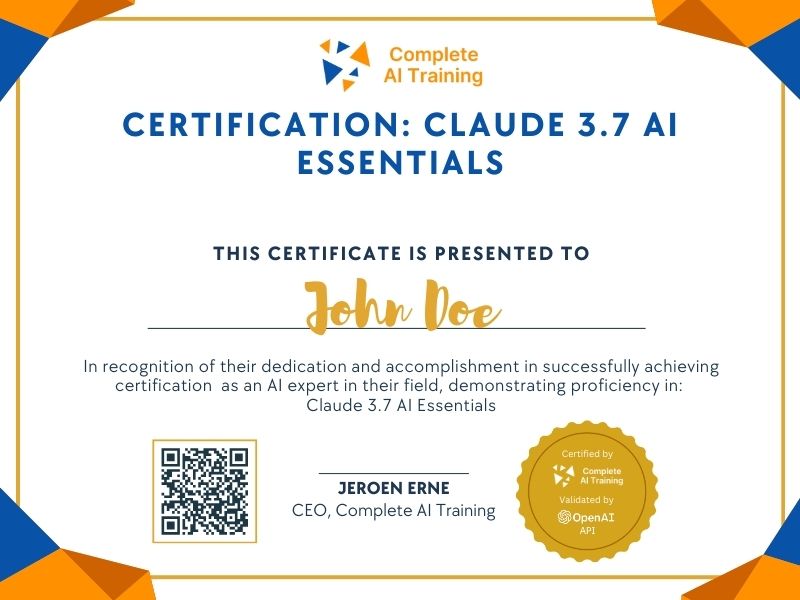
Multiple-choice questions about the course. Pass with 70% or more and your certificate is issued at once, with a public page and an "Add to LinkedIn" button.
What the exam covers
2 questions from each of the 15 chapters of the course
20 multiple-choice questions, drawn fresh for every attempt. Pass with 70% or more.
- 01Splitting tasks5:16
- 02Pictures and documentation for context5:54
- 03Brainstorming and planning4:55
- 04Tools, chat names and models6:32
- 05Output formats and follow-ups4:50
- 06Analysing images and styling advice5:43
- 07Roles, styles and tones4:56
- 08Data questions, charts and settings5:53
- 09Export, palettes, projects and instructions8:05
- 10Project knowledge and shortcuts5:19
- 11Combining project features4:25
- 12Visualisations and publishing artifacts4:26
- 13Problem-solving methods and chat controls4:12
- 14PDF dashboards, checklists and natural language7:14
- 15Writing, transcripts and staying flexible7:41
Certification: Claude 3.7 AI Essentials offers a comprehensive understanding of Claude AI's functionalities. By completing this certification, participants will gain a competitive advantage and enhance their adaptability and growth in the evolving technological landscape. Enroll now to unlock higher income potential and improve decision-making skills.
This certification covers the following topics:
- Optimising Prompting Strategies
- Leveraging Contextual Information
- Harnessing Claude's Versatility
- Improving Workflow and Organisation
- Exploring Advanced Features
- Encouraging Continuous Learning and Adaptability
- How can providing images enhance the interaction with Claude AI?
- In what ways can Claude be used for brainstorming and planning?
- How can users create their own simple tools within Claude AI?
- How can specifying the output format enhance the usefulness of Claude's responses?
- What is the value of using "Projects" within Claude AI for more advanced users?
- What are the key differences between the Claude 3 models (Sonet, Opus, and Haiku)?
- How can the image analysis feature in Claude be used?
- How can users overcome output limitations when using Claude?
- What are the practical applications of Claude's "artifacts" feature?
- How do custom instructions in projects contribute to efficiency?
- How can business professionals maximize efficiency with Claude?
- What are the multimodal capabilities of Claude AI?
- Why is providing context important for large language models like Claude?
Jobs this certification suits
Our AI checked this certification against 500 jobs; these get the most out of it. Each job links to its learning path.