
Certification
Certification in Building AI-Enhanced Code Solutions with VS Code
Become certified in AI-powered coding with Cursor in VS Code,demonstrate the ability to efficiently write, edit, and debug code using AI, accelerate project development, and confidently apply modern tools to real-world programming tasks.
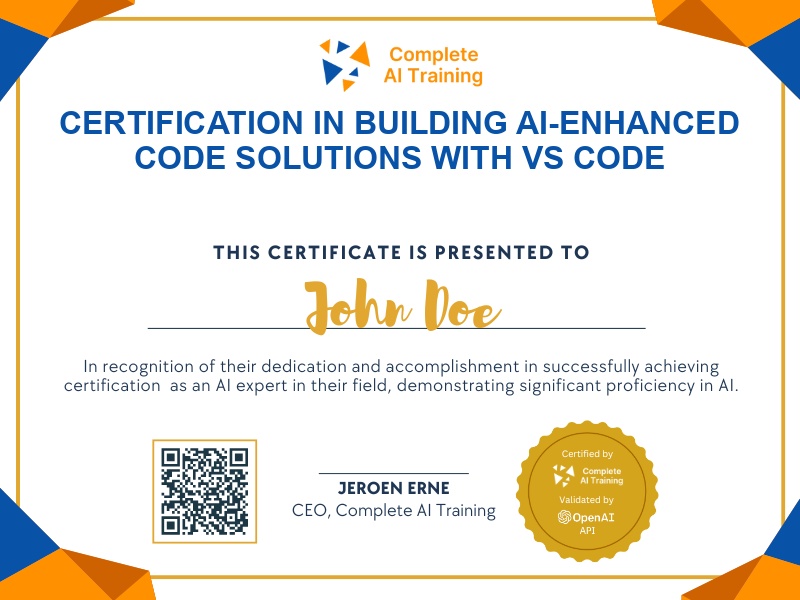
The exam
Take the certification exam
Multiple-choice questions about the course. Pass with 70% or more and your certificate is issued at once, with a public page and an "Add to LinkedIn" button.
What the exam covers
2 questions from each of the 15 chapters of the course
20 multiple-choice questions, drawn fresh for every attempt. Pass with 70% or more.
- 01What is Cursor?3:59
- 02Cursor pricing2:59
- 03Context and settings1:32
- 04Agent vs ask mode and models3:21
- 05Rules and existing projects3:27
- 06Tab completion3:44
- 07Inline AI edit3:52
- 08Chat interface and quick questions2:50
- 09Generating projects from scratch4:36
- 10Follow-up changes4:11
- 11Keeping a changelog and Lighthouse2:34
- 12Project context file2:38
- 13Adding project rules2:37
- 14Creating the Next.js project7:30
- 15Adding PDF export2:51
The Cursor Essentials: Beginner’s Guide to AI-Powered Coding in VS Code (Video Course) certification introduces you to the world of collaborative coding with artificial intelligence. Gain practical skills to boost productivity, adaptability, and confidence as you leverage Cursor to write, edit, and debug code efficiently. Enroll today to unlock a competitive advantage and accelerate your growth in the evolving landscape of modern software development.
This certification covers the following topics:
- The Core Principles of AI Coding
- Getting Started: Cursor’s Interface and Unique Features
- Chat Interface: Your AI Command Center
- Agent Mode vs. Ask Mode: Choosing Your Approach
- Settings and Configuration: Tailoring Cursor to Your Needs
- How Cursor Understands Your Project: Indexing and Context
- Practical AI Coding: Examples and Workflows
- Gradual AI Assistance with Existing Projects
- High-Level AI Assistance for New Projects ("Vibe Coding")
- Advanced AI Context and Rules for Larger Projects
- Deployment Made Simple: Using Sabella
- Common Mistakes and How to Avoid Them
Jobs this certification suits
Our AI checked this certification against 500 jobs; these get the most out of it. Each job links to its learning path.