
Certification
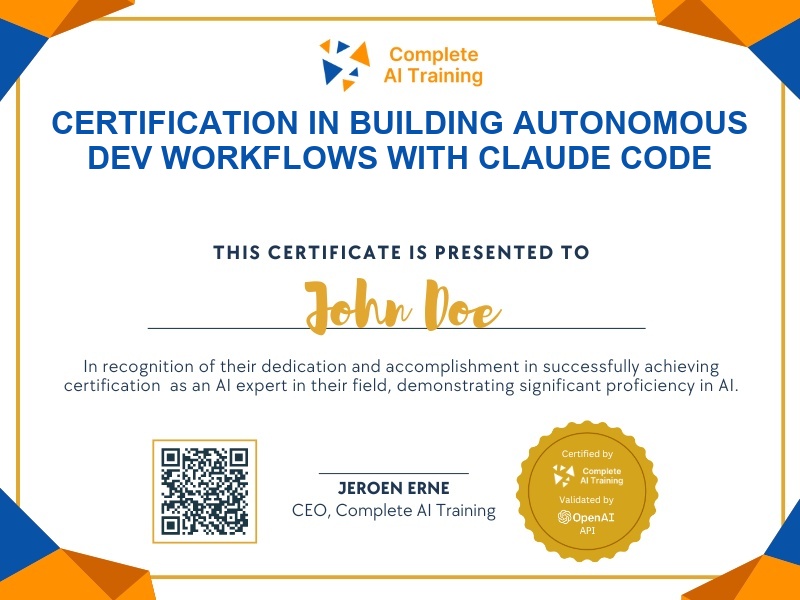
Certification in Building Autonomous Dev Workflows with Claude Code
Become certified in Claude Code for autonomous development, MCP tools, and VS Code integration. You'll prove you can direct AI to read files, write code, run commands, and ship apps,no engineering background required.
The exam
Take the certification exam
Multiple-choice questions about the course. Pass with 70% or more and your certificate is issued at once, with a public page and an "Add to LinkedIn" button.
What the exam covers
2 questions from each of the 12 chapters of the course
20 multiple-choice questions, drawn fresh for every attempt. Pass with 70% or more.
- 01Course overview and install3:24
- 02VS Code setup4:15
- 03Starting a session4:12
- 04Permission modes3:12
- 05Plan mode and /goal9:21
- 06Installing skills10:24
- 07File structures9:48
- 08Context and tokens5:24
- 09Slash commands3:18
- 10Version control with GitHub9:26
- 11MCP tools and deployment9:13
- 12FAQ9:40
The Claude Code Course: Autonomous Dev, MCP Tools & VS Code Setup is a video-based certification that teaches you to hand a goal to an AI that reads your files, writes the code, runs the commands, and ships the app. You'll walk away with a serious productivity boost, a competitive edge, and future-proof skills that make you more adaptable in any role , no engineering background required. If you're ready to stop writing every line of code by hand and start directing AI to handle the heavy lifting, this course is your fastest path there.
This certification covers the following topics:
- Installation and Environment Setup
- Permission Modes: Balancing Autonomy and Safety
- Autonomous Goals: The /goal Command
- Skills: Reusable Workflows and Standard Operating Procedures
- Understanding the Project File Structure
- Context Window Management: Keeping AI Sharp
- Slash Commands: Your Control Panel
- Version Control with Git and GitHub
- Connecting External Tools: MCP and CLI
- Frequently Asked Questions
Jobs this certification suits
Our AI checked this certification against 500 jobs; these get the most out of it. Each job links to its learning path.