
Certification
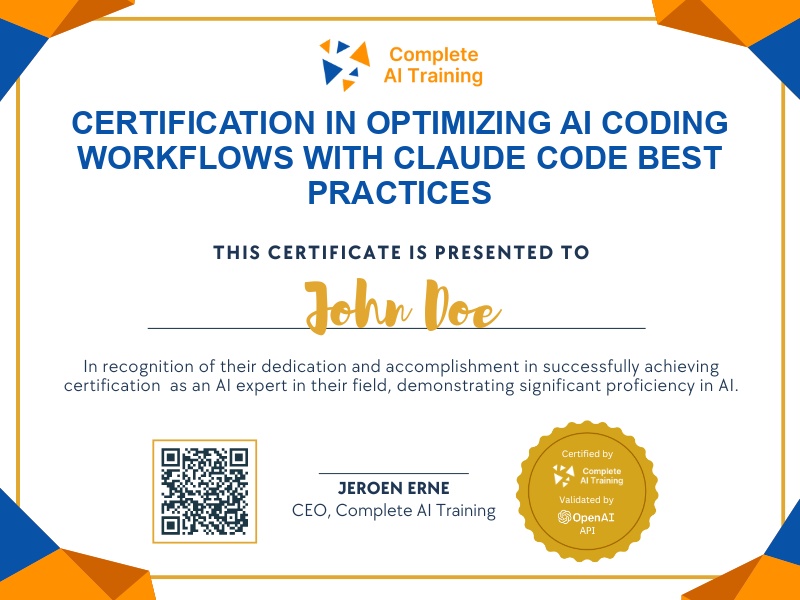
Certification in Optimizing AI Coding Workflows with Claude Code Best Practices
Get certified in Claude Code Best Practices to efficiently automate development tasks, analyze codebases, implement secure AI workflows, and accelerate feature planning,demonstrating real-world productivity and technical expertise to employers.
The exam
Take the certification exam
Multiple-choice questions about the course. Pass with 70% or more and your certificate is issued at once, with a public page and an "Add to LinkedIn" button.
What the exam covers
2 questions from each of the 11 chapters of the course
20 multiple-choice questions, drawn fresh for every attempt. Pass with 70% or more.
- 01Introduction and origin3:02
- 02Mental model and how it works1:49
- 03Understanding codebases1:23
- 04Use cases: discovery and design1:28
- 05Use cases: build and deploy1:43
- 06Support, scale and CLAUDE.md1:48
- 07Best practices: permissions1:25
- 08Best practices: integrations1:27
- 09Context and effective workflows1:58
- 10Smart vibe coding and advanced techniques2:53
- 11Live demo and Q&A6:57
Earn your "Claude Code Best Practices: Optimize AI Coding Workflows and Productivity" certification to master the use of Claude Code, an AI-powered terminal assistant designed to streamline development. Gain practical skills for increased productivity, improved decision-making, and a competitive edge in modern software workflows. Enroll now to future-proof your career and achieve faster, smarter results with real-world best practices.
This certification covers the following topics:
- Understanding Claude Code Functionality and Workflow
- Agentic Search vs. Pre-Indexing Approaches
- Permission System and Security Implementation
- Deploying Claude Code Securely in Cloud Environments
- Using claude.md Files for Persistent Context
- Effective Permission Management Strategies
- Integration Setup for Enhanced Productivity
- Context Management for Efficient Sessions
- Planning and Automating Tasks with Claude Code
- Advanced Techniques: Multiple Instances, Escape Key Features, and MCP Servers
- Headless Automation and SDK Utilization
- IDE Integrations and Referencing External Files
Jobs this certification suits
Our AI checked this certification against 500 jobs; these get the most out of it. Each job links to its learning path.