
Certification
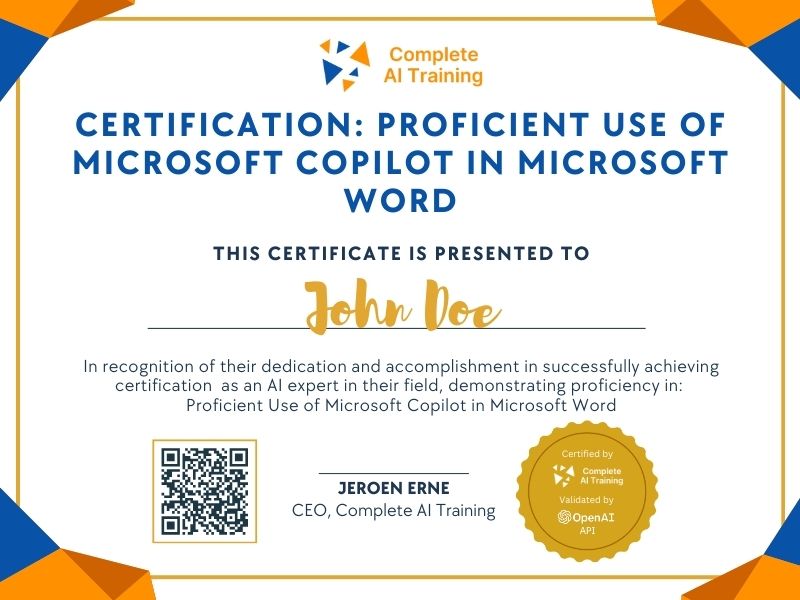
Certification: Proficient Use of Microsoft Copilot in Microsoft Word
Show the world you have AI skills—demonstrate expertise in integrating Microsoft Copilot with Word. This certification highlights your ability to boost productivity and work smarter using the latest AI-powered tools from Microsoft.
The exam
Take the certification exam
Multiple-choice questions about the course. Pass with 70% or more and your certificate is issued at once, with a public page and an "Add to LinkedIn" button.
What the exam covers
2 questions from each of the 7 chapters of the course
14 multiple-choice questions, drawn fresh for every attempt. Pass with 70% or more.
- 01Introduction1:35
- 02Create a business plan3:24
- 03Refine and edit content4:21
- 04Insert tables of data2:02
- 05Summarise documents1:56
- 06Create from existing files2:48
- 07Summary1:17
The Certification: Proficient Use of Microsoft Copilot in Microsoft Word equips you with the expertise to leverage AI tools for enhanced document creation and management. Mastering this certification leads to increased productivity, improved decision-making, and a competitive advantage in today's workforce. Enroll now to unlock the full potential of Microsoft Copilot and advance your professional skillset.
This certification covers the following topics:
- Understanding Microsoft Copilot
- Drafting New Documents from Scratch
- Refining and Editing Existing Drafts
- Inserting Content in Context
- Visualising Data as Tables
- Summarising Documents
- Creating New Documents from Existing Files
- Important Considerations and Best Practices
- Prompt Optimization for Improved Results
- Contextual Awareness in Document Creation
- Productivity and Collaboration with Copilot
- Ethical Implications of AI-Generated Content
Jobs this certification suits
Our AI checked this certification against 500 jobs; these get the most out of it. Each job links to its learning path.