MCP server · Research
AI Design Blueprint MCP server
Lets your AI look up agent design principles, examples, and guides from the AI Design Blueprint.

This is a connection that lets your AI assistant read the AI Design Blueprint, a public reference about how to design AI agents that work well with people. It is handy if you are writing about agent design, reviewing a plan, or just want a second opinion based on a known set of principles. You do not need to copy anything by hand. You just ask your AI, and it looks things up for you.
What is an MCP server? The 30-second version
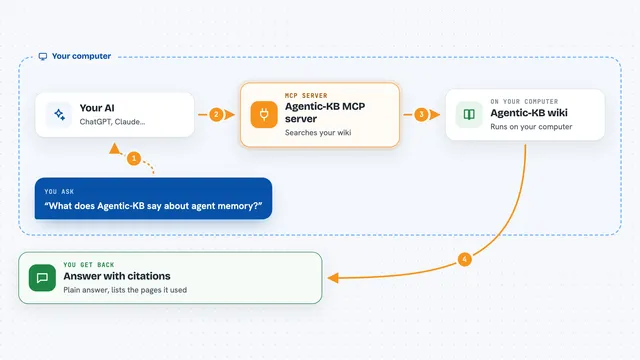
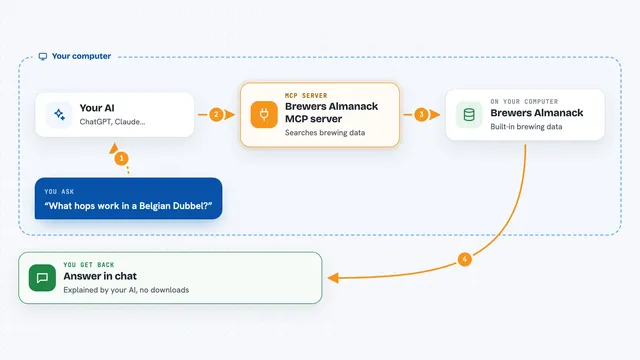
On its own, your AI can only chat with you using what it already knows. An MCP server is a small helper that gives your AI a new skill or a connection to an outside service. This one connects your AI to the AI Design Blueprint website, so it can browse and search the principles, examples, and guides there. When you ask a question, your AI quietly asks this helper, and the helper brings back the right pages.
What this MCP server does
You ask your AI something about agent design, like which principles apply to a plan you are writing. Your AI sends that request to this helper, which talks to the AI Design Blueprint website. The website returns matching principles, examples, or guides. Your AI then reads them and answers you in plain words. Everything is read-only, so nothing on the site is changed by your questions.
 Click to zoom
What you can do with it
- Browse the list of design principles and topic clusters
- Search principles by a keyword or phrase
- Search implementation examples by topic, difficulty, or library
- Open a specific principle, cluster, example, or guide by its short name
- List available assets and guides
- Read a full guide on a topic like orchestration or visibility
Try asking your AI
- “Search the AI Design Blueprint for principles about orchestration visibility steering”
- “Show me three implementation examples about agent memory at a beginner level”
- “List the design clusters in the Blueprint and give me a one-line summary of each”
- “Find a guide about steering an agent and summarize the main points”
What it gives back to you
You get back plain answers in the chat: lists of principles or clusters, short summaries of examples, or the main points of a guide. If you ask for a specific item by name, your AI shows its details. Nothing is changed on the website, so you can explore freely. If nothing matches, your AI will say so.
Before you start
What you need
- An AI assistant that can use MCP servers, like the Claude desktop app or another client that supports MCP
- The MCP address https://aidesignblueprint.com/mcp added to that client
Good to know
The read-only tools are safe, but the signal tools send small notes about what you found useful, so only use them if you are comfortable sharing that.
Install it with your AI
Add AI Design Blueprint MCP server to your AI, no technical skills needed
You don't install anything by hand. You copy one prompt, paste it into an AI that can work on your computer, and it checks, installs and connects the server for you, asking you when it needs something.
Sign in to get the install prompt
Members get a ready-made prompt that lets the Claude desktop app check AI Design Blueprint MCP server, install it and connect it for them, step by step. You don't need any technical skills: you copy, paste and answer a few questions. Your connected AI can also find and install any of the 4,361 MCP servers here for you.
Who it's for
Product managers, designers, writers, and anyone who plans or reviews AI agent features and wants a quick reference at hand.