MCP server · Analytics
Network AIops MCP server
by AIops-tools
Let your AI read and change settings on Cisco, Arista and Juniper network devices, with every action logged.
This is a helper that lets your AI assistant talk to real network switches and routers from Cisco, Arista and Juniper. You ask a question in plain words, and the AI looks up the answer on the actual device or makes a change you approve. It is handy for network engineers and IT staff who already work with these devices and want a faster way to check and update them.
What is an MCP server? The 30-second version
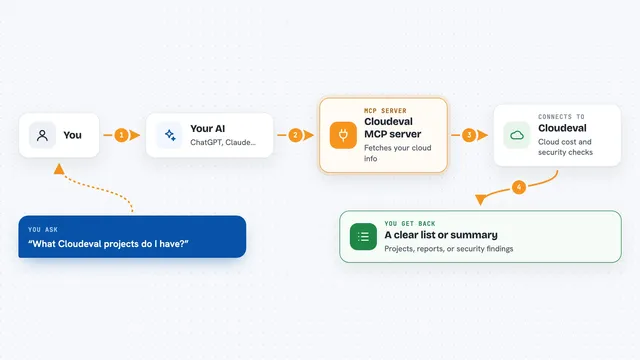
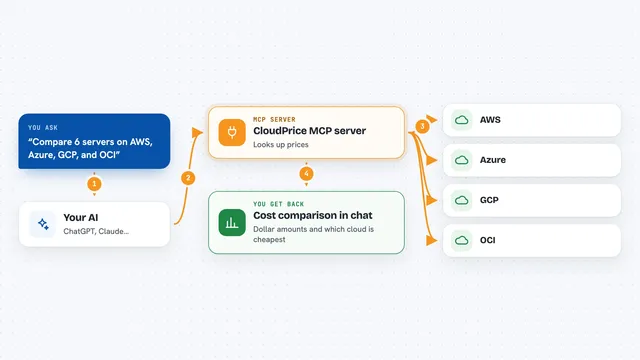
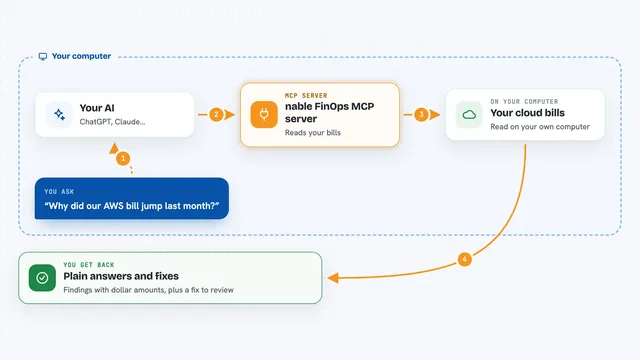
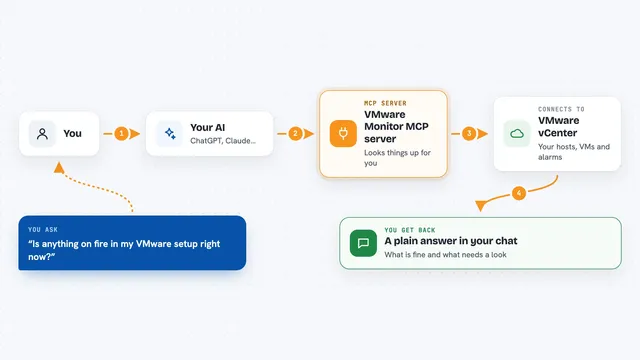
On its own, your AI can only chat. An MCP server is a small helper program that gives your AI a new skill or a connection to something outside the chat. This one connects your AI to your network devices, so it can look things up there or make changes when you ask. You set it up once, and after that your AI can reach those devices for you.
What this MCP server does
You ask your AI something like what is wrong with the uplink on core-sw1. The AI uses this helper, and the helper logs into the device using a saved password. It reads the device and comes back with the facts, like which interfaces are down or which BGP neighbors are flapping. If you ask it to change something, it can back up the current settings first, show you a preview of the change, and only then apply it. Every single action, whether a read or a change, gets written to a local log file on your computer.
What you can do with it
- Look up device facts like model, software version and uptime
- Check which interfaces are up or down and see their traffic and error counters
- See BGP and LLDP neighbors, ARP and MAC tables, VLANs and routes
- Run a health check that ranks problems worst-first with the numbers behind them
- Back up a device's running configuration to a file
- Preview a configuration change before it is applied
- Apply, replace or roll back a configuration on a device
Try asking your AI
- “What is the health of core-sw1 right now?”
- “Which interfaces on core-sw1 have errors or have been flapping?”
- “Show me the BGP neighbors on core-sw1 and flag any that are down”
- “Back up the running config of core-sw1 and save it to a file”
What it gives back to you
You get answers in the chat, usually as tidy lists or short summaries. For example, a health check comes back as a ranked list of problems, each one showing the measured number that triggered it. A config backup gives you a file path on your computer. A config change tells you what was applied and whether it succeeded.
Before you start
What you need
- Python and the uv tool installed on your computer
- Access to the network devices you want to manage, with a username and password
- A master password you set yourself, used to unlock the encrypted store of device passwords
- Optional: a NetBox account and API token if you want to check intended state there
Good to know
It can change or replace a device's configuration, so a wrong command could take a link or a device offline; always preview a change with a dry run first and connect with a read-only account if you only want to look.
Install it with your AI
Add Network AIops MCP server to your AI, no technical skills needed
You don't install anything by hand. You copy one prompt, paste it into an AI that can work on your computer, and it checks, installs and connects the server for you, asking you when it needs something.
Sign in to get the install prompt
Members get a ready-made prompt that lets the Claude desktop app check Network AIops MCP server, install it and connect it for them, step by step. You don't need any technical skills: you copy, paste and answer a few questions. Your connected AI can also find and install any of the 4,361 MCP servers here for you.
Who it's for
Network engineers and IT staff who manage Cisco, Arista or Juniper devices and want an AI assistant to help read and change them safely.