MCP server · Analytics
TrueNAS AIops MCP server
by AIops-tools
Lets your AI check and manage TrueNAS storage: pools, datasets, snapshots, disks, alerts, and services.
This is a helper for people who run a TrueNAS SCALE storage server and want their AI assistant to look at it and do small jobs on it. You can ask your AI things like which pool is unhealthy, or to make a snapshot before you change something. It is handy if you already use TrueNAS and want less clicking around in the web interface.
What is an MCP server? The 30-second version
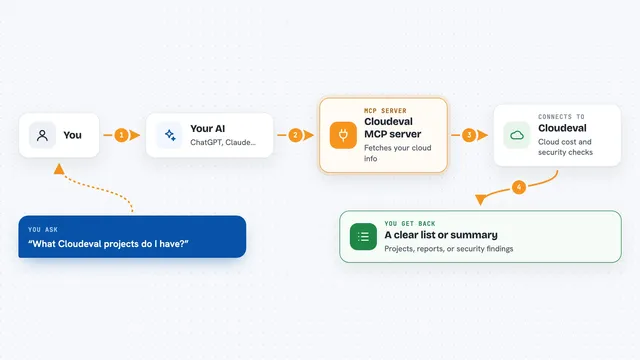
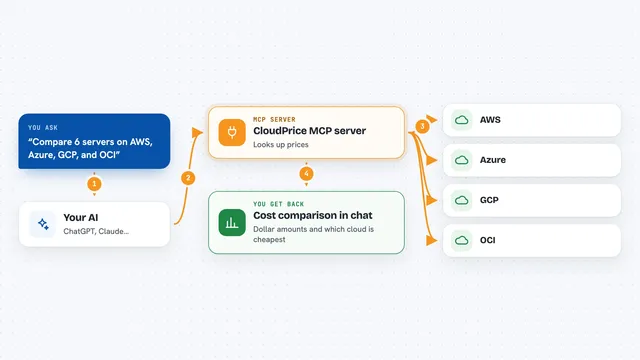
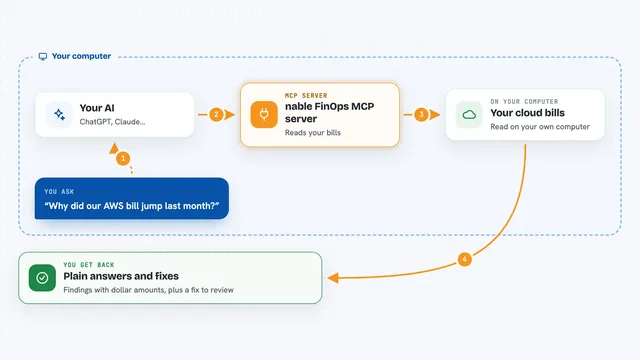
On its own, your AI can only chat. It cannot see your storage server or change anything there. An MCP server is a small helper program that gives your AI one new skill. This helper connects your AI to TrueNAS SCALE, so when you ask a question about your pools or snapshots, the AI can actually go and look, and can make small changes when you ask it to.
What this MCP server does
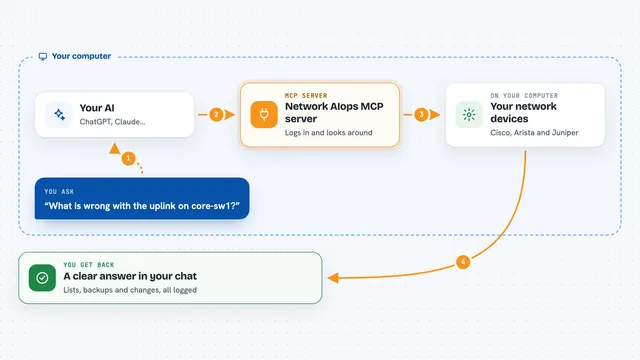
You ask your AI something about your TrueNAS box, like which pools are healthy or how full a dataset is. The AI passes that request to this helper program. The helper logs in to your TrueNAS server using an API key you set up, asks the server for the information, and sends the answer back. Your AI then explains it to you in plain words. If you ask for a change, like starting a scrub or making a snapshot, the helper does that too, and writes down what it did in a local log file.
What you can do with it
- List your ZFS pools and see which one is degraded or full
- Check dataset usage and create a new dataset
- Make a snapshot before you change something, and list existing snapshots
- Look at disk health and S.M.A.R.T. test results
- Read active alerts and see which datasets are close to full
- Restart a TrueNAS service like SMB or NFS
- See replication and cloud sync tasks, and undo a snapshot you just made
Try asking your AI
- “Which of my pools is in the worst state right now?”
- “Make a snapshot of the tank/documents dataset called before-upgrade”
- “How full is my backup dataset and is anything close to full?”
- “Show me any active alerts on the NAS and restart the SMB service”
What it gives back to you
You get answers in the chat, in normal sentences, based on real numbers from your server. For example, a list of pools with their health and used space, or a short note saying a snapshot was created. If something is wrong, it points at the exact number that tripped it, like a degraded status or a checksum error count. Every action it takes is also written to a local log file on your computer, so you can look back later.
Before you start
What you need
- A TrueNAS SCALE server (version 25.04 or newer) that you can reach from your computer
- An API key from your TrueNAS box (make one in the TrueNAS web interface under Credentials, then API Keys)
- Python and the uv tool installed, or the Claude Code / OpenClaw plugin route
- A master password you choose, to keep the API key encrypted on your computer
Good to know
Some tools can change or delete things on your server, including snapshot_delete which removes data for good, so only connect it with an API key from a limited account and check before you say yes.
Install it with your AI
Add TrueNAS AIops MCP server to your AI, no technical skills needed
You don't install anything by hand. You copy one prompt, paste it into an AI that can work on your computer, and it checks, installs and connects the server for you, asking you when it needs something.
Sign in to get the install prompt
Members get a ready-made prompt that lets the Claude desktop app check TrueNAS AIops MCP server, install it and connect it for them, step by step. You don't need any technical skills: you copy, paste and answer a few questions. Your connected AI can also find and install any of the 4,609 MCP servers here for you.
Who it's for
Home lab owners, sysadmins, and IT staff who run TrueNAS SCALE and want their AI assistant to help with everyday storage checks and small changes.