MCP server · Analytics · official
NameGender MCP server
by anpekesen · official
Your AI can guess gender from names, emails and usernames, with the evidence shown next to each answer.
This is a small helper that lets your AI figure out the likely gender behind a name, an email address or a username. It also writes letter greetings, spots junk names in forms, and tells you the typical age of people with a first name. It is handy if you work with customer lists, sign-up forms, mailings or any data full of names.
What is an MCP server? The 30-second version
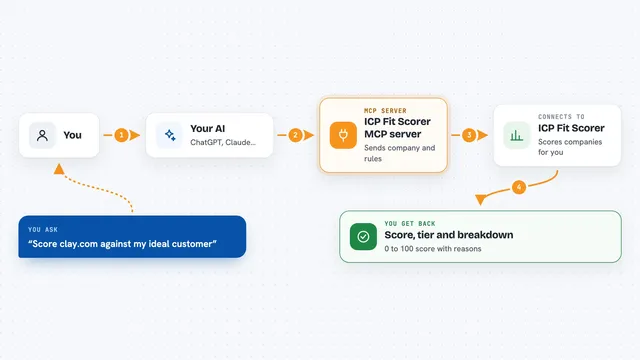
On its own, your AI can only chat with you. An MCP server is a small helper program that gives your AI a new skill or a connection to an outside service. This one connects your AI to NameGender, a service that looks up names. Once it is connected, your AI can ask NameGender about a name and bring the answer back to you in the chat.
What this MCP server does
You ask your AI something like what gender is the name Ayşe, or which of these 80 emails look like they belong to women. Your AI sends that question to this helper. The helper passes it to the NameGender service, which checks its name data. The answer comes back with the gender, a probability, the sample size and the source, and your AI shows it to you in plain words. For bulk requests, it also tells you how many of the values it managed to match.
What you can do with it
- Guess the gender behind a first name or a full name
- Pull a name out of an email address or a username and guess its gender
- Check up to 100 names, emails or usernames in one go
- Write the opening line of a letter in ten languages
- Flag names in a form that look like placeholders or keyboard mashing
- Tell you the typical age of people with a first name in the US, France or Norway
- List the countries where a name is recorded
Try asking your AI
- “What gender is the name Andrea, and how sure are you?”
- “Look at these 50 email addresses and tell me which ones look like they belong to women”
- “Write a formal German salutation for Anna Müller and an informal one”
- “Does asdf qwerty look like a real name, and why?”
What it gives back to you
You get a short line in the chat for each name, like Ayşe: female, probability 99%, sample 12,345, source ssa, country TR. For bulk requests you also get a match-rate summary. For salutations you get the formal and informal opening lines. For name checks you get a score and the reasons, and for ages you get a median age and a range.
Before you start
What you need
- An API key from the namegender.com dashboard (a kind of password for apps; sign-up is free and comes with daily free credits)
- Node.js installed on your computer so the npx command can run
- A chat app that supports MCP, such as Claude Desktop or Claude Code
Good to know
A gender guess is a guess, not a fact, so do not use it to reject or judge a real person; and each lookup uses credits from your NameGender account.
Install it with your AI
Add NameGender MCP server to your AI, no technical skills needed
You don't install anything by hand. You copy one prompt, paste it into an AI that can work on your computer, and it checks, installs and connects the server for you, asking you when it needs something.
Sign in to get the install prompt
Members get a ready-made prompt that lets the Claude desktop app check NameGender MCP server, install it and connect it for them, step by step. You don't need any technical skills: you copy, paste and answer a few questions. Your connected AI can also find and install any of the 4,361 MCP servers here for you.
Who it's for
People who work with customer lists, sign-up forms, mailings or CRM data and often need to guess gender or spot bad names.