MCP server · Analytics · official
Iaptic MCP server
by iaptic · official
Ask your AI about Iaptic customers, purchases, transactions and revenue, and let it create Stripe payment links.

This is a helper that connects your AI assistant to your Iaptic account. Iaptic is a service that keeps track of who bought what in your app, and how much money came in. If you work with subscriptions or in-app purchases, this lets you ask questions in plain words instead of clicking around dashboards.
What is an MCP server? The 30-second version
On its own, your AI can only chat. It has no way to see your real data. An MCP server is a small helper program that gives your AI one new skill. This one is a bridge to Iaptic, so your AI can look up your customers, purchases and revenue for you when you ask.
What this MCP server does
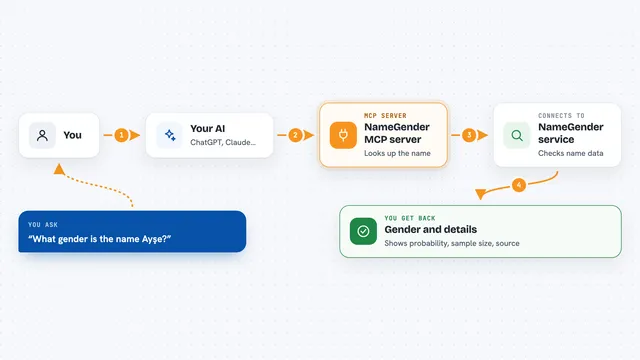
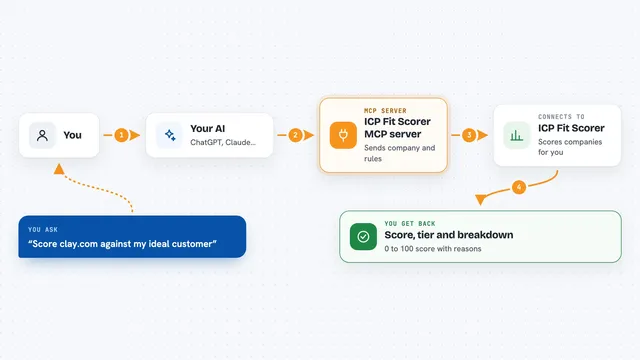
You ask your AI a question, like how many purchases you had last month. Your AI sends that request to this helper. The helper talks to Iaptic using your API key and app name. Iaptic sends back the matching records or numbers. Your AI then writes the answer out for you in the chat.
 Click to zoom
What you can do with it
- List your customers and look up one customer's details
- Check whether a customer has an active subscription
- See a customer's transaction history
- List purchases and transactions, filtered by date
- Get general and per-app revenue statistics
- Browse recent events and open one for details
- Create a Stripe checkout link or a billing portal link
Try asking your AI
- “How many purchases did we get last month?”
- “Show me the transactions for customer 12345”
- “What were our total sales between January 1 and March 31?”
- “Does customer marie@example.com still have an active subscription?”
What it gives back to you
You get answers written in the chat: lists of customers, purchases or transactions, revenue numbers, and short summaries of what was found. When you ask for a Stripe checkout or portal link, it gives you back a web address you can send to your customer. It does not change your Iaptic records. The only things it creates are Stripe checkout and portal links.
Before you start
What you need
- An Iaptic account
- Your Iaptic API key (a kind of password for apps, found in your Iaptic settings)
- Your Iaptic app name
- Node.js 18 or newer on the machine running it
Good to know
It can create Stripe checkout and billing portal links, which are real payment links, so only ask for them when you mean to. It cannot change or delete your Iaptic records.
Install it with your AI
Add Iaptic MCP server to your AI, no technical skills needed
You don't install anything by hand. You copy one prompt, paste it into an AI that can work on your computer, and it checks, installs and connects the server for you, asking you when it needs something.
Sign in to get the install prompt
Members get a ready-made prompt that lets the Claude desktop app check Iaptic MCP server, install it and connect it for them, step by step. You don't need any technical skills: you copy, paste and answer a few questions. Your connected AI can also find and install any of the 4,361 MCP servers here for you.
Who it's for
People who run apps with subscriptions or in-app purchases and want quick answers about customers and revenue without opening a dashboard.