MCP server · Analytics
CSV Contract Preflight MCP
by anytine123
A helper that lets your AI prepare, review, and buy a CSV contract check through your Apify account.
This is a small helper program that connects your AI assistant to a service for checking CSV files against a set of rules (a contract). It is handy for people who want to make sure a CSV file follows a simple structure before using it, without having to write code or understand the technical details. The helper walks your AI through creating a contract, reviewing it, and then buying a report that checks the CSV.
What is an MCP server? The 30-second version
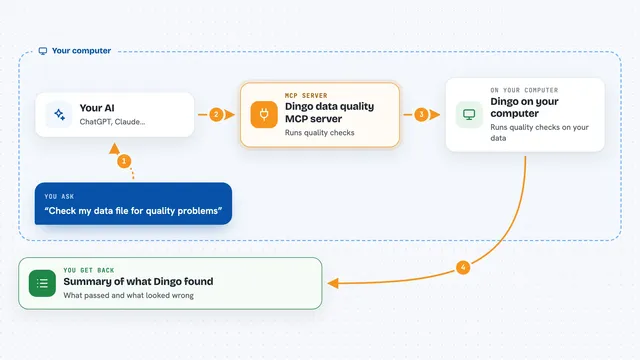
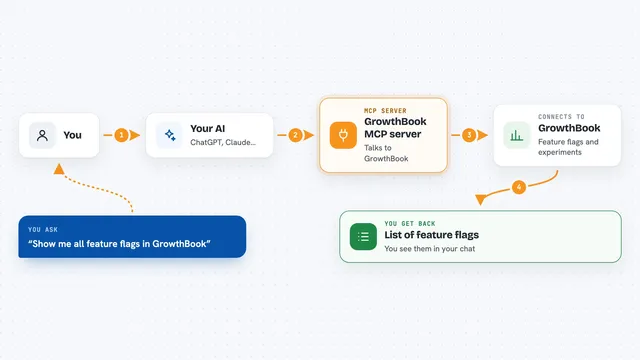
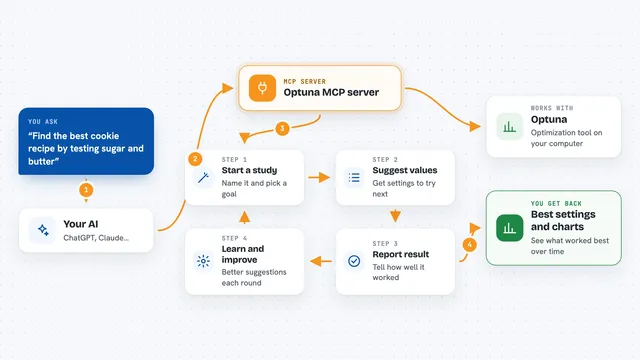
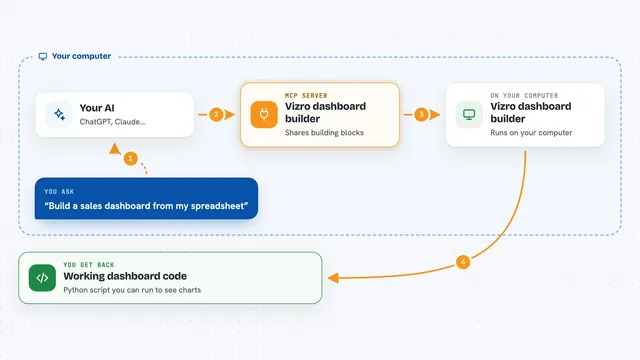
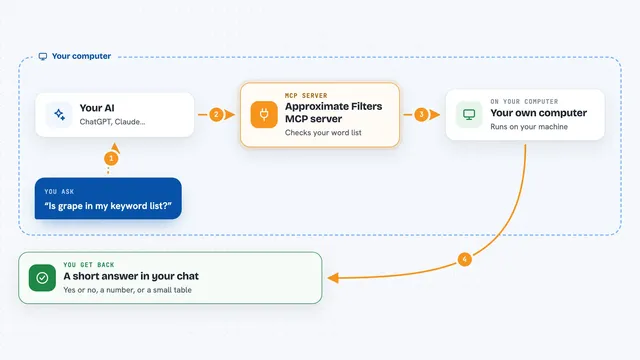
On its own, your AI can only chat. An MCP server is a small helper program that gives your AI a new skill or a connection to an app or service. Here, the helper connects your AI to Apify, a service that can run checks on CSV files. So when you ask your AI to check a CSV, it can use this helper to talk to Apify, which does the actual work and returns a report.
What this MCP server does
You ask your AI to check a CSV file against certain rules. The AI uses this helper to prepare a draft contract, which is a set of rules like which columns must exist and what type of data they hold. The helper then lets the AI review and accept the contract, and finally buy a report from Apify that checks your CSV against those rules. Apify runs the check and returns a report showing any problems, like missing columns or wrong data types.
What you can do with it
- Prepare a draft contract for checking a CSV file
- Review and accept a contract before buying a report
- Buy a CSV check report through your Apify account
- Retrieve the results of a CSV check
- Get a summary of findings from a completed check
- Inspect available contract templates and their rules
- Check the offer details and limits without an Apify token
Try asking your AI
- “Check if my CSV file has the columns: id, name, email, and age, with id as a number and the rest as text.”
- “Prepare a contract for my inventory CSV with columns: sku, product_name, quantity, and price, where sku is text and quantity is a number.”
- “Review the contract I just prepared and tell me if it looks good.”
- “Buy a report for my CSV using the contract I accepted.”
What it gives back to you
When you buy a report, you get back a summary of the check. It tells you how many records were checked, how many problems were found, and which records and fields were flagged. You also get hints on how to fix the issues, but the helper does not fix the data for you.
Before you start
What you need
- An Apify account (the free tier works, but you need to add a payment method for paid reports)
- An Apify API token (a kind of password for apps; you can find it in your Apify account settings)
- Python 3.11 or newer installed on your computer
- The Claude desktop app or another MCP-compatible AI assistant
Good to know
Buying a report costs $0.01 per completed report through your Apify account, and the helper does not fix your data or guarantee that your CSV is correct; it only checks simple rules.
Install it with your AI
Add CSV Contract Preflight MCP to your AI, no technical skills needed
You don't install anything by hand. You copy one prompt, paste it into an AI that can work on your computer, and it checks, installs and connects the server for you, asking you when it needs something.
Sign in to get the install prompt
Members get a ready-made prompt that lets the Claude desktop app check CSV Contract Preflight MCP, install it and connect it for them, step by step. You don't need any technical skills: you copy, paste and answer a few questions. Your connected AI can also find and install any of the 4,960 MCP servers here for you.
Who it's for
This is most useful for people who work with CSV files and want to check them for simple structure rules without writing code, like data analysts, office workers, or anyone who needs to validate a CSV before importing it into another system.