MCP server · Developer tools
MapLibre MCP server
by birkskyum
Let your AI check, fix and redraw MapLibre map styles, and look up MapLibre facts for you.
This is a helper that connects your AI to MapLibre, the free tool many people use to build web maps. Once it is set up, you can ask your AI to look at a map style, point out what is wrong, and even show you the map redrawing as it makes changes. It is handy for anyone who works on map styles but does not want to memorize every rule.
What is an MCP server? The 30-second version
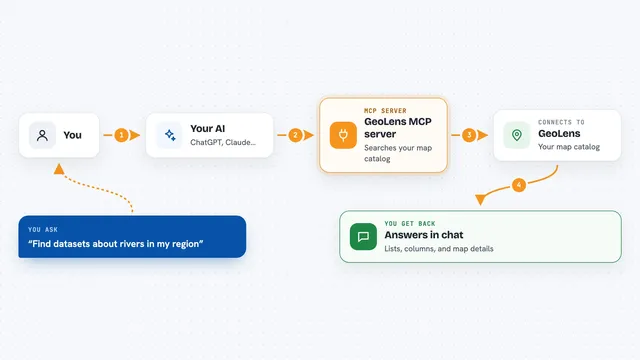
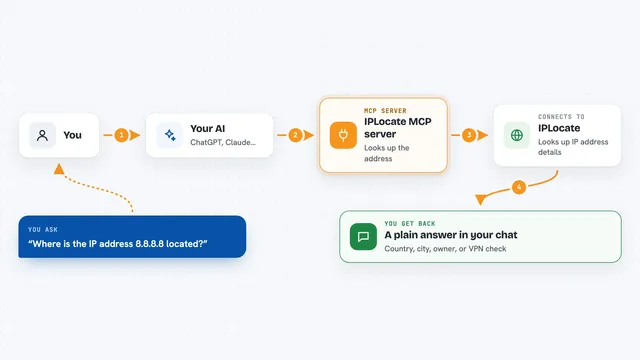
On its own, your AI can only chat. An MCP server is a small helper program that gives your AI one new skill. This particular helper connects your AI to MapLibre, so it can open and inspect your map style and answer questions about how MapLibre works. You still ask in normal words, and the helper does the technical part behind the scenes.
What this MCP server does
You ask your AI something about your map style in plain words. The AI passes that request to this helper. The helper reads your style, checks it against the MapLibre rules, and can peek at the map's tile data. Then it sends an answer back, such as what is broken or how the map looks, and if you want, it can redraw the map live as the style changes.
What you can do with it
- Check a MapLibre style for mistakes
- Preview a map that redraws as the style is edited
- Look up how a feature works in the MapLibre style rules
- Look up the MapLibre GL JS mapping code reference
- Inspect the vector tile data behind a map
- Help find why a map is not showing up the way you expect
Try asking your AI
- “Can you check my MapLibre style for errors and tell me what to fix?”
- “What does the fill-extrusion layer type expect in a MapLibre style?”
- “Show me the map and update it as you change the colors.”
- “What is in the vector tiles at this location in my map?”
What it gives back to you
You get plain answers in the chat: a list of problems, a short explanation, or a fact pulled from the MapLibre reference. When a preview is used, you also get a live map that updates as the style changes. The helper explains what it found in everyday words, so you do not have to read raw code yourself.
Before you start
What you need
- A MapLibre style file or a map you are working on
- A way to run this helper on your own computer (the project's setup steps)
Good to know
It works with your local map files and tile sources, so point it only at styles and data you are allowed to open.
Install it with your AI
Add MapLibre MCP server to your AI, no technical skills needed
You don't install anything by hand. You copy one prompt, paste it into an AI that can work on your computer, and it checks, installs and connects the server for you, asking you when it needs something.
Sign in to get the install prompt
Members get a ready-made prompt that lets the Claude desktop app check MapLibre MCP server, install it and connect it for them, step by step. You don't need any technical skills: you copy, paste and answer a few questions. Your connected AI can also find and install any of the 4,609 MCP servers here for you.
Who it's for
People who build or tweak web maps with MapLibre and want help checking and previewing styles without digging through documentation.