MCP server · Finance and crypto
Cabal Radar MCP server
by c-viper-work
Lets your AI check Solana and Base tokens for risk flags like freeze controls and coordinated early buys.
This is a helper that gives your AI a new skill: looking up risk details about crypto tokens on the Solana and Base networks. You connect it once, then just ask your AI things like "is this token address safe?" It is made for people who already deal with tokens and want a second pair of eyes before they touch one.
What is an MCP server? The 30-second version
On its own, your AI can only chat with you using knowledge it already has. An MCP server is a small helper program that gives your AI a new skill or a connection to an outside service. This particular helper connects your AI to public blockchain data for Solana and Base, so it can look up a token and report what it finds. When you ask about a token, your AI hands the request to this helper, and the helper goes and reads the chain for you.
What this MCP server does
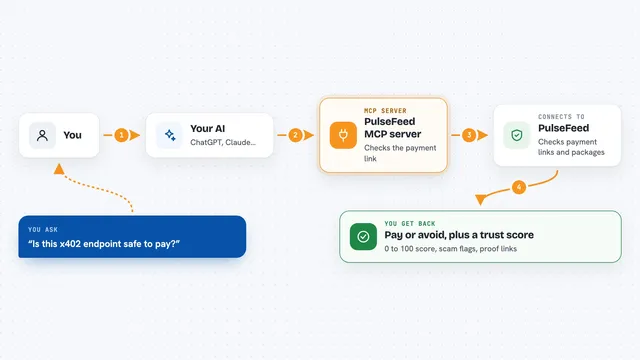
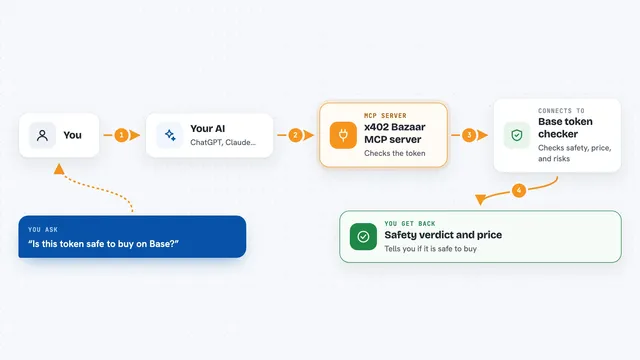
You ask your AI about a token address and which chain it is on. Your AI passes that to Cabal Radar, which reads public blockchain data for that token. It checks things like who can mint or freeze the token, whether it has unusual controls, and how concentrated the holders are. For deeper checks it looks at early buys and shared funding between wallets. It then scores the token, lists any warning flags, and hands the result back to your AI to show you.
What you can do with it
- Check a Solana or Base token address for risk flags and a safety score
- See if a token has a mint authority, freeze authority, or transfer fees turned on
- Look for early coordinated buys right after a token launched
- Trace whether several wallets were funded from the same source
- Audit a list of up to 20 tokens in one go
- Get step by step upgrade info and activate a paid tier locally
Try asking your AI
- “Scan this Base token for risks: 0x532f27101965dd16442E59d40670FaF5eBB142E4”
- “Is this Solana token safe? DezXAZ8z7PnrnRJjz3wXBoRgixCa6xjnB7YaB1pPB263”
- “Check if these two wallets were funded by the same source on Solana”
- “Audit this list of five tokens and give me a markdown report”
What it gives back to you
You get back a report in the chat with a safety score and a list of warning flags, each written in plain words. Deeper checks add details like how many top holders were sampled and whether buys looked coordinated. It can also return a markdown report alongside the structured result. If something could not be checked with the available data, it says UNKNOWN rather than guessing.
Before you start
What you need
- Node.js 22 or newer installed on your computer
- An MCP client like Claude Desktop, Cursor, or Windsurf
- Internet access to a Solana RPC and a Base RPC (public ones work by default)
Good to know
This is a heuristic investigation tool, not a finished security audit, so a high safety score does not prove a token is safe and unknown results stay unknown.
Install it with your AI
Add Cabal Radar MCP server to your AI, no technical skills needed
You don't install anything by hand. You copy one prompt, paste it into an AI that can work on your computer, and it checks, installs and connects the server for you, asking you when it needs something.
Sign in to get the install prompt
Members get a ready-made prompt that lets the Claude desktop app check Cabal Radar MCP server, install it and connect it for them, step by step. You don't need any technical skills: you copy, paste and answer a few questions. Your connected AI can also find and install any of the 4,609 MCP servers here for you.
Who it's for
Crypto traders and analysts who look at new Solana or Base tokens and want a quick risk read before buying.