MCP server · Design tools · official
Canvora MCP server
by canvora · official
Turn an idea, link, doc, or PDF into finished on-brand visuals like posts, carousels, decks, and ads.
Canvora is an online design service that turns a short idea or a document into finished visuals: social posts, carousels, slide decks, PDFs, ads, and more. This MCP server connects your AI assistant to Canvora, so you can just describe what you want and get back ready-to-use images. It is handy for marketers, founders, and anyone who needs decent-looking graphics without opening a design tool.
What is an MCP server? The 30-second version
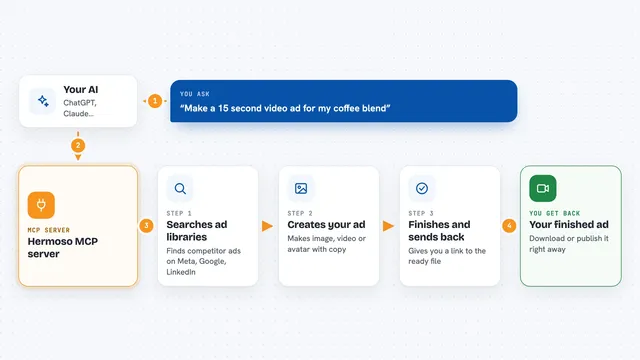
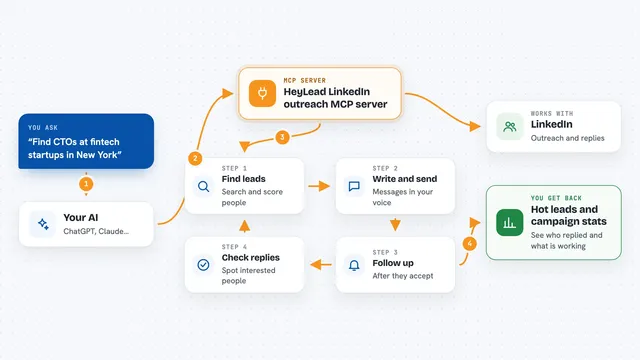
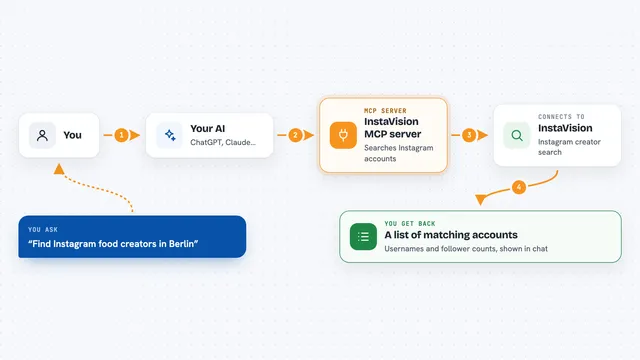
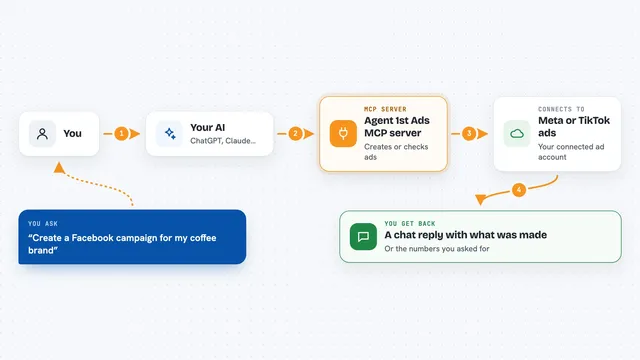
On its own, your AI can only chat. An MCP server is a small helper that gives your AI a new skill or a connection to another service. This one connects your AI to Canvora, so when you ask for a carousel or a deck, your AI passes the request to Canvora and Canvora does the actual design work. You stay in the chat; the designing happens behind the scenes.
What this MCP server does
You tell your AI what you want, for example five tips for remote work as a LinkedIn carousel. Your AI sends that brief to Canvora through this server. Canvora writes the content, lays it out, and applies your brand colors, fonts, and logo if you have a brand kit. When it is done, you get back links to the finished images that you can post, download, or hand to a scheduling tool.
What you can do with it
- Create social posts, carousels, and ad sets from a short idea
- Turn a PDF report or a web page into a slide deck or a visual kit
- Apply your brand kit so every output matches your colors, fonts, and logo
- Translate an existing design into another language without changing the layout
- Make variations of a design you already like
- Edit one visual with a plain-language instruction
- Check your credit balance before starting a big batch
Try asking your AI
- “Make a 5-slide LinkedIn carousel about remote work tips, using my brand kit”
- “Turn this PDF report into a 6-slide pitch deck”
- “Create square, landscape, and portrait ad versions from this product page link”
- “Translate my last carousel into Spanish”
What it gives back to you
You get back links to the finished images, hosted online and ready to use. Your AI can also show you a list of the outputs, tell you how many credits were used, or save the files to your computer if you ask. Everything also appears in your Canvora dashboard, so you can review or edit it later. If something fails, the credits are refunded automatically.
Before you start
What you need
- A Canvora account (there is a free tier with free credits and no card needed)
- Sign-in through the connector (OAuth) for the remote server, or an API key from Canvora for the local bridge
- For the local bridge only: Node.js installed on your computer
Good to know
Each visual costs credits (10 per visual, 15 per carousel or deck slide), so check your balance before asking for large batches.
Install it with your AI
Add Canvora MCP server to your AI, no technical skills needed
You don't install anything by hand. You copy one prompt, paste it into an AI that can work on your computer, and it checks, installs and connects the server for you, asking you when it needs something.
Sign in to get the install prompt
Members get a ready-made prompt that lets the Claude desktop app check Canvora MCP server, install it and connect it for them, step by step. You don't need any technical skills: you copy, paste and answer a few questions. Your connected AI can also find and install any of the 4,960 MCP servers here for you.
Who it's for
Marketers, social media managers, founders, and small teams who need on-brand visuals fast without a designer.