MCP server · Customer communication
VTENext CRM MCP server
Ask your AI to look up, create and update opportunities and contacts in your VTENext CRM.

This is a small helper that connects your AI assistant to VTENext, an open-source CRM built on vtiger. Once it is set up, you can ask your AI questions about your opportunities and contacts, or have it add and update records for you. It is handy if your team keeps its sales pipeline in VTENext and you would rather type a question than click through menus.
What is an MCP server? The 30-second version
On its own, your AI can only chat with you. An MCP server is a small helper program that gives your AI a new skill or a connection to an app. This helper connects your AI to your own VTENext CRM. So when you ask about a deal or a contact, the AI can actually go and look it up in VTENext and come back with the answer.
What this MCP server does
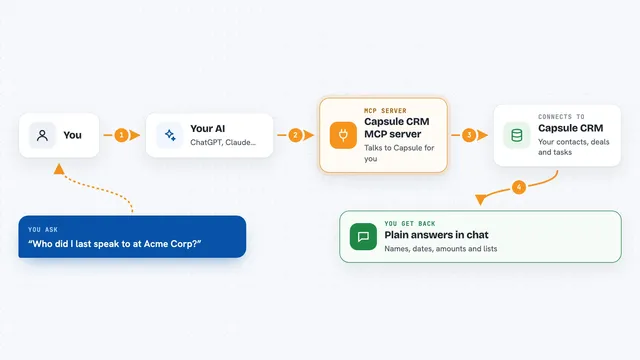
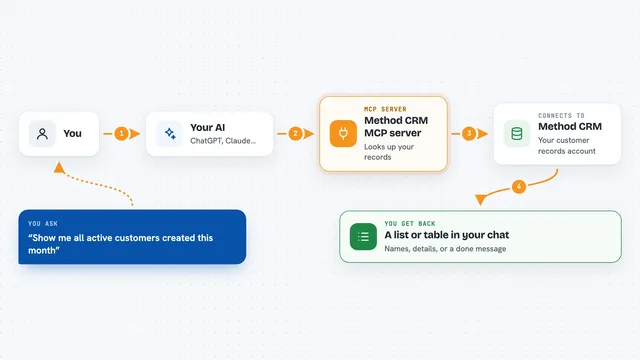
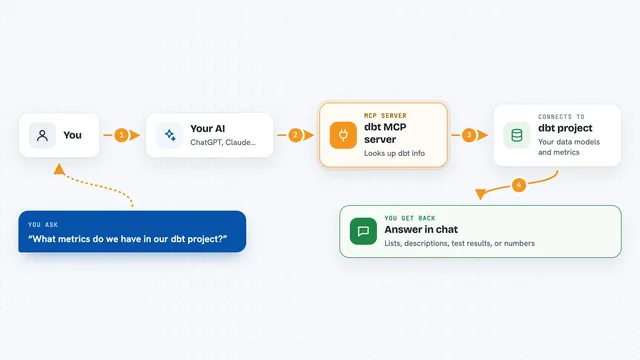
You ask your AI something about your CRM, like which opportunities are still open or what a contact's email is. The AI passes your request to this helper program running on your computer. The helper logs in to your VTENext instance and asks it for the information, or makes the change you asked for. Then it hands the result back to the AI, and the AI explains it to you in the chat. If you have turned on read-only mode, it will refuse to create or change anything.
 Click to zoom
What you can do with it
- List your open opportunities, with filters by status or a search word
- Look up the full details of one opportunity by its ID
- Search opportunities by name
- Create a new opportunity
- Update the status, amount or notes on an existing opportunity
- Search contacts by name, email or company
- Add a note to an opportunity and list its linked activities
Try asking your AI
- “Show me the open opportunities in VTENext”
- “Find the contact with the email mario.rossi@example.com”
- “Create a new opportunity called Website redesign for Acme, amount 5000”
- “Add a note to opportunity 123 saying the client asked for a new quote”
What it gives back to you
You get answers in plain chat text: lists of opportunities or contacts, the details of a single record, or confirmation that something was created or updated. When you ask for a list, the AI usually shows it as a short table or bullet points. When you make a change, it tells you what it changed. Nothing is written to a file unless you ask the AI to do that separately.
Before you start
What you need
- A running VTENext instance you can reach (self-hosted or Docker)
- Your VTENext username and access key (found in VTENext under Admin, Users, then the user's Access Key)
- Node.js 18 or newer installed on your computer
- An MCP-compatible AI app, such as Claude Desktop or Claude Code
Good to know
Unless you set READ_ONLY to true, this helper can create and change records in your live CRM, so check with your AI before letting it write anything important.
Install it with your AI
Add VTENext CRM MCP server to your AI, no technical skills needed
You don't install anything by hand. You copy one prompt, paste it into an AI that can work on your computer, and it checks, installs and connects the server for you, asking you when it needs something.
Sign in to get the install prompt
Members get a ready-made prompt that lets the Claude desktop app check VTENext CRM MCP server, install it and connect it for them, step by step. You don't need any technical skills: you copy, paste and answer a few questions. Your connected AI can also find and install any of the 4,361 MCP servers here for you.
Who it's for
Sales teams, account managers and small business owners who keep their pipeline in VTENext and want to query or update it by chatting with an AI.