MCP server · Analytics
Cituna MCP server
by cituna
Ask your AI how ChatGPT, Google, Perplexity and other engines mention your brand, and what to fix.
Cituna is a paid tool that checks every day how seven AI engines answer questions about your market, and whether they mention or cite your brand. This MCP server lets your AI assistant read those results and your Google Search Console data, then suggest or make fixes. It is handy for marketers and SEO people who want answers in a chat instead of clicking around a dashboard.
What is an MCP server? The 30-second version
On its own, your AI can only chat with you. An MCP server is a small helper program that gives your AI a new skill or a connection to an app or service. This one connects your AI to Cituna, which tracks how AI engines talk about your brand. Once connected, you ask a question in plain words and the AI goes and fetches the real numbers and answers for you.
What this MCP server does
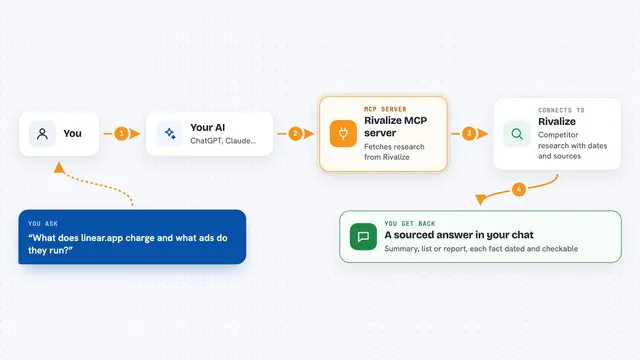
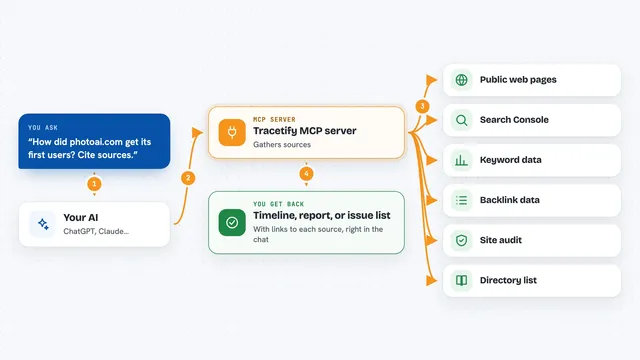
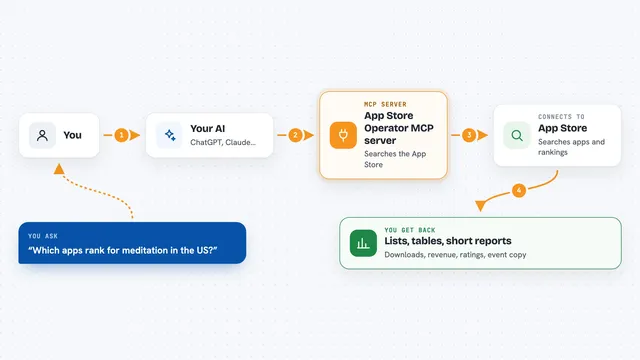
You ask your AI something like which prompts cite your brand today. The AI uses this helper to ask Cituna for your daily tracking results. Cituna checks what ChatGPT, Perplexity, Gemini, Claude, Grok and Google's AI answers said about your tracked questions. Your AI then brings back the answers, the brands named, the pages cited, and your visibility score, and can point you to the gaps worth fixing first.
What you can do with it
- See which AI engines cited your brand today and at what position
- Read what an engine actually answered for one of your tracked questions
- Find the third-party pages the engines cite and which rivals appear on them
- Spot competitors the engines mention that you are not tracking yet
- Join AI answers with your Google Search Console numbers
- Work through a list of gaps with impact, effort and the concrete fix
- Queue, edit or refresh articles from the chat (paid plans)
Try asking your AI
- “How is my brand doing in AI search today, and which prompts cite us?”
- “What did Perplexity answer for best CRM for dentists, and who did it cite instead of us?”
- “Which queries are just off page one in Search Console, and which page ranks for each?”
- “List the open gaps ranked by the Search Console impressions each one touches.”
What it gives back to you
You get answers in the chat: lists of prompts and engines, the exact answers an engine gave, the pages it cited, your visibility score, and Search Console numbers. It can also show your fix queue with impact and effort, and confirm changes it made, like marking a source as pitched or queueing an article. Everything comes back as readable text you can act on right away.
Before you start
What you need
- A Cituna account on a paid plan (Starter or higher); the free trial does not include MCP access
- At least one brand added in the Cituna app
- For the local version: Node.js 20 or newer and a Cituna API key
Good to know
It can change things in your Cituna account, like editing tracked questions, queueing articles and running scans, and a fresh scan uses up one of your scans, so approve changes with care.
Install it with your AI
Add Cituna MCP server to your AI, no technical skills needed
You don't install anything by hand. You copy one prompt, paste it into an AI that can work on your computer, and it checks, installs and connects the server for you, asking you when it needs something.
Sign in to get the install prompt
Members get a ready-made prompt that lets the Claude desktop app check Cituna MCP server, install it and connect it for them, step by step. You don't need any technical skills: you copy, paste and answer a few questions. Your connected AI can also find and install any of the 4,960 MCP servers here for you.
Who it's for
Marketers, SEO specialists and content teams who want to know how AI engines talk about their brand without living in a dashboard.