MCP server · Research
MyClaw Toolkit MCP server
by Dusheh
Give your AI 24 handy everyday tools: web search, currency rates, QR codes, JSON cleanup and more.

MyClaw Toolkit is a helper that plugs into your AI assistant and hands it a box of small, useful tools. You can ask for a QR code, a currency conversion, a cleaned-up JSON block, or a quick web search, all in the same chat. It is handy for anyone who does small technical chores during the day and would rather not open five different websites.
What is an MCP server? The 30-second version
On its own, your AI can only chat with you using what it already knows. An MCP server is a small helper program that gives your AI a new skill or a connection to something outside the chat. This one, MyClaw Toolkit, gives your AI a set of little utilities like QR codes, currency rates, web search and JSON formatting. When you ask for one of those things, your AI quietly calls this helper, and the helper does the work and hands the result back.
What this MCP server does
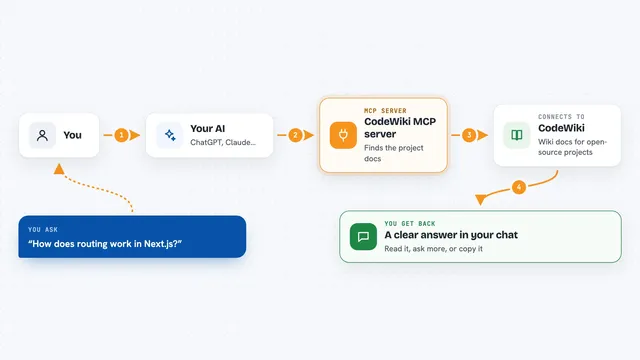
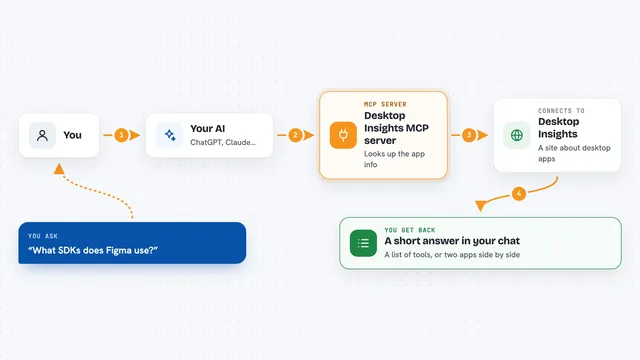
You type a normal request, like asking for today's exchange rate or a QR code for a link. Your AI passes that request to the MyClaw Toolkit helper running on your computer. The helper either does the job right there on your machine, or, for things like search and rates, asks an online service for the answer. Then it sends the result back to your AI, which shows it to you in the chat. Many of the tools, like QR codes, hashing and JSON formatting, run fully on your device so your data never leaves it.
 Click to zoom
What you can do with it
- Search the web and news from inside your chat
- Convert currencies and check crypto prices
- Generate QR codes, including WiFi QR codes
- Format, validate or shrink a JSON block
- Create UUIDs, hashes and Base64 conversions
- Check whether a domain name is taken
- Translate short text and read the contents of a web page
Try asking your AI
- “What is 250 euros in US dollars right now?”
- “Make me a QR code for https://example.com”
- “Clean up and format this JSON for me”
- “Search the web for the latest news about electric cars”
What it gives back to you
You get the answer straight in the chat: a number for a currency or crypto price, a short list of search results, a formatted block of JSON, or a QR code image. For domain checks you get whether the name is free and some registration details. Everything shows up as plain text or an image you can copy or save.
Before you start
What you need
- Node.js installed on your computer (the free program that runs npx)
- An AI app that supports MCP servers, like Claude Desktop, Cursor or Claude Code
Good to know
Some tools send your request to an outside service, so avoid pasting private or sensitive text into search, translation or page-reading requests.
Install it with your AI
Add MyClaw Toolkit MCP server to your AI, no technical skills needed
You don't install anything by hand. You copy one prompt, paste it into an AI that can work on your computer, and it checks, installs and connects the server for you, asking you when it needs something.
Sign in to get the install prompt
Members get a ready-made prompt that lets the Claude desktop app check MyClaw Toolkit MCP server, install it and connect it for them, step by step. You don't need any technical skills: you copy, paste and answer a few questions. Your connected AI can also find and install any of the 4,609 MCP servers here for you.
Who it's for
Office workers, developers, and anyone who does small technical chores and wants quick answers without leaving their AI chat.