MCP server · API
kiprio MCP server
by ForeverTools
Gives your AI a toolbox of small utility checks like email validation, DNS lookup and SSL inspection.

kiprio is a helper you connect to your AI so it can run everyday technical checks for you. Things like "is this email address real", "when does this website certificate expire", or "what time is it in Tokyo right now". It is handy if you work with websites, domains, signups or customer data and want quick answers without opening five different websites.
What is an MCP server? The 30-second version
On its own, your AI can only chat with you. An MCP server is a small helper program that gives your AI a new skill or a connection to another service. This one connects your AI to kiprio, a set of online utility tools. So when you ask a question like "is this email valid", your AI passes it to kiprio and brings the answer back into the chat.
What this MCP server does
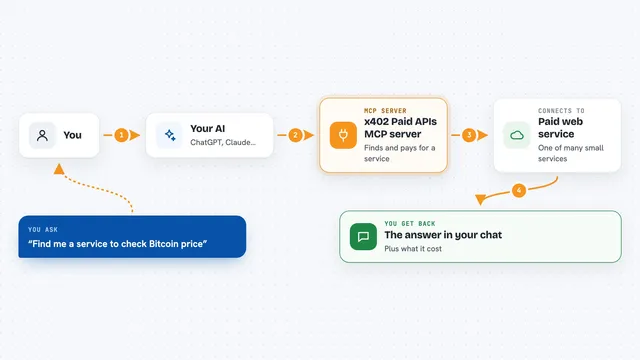
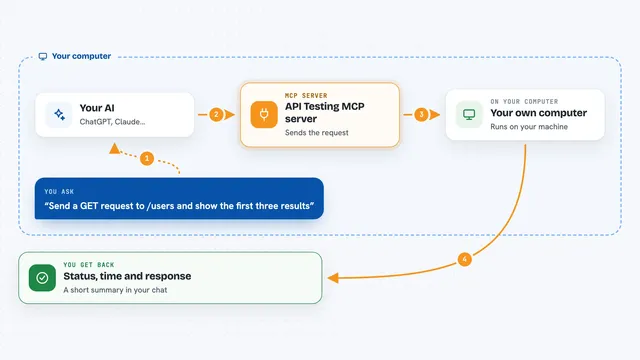
You ask your AI a normal question, for example whether an email address can receive mail. Your AI sends that request to the kiprio helper, which talks to the kiprio service online. The service runs the check, like looking up mail records or reading a website certificate. The result comes back to your AI, which explains it to you in plain words. You never leave the chat and you do not need to sign up for lots of separate tools.
 Click to zoom
What you can do with it
- Check whether an email address is real and not a throwaway one
- Look up DNS records, WHOIS details and SSL certificate expiry for a domain
- Validate phone numbers, IBANs and EU VAT numbers
- Find the location and timezone for a city or address
- Pull the main text out of a web page or take a screenshot of it
- Clean personal details out of a block of text before you share it
- Generate QR codes, hashes, UUIDs and read cron schedules
Try asking your AI
- “Is hello@somecompany.com a real deliverable email address?”
- “When does the SSL certificate for api.example.com expire?”
- “What time is it in Sydney right now compared to Berlin?”
- “Redact all emails and phone numbers from this support message before I paste it into our ticket system.”
What it gives back to you
You get answers straight in the chat, in normal sentences. Sometimes that is a simple yes or no, like whether an email is valid. Other times it is a short list, like DNS records, a certificate expiry date, or the next five times a cron job will run. For things like screenshots or QR codes, your AI gets the image data and can show or describe it to you.
Before you start
What you need
- The Claude desktop app, Claude Code, or another app that supports MCP servers
- uv (a small tool that runs Python programs) if you use the uvx command, or Python with pip
- A free kiprio API key from kiprio.com/signup if you want more daily requests (optional; there is a small anonymous tier without one)
Good to know
Some tools read public information about domains and websites, so avoid pasting anything private into the text tools unless you are comfortable sending it to the kiprio service.
Install it with your AI
Add kiprio MCP server to your AI, no technical skills needed
You don't install anything by hand. You copy one prompt, paste it into an AI that can work on your computer, and it checks, installs and connects the server for you, asking you when it needs something.
Sign in to get the install prompt
Members get a ready-made prompt that lets the Claude desktop app check kiprio MCP server, install it and connect it for them, step by step. You don't need any technical skills: you copy, paste and answer a few questions. Your connected AI can also find and install any of the 4,609 MCP servers here for you.
Who it's for
Office workers, support teams, marketers and junior developers who often need quick checks on emails, domains, certificates or text without opening separate websites.