MCP server · Developer tools
Gitopia MCP server
by gitopia
Lets your AI work with Gitopia repos, issues, pull requests, bounties and DAO votes for you.
Gitopia is a place to keep code online, like GitHub but built on a blockchain, with bounties and group voting built in. This MCP server connects your AI assistant to Gitopia so it can look at your projects and do small tasks there for you. It is handy if you already use Gitopia, or if you are curious about a code host where rewards and decisions are recorded on a chain.
What is an MCP server? The 30-second version
On its own, your AI can only chat. An MCP server is a small helper program that gives your AI a new skill or a connection to an app. This one connects your AI to Gitopia, so when you ask about a repository, an issue or a bounty, the AI can actually go and look it up or make the change for you. You do not need to understand how it works inside; you just add it once and then talk to your AI like usual.
What this MCP server does
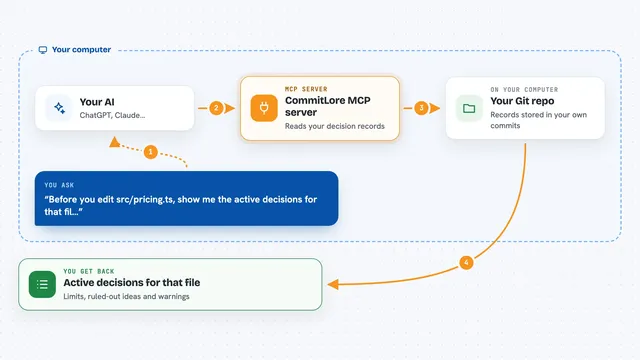
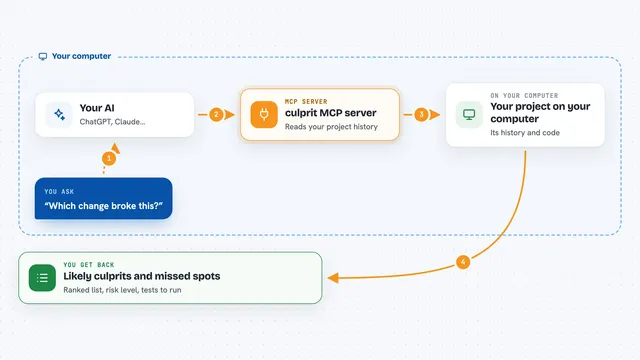
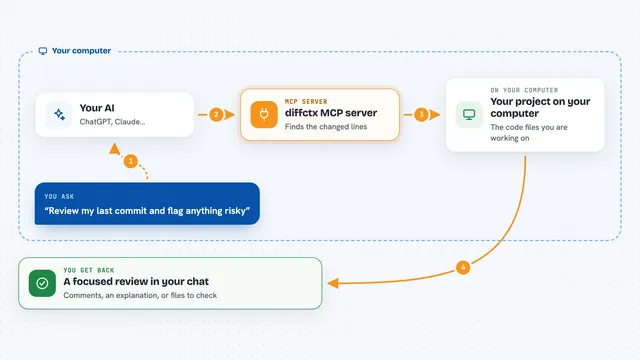
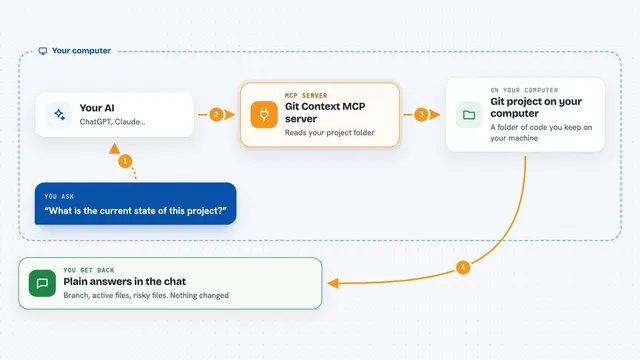
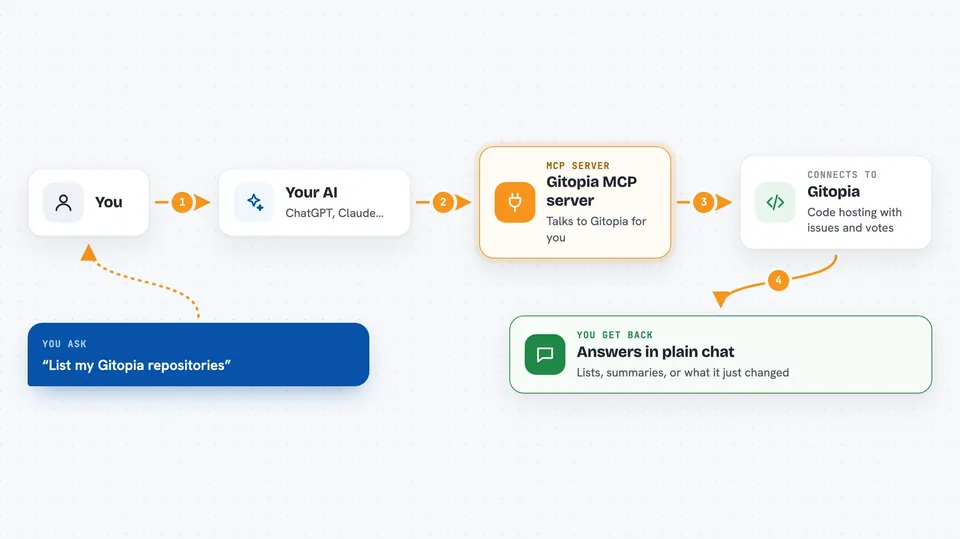
You ask your AI something about your Gitopia work, for example to list your repositories or open an issue. The AI passes that request to this helper program. The helper talks to Gitopia for you, either reading information or sending a change. Then it hands the result back to the AI, which explains it to you in the chat. Some actions, like creating an issue or voting, are recorded on the Gitopia blockchain, so they are permanent once confirmed.
 Click to zoom
What you can do with it
- List your repositories, branches, tags and releases
- Read a file from a repository without downloading the whole project
- Create and comment on issues, and change their labels or assignees
- Open, review and merge pull requests
- Clone a repository and push your changes
- Create and manage bounties with crypto rewards on issues
- Create a group, submit a proposal and vote on it
What it gives back to you
You get answers in plain chat: lists of repositories, issues or pull requests, short summaries, file contents, or the details of a bounty or a vote. When the AI makes a change, it tells you what it did, for example the new issue number or the pull request it opened. If approval mode is on, it first shows you the pending action and waits for your yes before sending it.
Before you start
What you need
- Docker installed on your computer (the easiest way to run it)
- An MCP-compatible AI tool such as Claude Desktop, Cursor, VS Code, Windsurf or Claude Code
- A Gitopia wallet. One is created for you automatically the first time you use it, so you do not need to set anything up
Good to know
Some actions, like creating issues, merging pull requests, voting or handling bounties, are written to the blockchain and cannot be undone, so turn on approval mode if you want to check each one before it is sent.
Install it with your AI
Add Gitopia MCP server to your AI, no technical skills needed
You don't install anything by hand. You copy one prompt, paste it into an AI that can work on your computer, and it checks, installs and connects the server for you, asking you when it needs something.
Sign in to get the install prompt
Members get a ready-made prompt that lets the Claude desktop app check Gitopia MCP server, install it and connect it for them, step by step. You don't need any technical skills: you copy, paste and answer a few questions. Your connected AI can also find and install any of the 4,361 MCP servers here for you.
Who it's for
Developers and project maintainers who use Gitopia and want their AI assistant to handle everyday repository, issue and bounty chores.