MCP server · Developer tools
culprit MCP server
by noordeen123
Lets your AI find which code change caused a bug and check that a fix is complete before committing.
culprit is a helper for people who work with code and coding assistants. It looks through your project's history to find which change likely introduced a bug, and it checks whether a fix you (or your AI) just made covers everything. It is handy if you use an AI coding assistant and want it to spend less time digging and more time fixing.
What is an MCP server? The 30-second version
On its own, your AI can only chat with you. An MCP server is a small helper program that gives your AI a new skill or a connection to something else. This one connects your AI to your project's git history, so it can look up which change broke something or check a fix. You ask in plain words, and the AI uses this helper behind the scenes to get the answer.
What this MCP server does
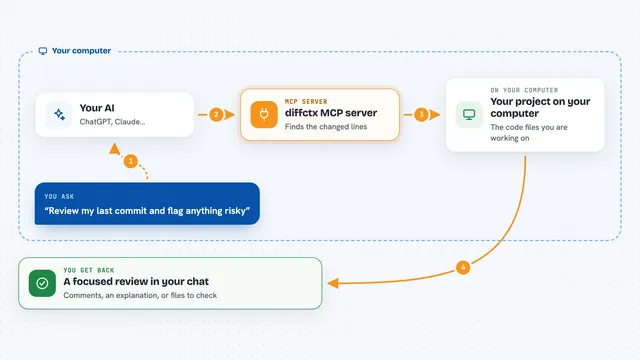
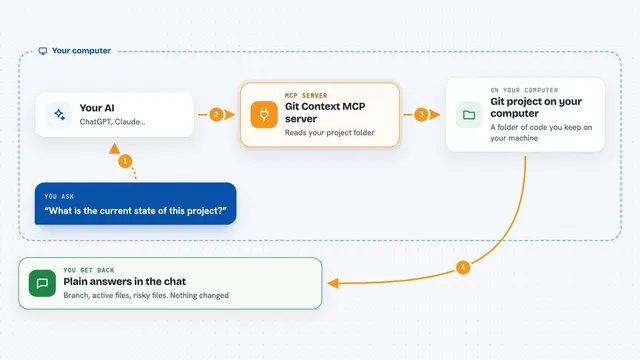
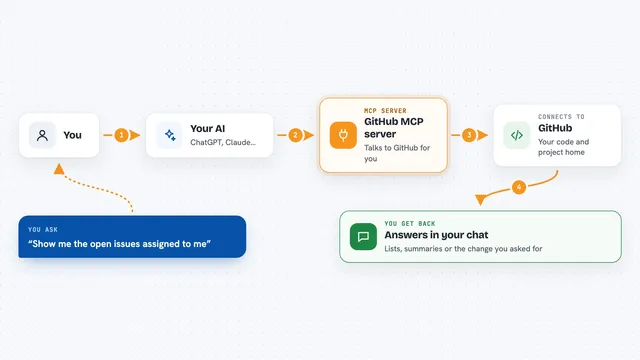
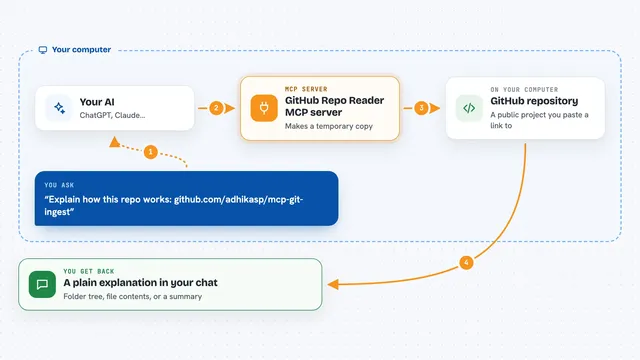
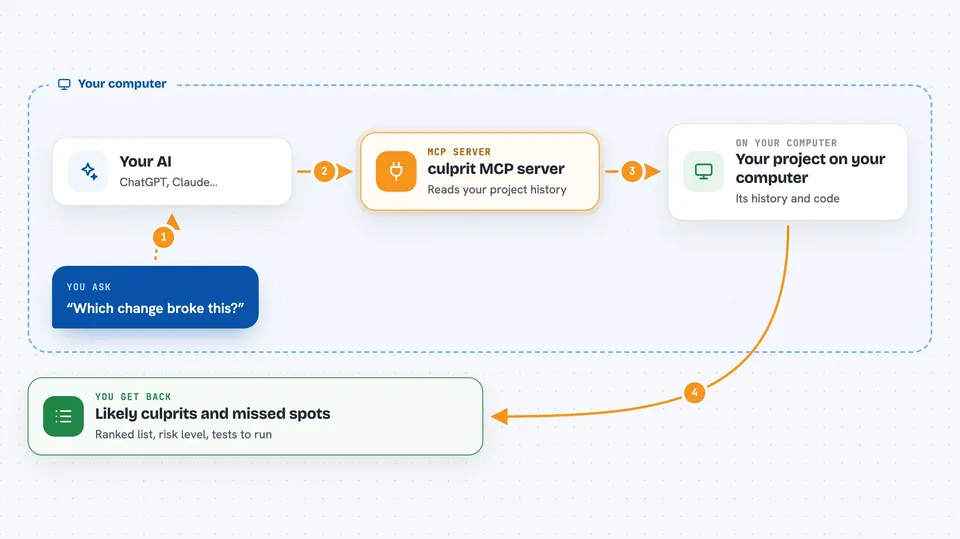
You ask your AI something like which change broke this, or is my fix complete. The AI passes that question to culprit. culprit reads your project's history and the lines involved, then works out a ranked list of likely culprit changes or a list of places a fix missed. It hands that back as a short structured answer, and your AI explains it to you in the chat and can act on it.
 Click to zoom
What you can do with it
- Find which change likely introduced a bug
- Check whether a fix covers every place the changed code is used
- See what else a change could affect before you commit
- Get a risk score for a change, from low to high
- Find the smallest set of tests to run for a change
- Tell whether a change is a bug fix or a new feature
- Start an investigation straight from a crash stack trace
Try asking your AI
- “Which commit introduced this bug?”
- “Is my fix complete, or did I miss any callers?”
- “What could this change break elsewhere in the project?”
- “Here is a crash trace, what changed that could cause it?”
What it gives back to you
You get back short structured answers: a ranked list of suspect changes, the files that still use a symbol your fix did not touch, a risk level, and the tests worth running. Your AI turns that into a plain sentence or two in the chat. It also gives the message and linked issues from the change that likely caused the bug, so you have context.
Before you start
What you need
- Python 3.10 or newer
- uv, a small tool that runs Python programs (the README links to how to install it)
- Your project kept in git, with its history available locally
Good to know
It only reads your project, never writes or changes anything, so the main thing to watch is that its answers are a strong guess, not proof.
Install it with your AI
Add culprit MCP server to your AI, no technical skills needed
You don't install anything by hand. You copy one prompt, paste it into an AI that can work on your computer, and it checks, installs and connects the server for you, asking you when it needs something.
Sign in to get the install prompt
Members get a ready-made prompt that lets the Claude desktop app check culprit MCP server, install it and connect it for them, step by step. You don't need any technical skills: you copy, paste and answer a few questions. Your connected AI can also find and install any of the 4,361 MCP servers here for you.
Who it's for
Developers and anyone who uses an AI coding assistant on a project kept in git and wants faster bug hunting.