MCP server · Developer tools
diffctx MCP server
by nikolay-e
Lets your AI pull just the code it needs to review a git change, instead of whole files.
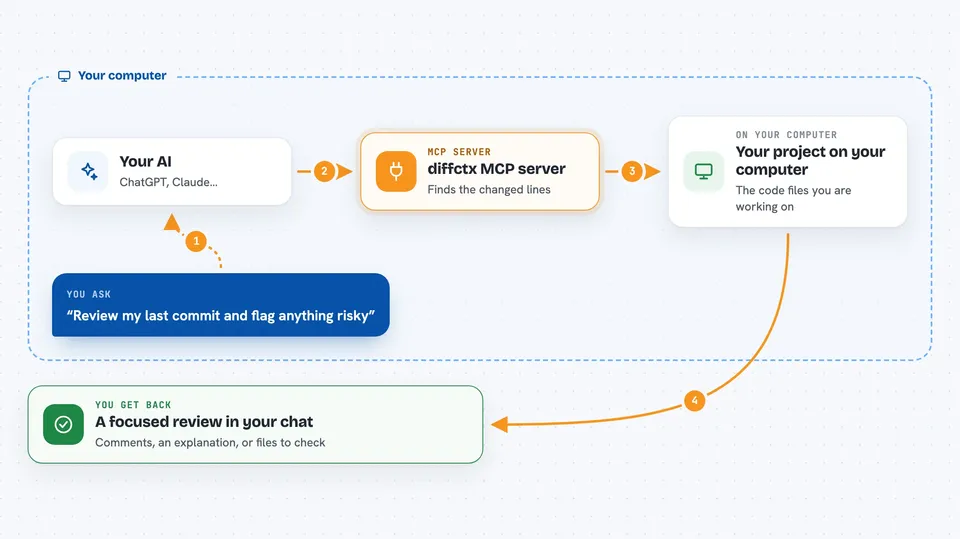
diffctx is a small helper that picks out the few pieces of code an AI needs to understand a change in your project. Instead of pasting entire files into the chat, it walks outward from the lines that changed and stops when extra context stops being useful. It is handy for anyone who asks an AI to review a commit or explain a bug.
What is an MCP server? The 30-second version
On its own, your AI can only chat with you. An MCP server is a small helper program that gives your AI a new skill or a connection to something else. This one connects your AI to diffctx, which reads your project's git history and code structure. So when you ask about a change, the AI can look up the surrounding code itself instead of you copying and pasting it.
What this MCP server does
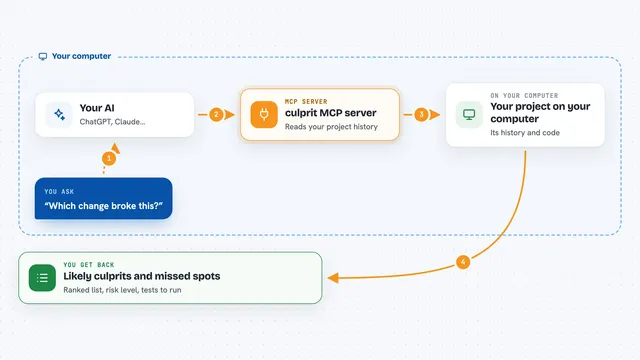
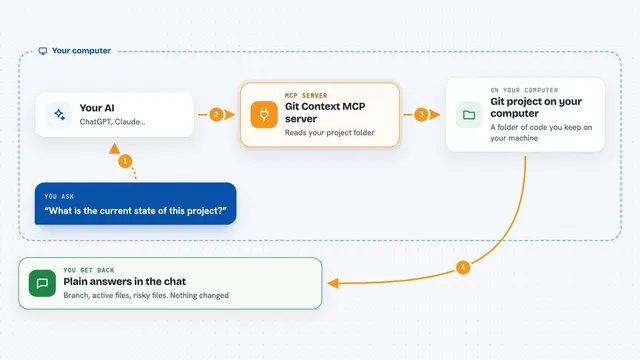
You ask your AI something like "review my last commit" or "why did this test break". The AI calls this helper, which looks at the changed lines in your project and traces the imports, callers and type definitions around them. It ranks the fragments that explain the change and keeps only the ones that fit inside a token budget. The AI then reads just those pieces and answers you. You get a focused review or explanation, not a wall of pasted code.
 Click to zoom
What you can do with it
- Review the last commit and see only the code that matters
- Explain what a branch changed compared to main
- Find which files call a function you just edited
- Check whether a test covers the code you changed
- Summarize everything you touched in the last day
- Locate the parts of the project affected by a change, without dumping source code
Try asking your AI
- “Review my last commit and tell me if anything looks risky”
- “Explain what changed on this feature branch compared to main”
- “Why might this test be failing after my recent edits”
- “What did I change in the last 24 hours and does anything need a test”
What it gives back to you
You get a focused answer in the chat, built from the small set of code fragments the helper selected. Depending on what you asked, that can be a review with comments, a plain-language explanation of the change, or a list of affected files and callers. It can also return a compact ranked list of file paths and line numbers when you only want to know where to look.
Before you start
What you need
- A project folder that is a git repository
- uv installed, or the diffctx package installed with pip
- An AI assistant that supports MCP servers, such as Claude Code or Cursor
Good to know
It reads files in the folders you point it at, so set DIFFCTX_ALLOWED_PATHS to keep it away from anything private, and remember it only reads code, it does not change or delete anything.
Install it with your AI
Add diffctx MCP server to your AI, no technical skills needed
You don't install anything by hand. You copy one prompt, paste it into an AI that can work on your computer, and it checks, installs and connects the server for you, asking you when it needs something.
Sign in to get the install prompt
Members get a ready-made prompt that lets the Claude desktop app check diffctx MCP server, install it and connect it for them, step by step. You don't need any technical skills: you copy, paste and answer a few questions. Your connected AI can also find and install any of the 4,361 MCP servers here for you.
Who it's for
Developers and anyone who uses an AI assistant to review code changes, especially on teams where pasting whole files is slow or noisy.