MCP server · Developer tools
Git Context MCP server
by TamiShaks-2
Lets your AI read a local Git project so it can explain its state, structure, activity and risky files.

This is a small helper program that gives your AI assistant a clear picture of a Git project on your computer. Git is the tool many teams use to track changes to files, and this server reads that history so the AI understands what is going on. It is handy if you work with code and want your AI to answer questions about a project without you explaining everything by hand.
What is an MCP server? The 30-second version
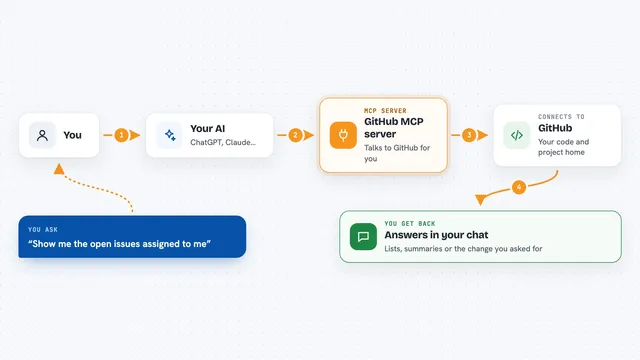
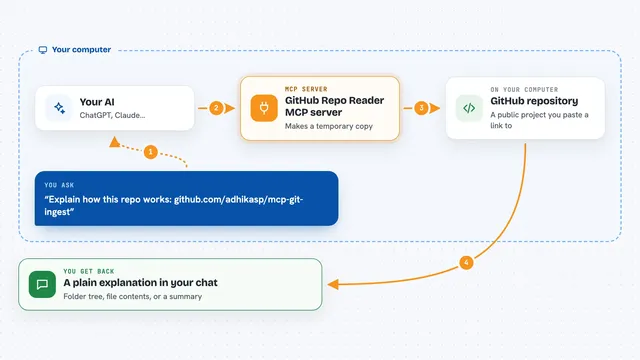
On its own, your AI can only chat with you using what it already knows. An MCP server is a small helper program you run on your computer that gives your AI a new skill, in this case the ability to look inside a Git project. Once connected, the AI can ask this helper questions about the project and get structured answers back. It only reads things, so it cannot change or upload your code.
What this MCP server does
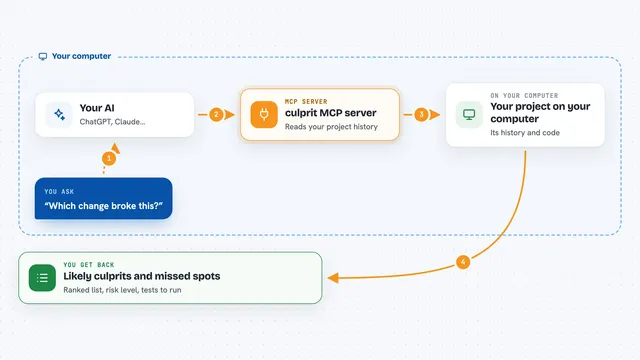
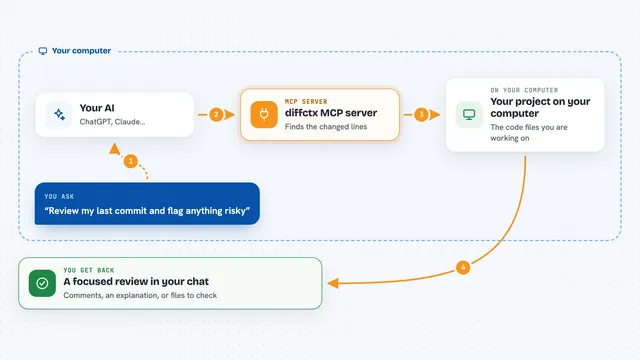
You point your AI at a Git project on your machine and ask it something like what is the current state of this project. The AI sends that request to this helper program. The helper looks at the Git history and the folder structure, gathers the facts, and sends them back. The AI then explains the result to you in plain words, like which branch you are on, which files change a lot, or which files look risky to edit.
 Click to zoom
What you can do with it
- Check the current branch, whether there are unsaved changes, and if you are in sync with the remote
- See a map of the project folders and spot the main entry points
- Find out which files have been changed most often recently
- Get a short summary of recent work and any TODO or FIXME notes left in the code
- Flag large, complex or frequently changed files before you edit them
Try asking your AI
- “What is the current state of this project?”
- “Show me a map of this repository and where the main entry points are.”
- “Which files have changed the most in the last month?”
- “Which files look risky to touch right now?”
What it gives back to you
You get back plain answers in the chat: a short status of the project, a tree of folders, a list of the most active files, a summary of recent work, and a list of files that look risky. Everything comes as text you can read, not as files you have to open. Nothing in your project is changed.
Before you start
What you need
- Python 3.10 or newer installed on your computer
- Git installed and available on your computer
- A Git project folder on your computer to look at
- An AI app that supports MCP servers, like Claude Desktop or another coding assistant
Good to know
It only reads your project, so it cannot change or delete anything, but it does look at your code and Git history, so only connect it to projects you are comfortable having your AI read.
Install it with your AI
Add Git Context MCP server to your AI, no technical skills needed
You don't install anything by hand. You copy one prompt, paste it into an AI that can work on your computer, and it checks, installs and connects the server for you, asking you when it needs something.
Sign in to get the install prompt
Members get a ready-made prompt that lets the Claude desktop app check Git Context MCP server, install it and connect it for them, step by step. You don't need any technical skills: you copy, paste and answer a few questions. Your connected AI can also find and install any of the 4,361 MCP servers here for you.
Who it's for
Developers and anyone who works with code in a Git project and wants their AI assistant to understand the project before answering.