MCP server · Developer tools
git-insight MCP server
by HasanJahidul
Ask your AI who wrote a line, which pull request added it, and what changed together.

This is a small helper that connects your AI to your project's git history. Git is the tool that keeps track of every change made to your files, and this server lets your AI read that history in a smarter way than just showing a plain list of commits. It is handy if you work with code and often wonder who wrote a certain line, when it changed, or why.
What is an MCP server? The 30-second version
On its own, your AI can only chat with you. An MCP server is a small helper program that gives your AI a new skill or a connection to an app or service. This one connects your AI to the git history of a project on your computer, so it can look things up there for you when you ask. You just type a question in plain words, and the AI uses this helper behind the scenes to find the answer.
What this MCP server does
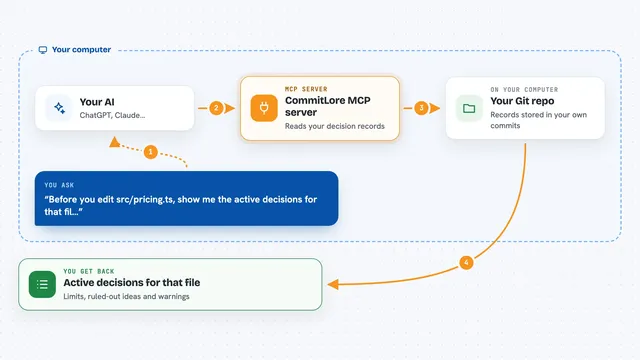
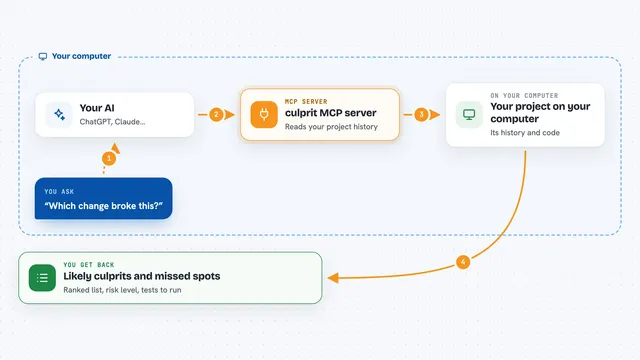
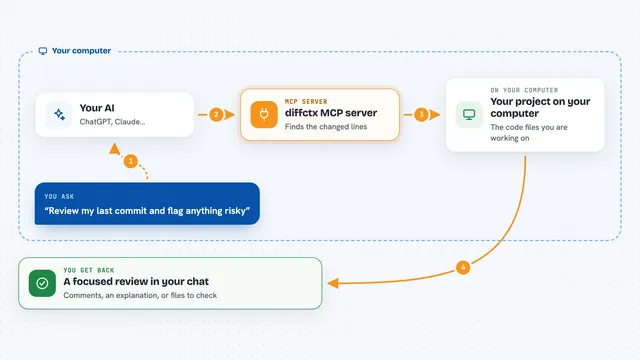
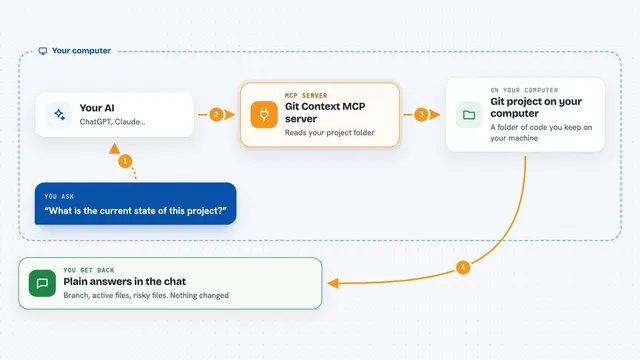
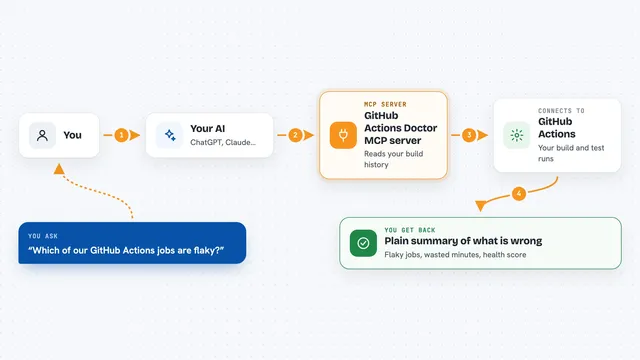
You ask your AI something like who last touched a file, or which pull request added a certain line. The AI passes that question to this helper. The helper reads your project's git records, and if needed it also checks GitHub for pull request details. Then it sends back a tidy answer, and your AI shows it to you in the chat.
 Click to zoom
What you can do with it
- Find out who wrote most of a file and who owns it now
- See which pull request introduced a specific line or commit
- Discover which files tend to change together
- List branches that are old, unmerged, or behind
- Get a summary of what someone worked on recently
- Read the full story behind a commit, including related issues
Try asking your AI
- “Who last touched src/auth.ts and how much of it did each person write?”
- “Which pull request added line 42 of src/auth.ts?”
- “Which files usually change at the same time as src/auth.ts?”
- “What did alice work on last week?”
What it gives back to you
You get clear answers in the chat, not raw git output. For example, a list of authors with how many lines each one wrote, or the name and link of the pull request that added a line. It can also give you a short summary of recent work or a list of branches with their status. Everything is written in everyday words so you do not have to read git commands yourself.
Before you start
What you need
- Node.js 18 or newer on your computer
- A project folder that uses git
- A GitHub token if you want pull request lookups (a kind of password for apps; GitHub gives you one for free)
Good to know
It only reads your git history and GitHub, so it does not change or delete anything, but it does look at your project files and commit details, so keep that in mind if your code is private.
Install it with your AI
Add git-insight MCP server to your AI, no technical skills needed
You don't install anything by hand. You copy one prompt, paste it into an AI that can work on your computer, and it checks, installs and connects the server for you, asking you when it needs something.
Sign in to get the install prompt
Members get a ready-made prompt that lets the Claude desktop app check git-insight MCP server, install it and connect it for them, step by step. You don't need any technical skills: you copy, paste and answer a few questions. Your connected AI can also find and install any of the 4,609 MCP servers here for you.
Who it's for
Developers and anyone who works with code and wants quick, plain answers about who changed what and why.