MCP server · Research
GovContractScout MCP server
Lets your AI search US government contracts, check details, and score how well a contract fits your business.
This is a small helper that connects your AI assistant to GovContractScout, a service that gathers US state, local, and federal government contract listings in one place. Once connected, you can just ask your AI in plain English to find contracts, pull up the details, or check how good a fit one is for your company. It is handy for small business owners, bid writers, and consultants who chase public sector work.
What is an MCP server? The 30-second version
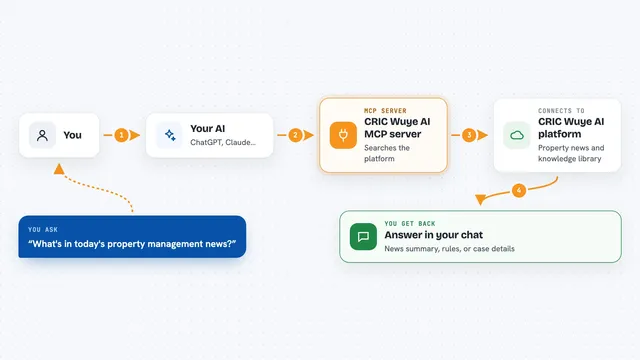
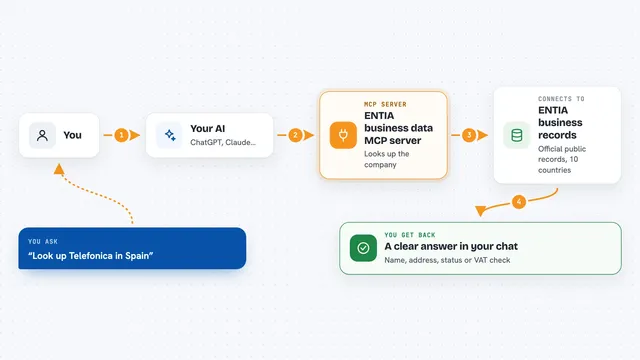
On its own, your AI can only chat with you. It cannot look things up on the internet or in other apps by itself. An MCP server is a small helper program that gives your AI a new skill or a connection to a service, in this case to GovContractScout. So when you ask your AI about government contracts, it can actually go check the live listings for you.
What this MCP server does
You ask your AI something like find open IT contracts in California. Your AI passes that request to this helper. The helper talks to the GovContractScout service, which keeps a daily-updated list of contracts from state and local procurement portals. The service sends back matching contracts with titles, agencies, due dates, and fit signals. Your AI then shows you the results in the chat, in plain words.
What you can do with it
- Search active government contracts by state, keyword, or industry code
- Pull the full details of one contract, including the original solicitation link
- Look up NAICS codes (industry classification numbers) by keyword
- List which states are covered and how many live contracts each has
- Score how well a contract fits your business profile
- Estimate your win likelihood against historical award patterns (paid tier)
- See which types of businesses tend to win which kinds of contracts (paid tier)
Try asking your AI
- “Find open IT services contracts in California due this month”
- “Score the top result for a 10-person consulting firm with T&M experience”
- “What NAICS code should I use for janitorial services”
- “Show me which states have the most live contracts right now”
What it gives back to you
You get back a list or a summary right in the chat. Search results include contract titles, the agency, the due date, and match signals. If you ask for one contract, you get its full record with the original solicitation link and documents. Scoring tools give you a fit score or a win-likelihood estimate as a number or short answer.
Before you start
What you need
- A GovContractScout API key (a kind of password for apps). The free tier gives you one with 100 calls a month, no card needed.
- Node.js 18 or newer on your computer if you install it locally.
- The paid Starter plan or higher if you want the win_likelihood and archetypes tools.
Good to know
The free tier only gives you 100 calls a month, and the win_likelihood and archetypes tools need a paid plan, so watch your usage.
Install it with your AI
Add GovContractScout MCP server to your AI, no technical skills needed
You don't install anything by hand. You copy one prompt, paste it into an AI that can work on your computer, and it checks, installs and connects the server for you, asking you when it needs something.
Sign in to get the install prompt
Members get a ready-made prompt that lets the Claude desktop app check GovContractScout MCP server, install it and connect it for them, step by step. You don't need any technical skills: you copy, paste and answer a few questions. Your connected AI can also find and install any of the 4,609 MCP servers here for you.
Who it's for
Small business owners, bid writers, and consultants who go after US state and local government contracts.