MCP server · Developer tools
ServeMyAPI MCP server
by Jktfe
Lets your AI store and fetch your API keys from your Mac's secure Keychain when you ask.

ServeMyAPI is a small helper program that keeps your API keys in a safe place on your own computer instead of in a text file. It works with your AI assistant so you can save a key or look one up just by asking in plain words. It is handy if you juggle several projects and keep losing track of which key goes where.
What is an MCP server? The 30-second version
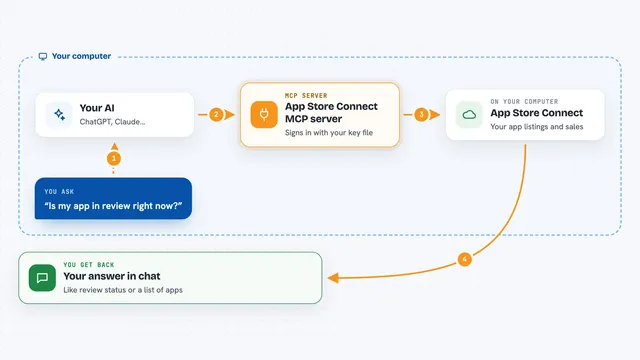
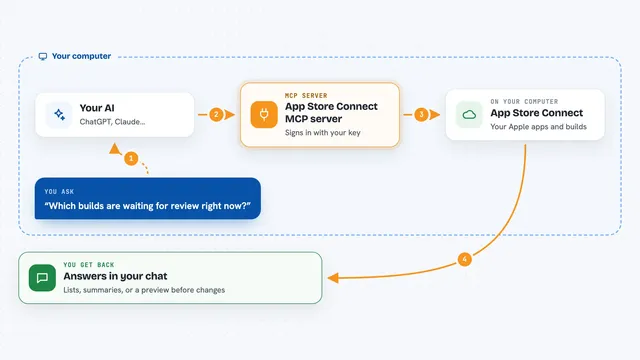
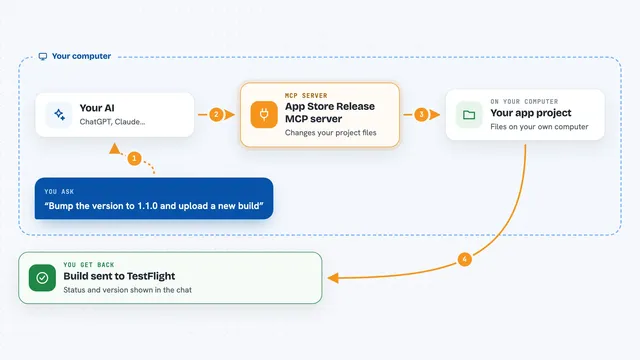
On its own, your AI can only chat. It cannot open apps or remember your passwords. An MCP server is a little helper program that gives your AI one new skill. ServeMyAPI is that helper, and its skill is talking to the secure key storage built into your Mac, so your AI can save and fetch your API keys for you.
What this MCP server does
You ask your AI to save a key, for example the key for an online service you use. Your AI passes that request to ServeMyAPI, which puts the key into your Mac's Keychain, the same safe spot your Mac uses for passwords. Later, when you ask for that key back, ServeMyAPI looks it up and hands it to your AI. You can also ask for a list of everything you have saved, or ask to remove a key you no longer need. Everything stays on your computer, nothing is sent over the internet.
 Click to zoom
What you can do with it
- Save an API key under a name you choose
- Look up a saved key by its name
- List all the keys you have stored
- Delete a key you no longer need
- Reuse the same key across several projects
- Manage keys from your terminal with a simple command
Try asking your AI
- “Using serveMyAPI, store my API key ABC123XYZ as OpenAI API Key”
- “Using serveMyAPI, get the API key named OpenAI API Key”
- “Using serveMyAPI, list all my stored API keys”
- “Using serveMyAPI, delete the API key named OpenAI API Key”
What it gives back to you
You get a short answer in the chat. When you save a key, it confirms it was stored. When you ask for one, it shows the key. When you ask for a list, you get the names of everything you have saved. When you delete one, it tells you it is gone.
Before you start
What you need
- A Mac (the Keychain storage is for macOS; Windows and Linux use encrypted files)
- Node.js installed on your computer
- The ServeMyAPI files downloaded from GitHub and built once
Good to know
It can delete saved keys, so be careful when asking it to remove one, and never run it on a shared or cloud server because your keys must stay on your own machine.
Install it with your AI
Add ServeMyAPI MCP server to your AI, no technical skills needed
You don't install anything by hand. You copy one prompt, paste it into an AI that can work on your computer, and it checks, installs and connects the server for you, asking you when it needs something.
Sign in to get the install prompt
Members get a ready-made prompt that lets the Claude desktop app check ServeMyAPI MCP server, install it and connect it for them, step by step. You don't need any technical skills: you copy, paste and answer a few questions. Your connected AI can also find and install any of the 4,361 MCP servers here for you.
Who it's for
Developers and anyone who works with several API keys across projects and wants their AI to help manage them safely.