MCP server · Chat
Network-AI MCP server
by Jovancoding
Lets your AI coordinate multiple helper agents that share notes safely and stay within set limits.

Network-AI is a helper program that lets your AI run several smaller helper agents at the same time without them stepping on each other's toes. It keeps their shared notes in one safe place, tracks how much each one is allowed to spend, and writes down everything they do. It is handy if you are experimenting with AI agents and want them to work together without chaos.
What is an MCP server? The 30-second version
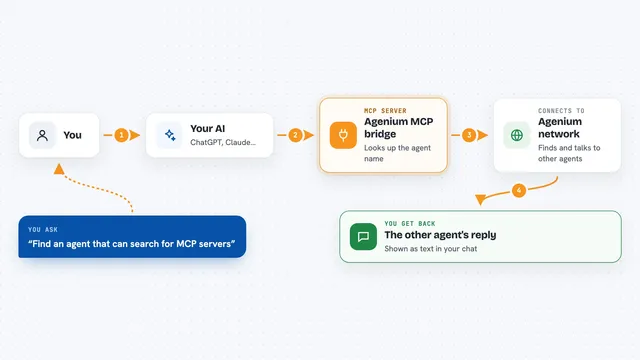
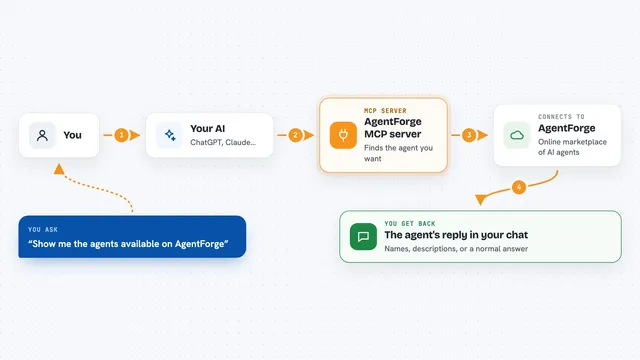
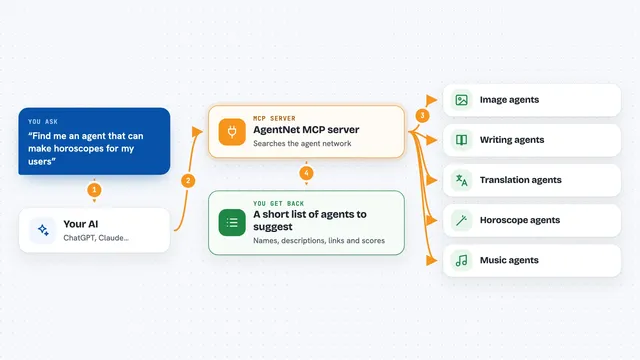
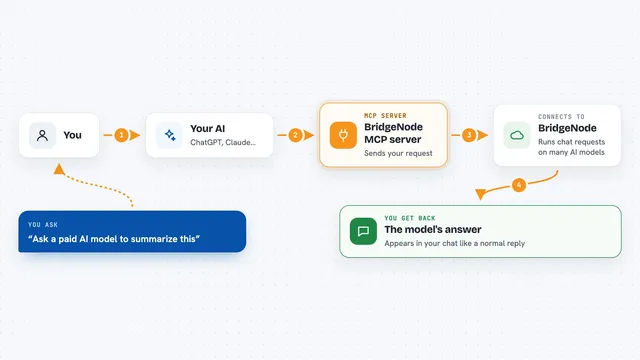
On its own, your AI can only chat with you. An MCP server is a small helper program that gives your AI a new skill or a connection to something else. This one connects your AI to Network-AI, a system for running and coordinating many helper agents at once. So when you ask your AI to do a bigger job, it can use this helper to split the work, keep the agents in sync, and bring the results back to you.
What this MCP server does
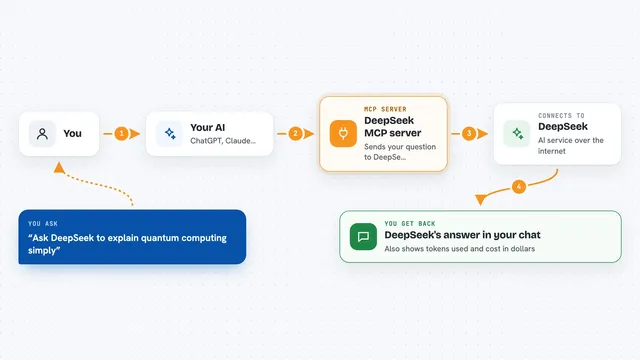
You ask your AI to do something that needs several steps or several helpers. Your AI talks to this MCP server, which is the doorway into Network-AI. Network-AI then starts the helper agents you need, gives them a shared safe place to write their notes, and makes sure only one writes at a time so nothing gets overwritten by mistake. It also watches how much each agent is allowed to spend and keeps a record of every change. When the work is done, the results come back to your AI and it shows them to you in the chat.
 Click to zoom
What you can do with it
- Run several helper agents at once without their notes clashing
- Keep a shared board of notes that only one agent can change at a time
- Set a spending or token limit for each agent
- Write down every change and permission in a signed log
- Pause or resume the whole system when you need to
- Search the shared board for the notes that matter to a task
- Record and replay agent runs so you can test the same thing again
Try asking your AI
- “Start three helper agents to research this topic and combine their findings”
- “Show me the current shared board status”
- “Set a token limit of 5000 for the research agent”
- “Show me the last few entries in the audit log”
What it gives back to you
You get back a summary of what the agents did, the results they produced, and any notes they added to the shared board. You can also ask for the audit log, the current budget spend, or the status of the system. In the chat it usually looks like a short report or a list of items, not raw technical data.
Before you start
What you need
- Node.js 18 or newer installed on your computer
- The network-ai package (installed with npm)
- An AI client that supports MCP servers, like the Claude desktop app or Claude Code
Good to know
It can start and stop helper agents and change shared notes, so be careful when you ask it to run big jobs or clear the board.
Install it with your AI
Add Network-AI MCP server to your AI, no technical skills needed
You don't install anything by hand. You copy one prompt, paste it into an AI that can work on your computer, and it checks, installs and connects the server for you, asking you when it needs something.
Sign in to get the install prompt
Members get a ready-made prompt that lets the Claude desktop app check Network-AI MCP server, install it and connect it for them, step by step. You don't need any technical skills: you copy, paste and answer a few questions. Your connected AI can also find and install any of the 4,609 MCP servers here for you.
Who it's for
People who are building or testing AI agents and want them to work together safely, especially developers and technical teams.