MCP server · Social media · official
Linked API MCP server
by Linked-API · official
Lets your AI search LinkedIn, read profiles and conversations, and send messages for you.

This is a helper that connects your LinkedIn account to an AI assistant like Claude, Cursor, or VS Code. Once it is set up, you can ask your AI to look up people, check profiles, read your chats, and send messages, and it does the clicking for you. It is handy for sales people, recruiters, and anyone who spends a lot of time on LinkedIn.
What is an MCP server? The 30-second version
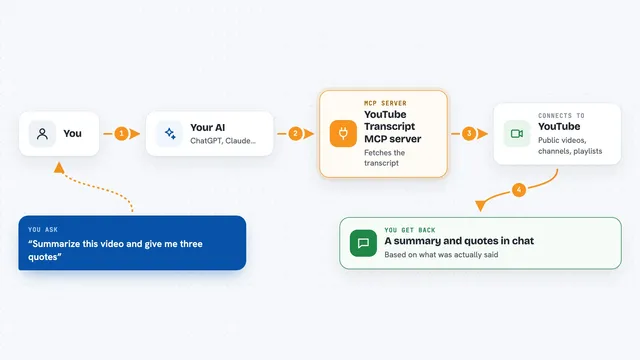
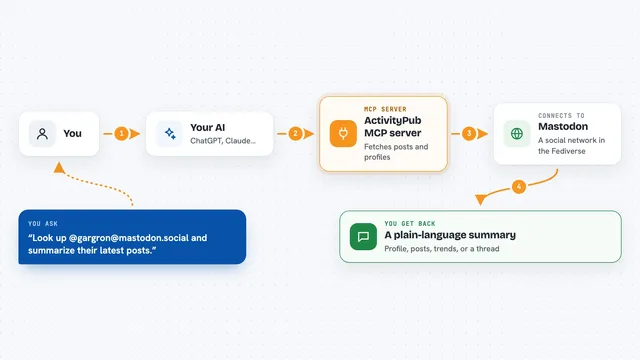
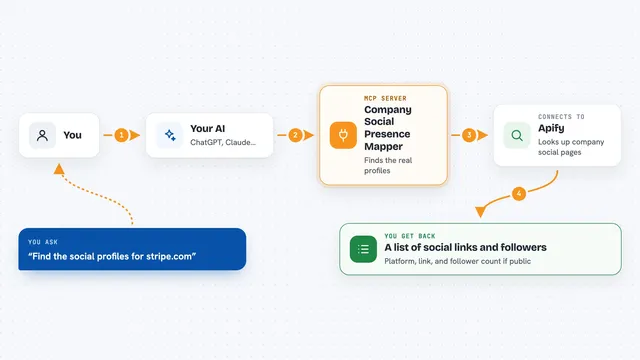
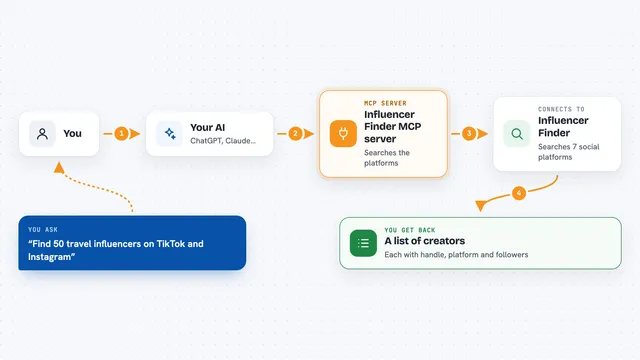
On its own, your AI can only chat with you. An MCP server is a small helper program that gives your AI a new skill or a connection to an app or service. This one connects your AI to LinkedIn, so it can look things up and do things there when you ask. You stay in charge: the AI only acts when you tell it to.
What this MCP server does
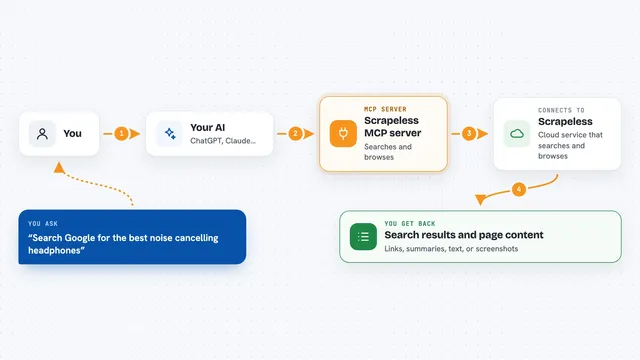
You ask your AI something like find marketing managers in Berlin. The AI passes that request to this helper, which runs it through a cloud browser logged into your LinkedIn account. The helper collects the results, like names, job titles, and profile details, and hands them back to the AI. The AI then shows you a tidy answer in the chat. Some actions, like searches or full profile lookups, take a few minutes because they run in the background.
 Click to zoom
What you can do with it
- Search for leads or candidates using filters like job title, company size, and location
- Read and summarize LinkedIn profiles
- Draft and send connection requests or messages
- Read your existing LinkedIn conversations and suggest replies
- Send follow-up messages in ongoing chats
- Gather information about companies and their employees for research
Try asking your AI
- “Find software engineers at companies with 50 to 200 employees in San Francisco”
- “Look at this profile and suggest a friendly connection message”
- “Read my recent LinkedIn chats and help me reply to the last one”
- “Collect info about these three competitor companies and their employees”
What it gives back to you
You get back lists of people or companies, short summaries of profiles, suggested message drafts, and answers to your questions, all written in the chat. If the AI sends a message or connection request for you, it tells you what it did. Long searches may take a few minutes, and the AI will keep checking until the result is ready.
Before you start
What you need
- A LinkedIn account
- A Linked API account and key (the service gives you this when you sign up)
- An AI assistant that supports MCP, like Claude, Cursor, VS Code, or Windsurf
Good to know
This helper can send real messages and connection requests from your LinkedIn account, so check with your AI before letting it act on your behalf.
Install it with your AI
Add Linked API MCP server to your AI, no technical skills needed
You don't install anything by hand. You copy one prompt, paste it into an AI that can work on your computer, and it checks, installs and connects the server for you, asking you when it needs something.
Sign in to get the install prompt
Members get a ready-made prompt that lets the Claude desktop app check Linked API MCP server, install it and connect it for them, step by step. You don't need any technical skills: you copy, paste and answer a few questions. Your connected AI can also find and install any of the 4,361 MCP servers here for you.
Who it's for
Sales teams, recruiters, and researchers who use LinkedIn a lot and want their AI to handle the repetitive searching and messaging.