
Learning path
Learning AI as a Recruiter
Recruiters juggle postings, resumes, interviews, and offers. This path shows how AI can handle the repetitive parts so you can focus on people.

Your path
Everything in the Recruiter AI kit, in the order that makes sense. Members tick off each step and see their progress.
Set up your AI
We guide you through each click.
Let skills do your everyday tasks
Connect your apps and pick your AI apps
Hand whole tasks to AI agents
Build your own tools
Everything for recruiters
All the courses, certifications, AI tools, MCP servers and apps for recruiters, most relevant first. Open any list to see more.
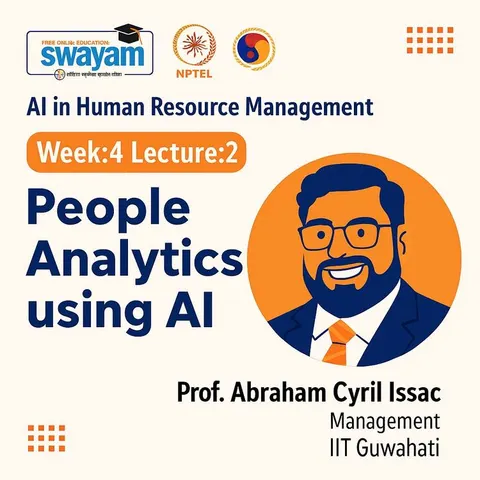
Take the prompt courses
A short framework course to learn how to ask, then 8 lessons with ready-to-use prompts for recruiters.
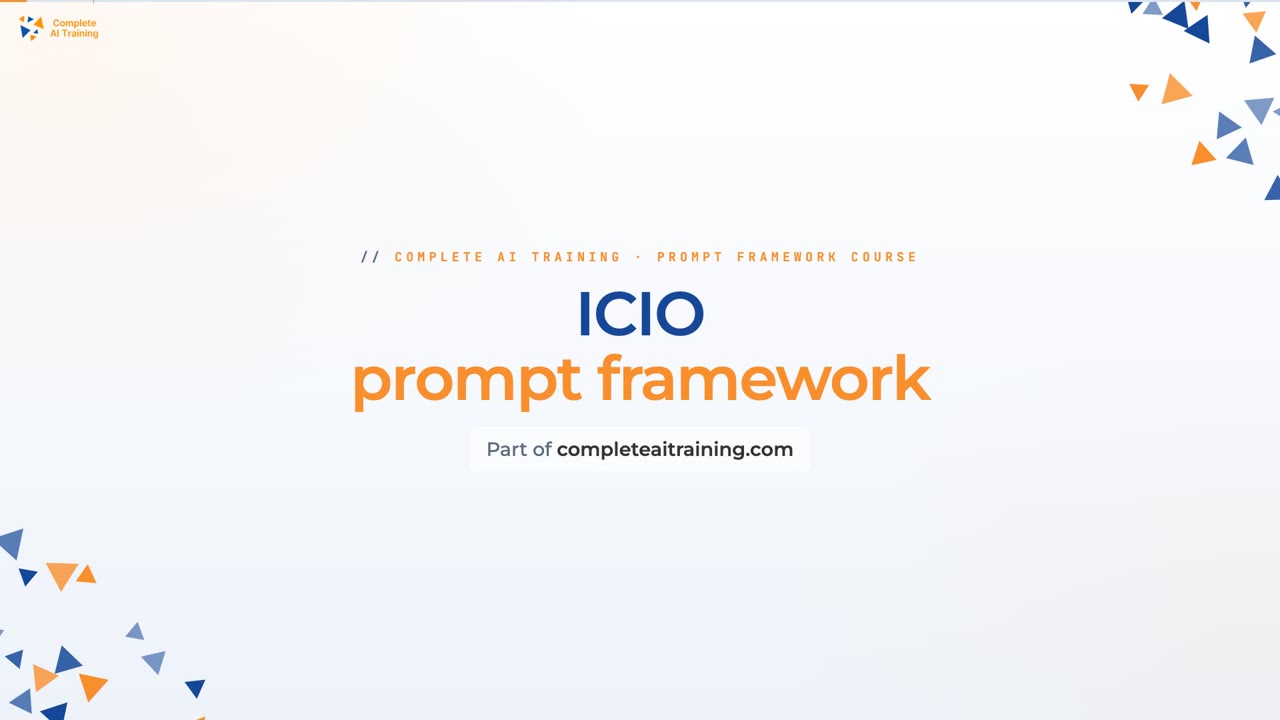
Start with this framework: how to talk to AI
This ICIO and CIDI framework fits recruiting because reusable templates let you classify and extract candidate details from resumes for every role.
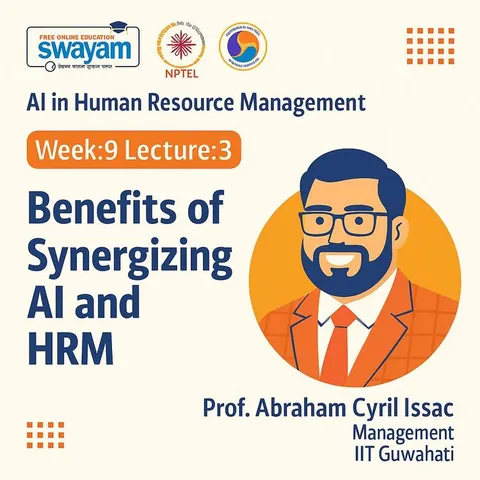
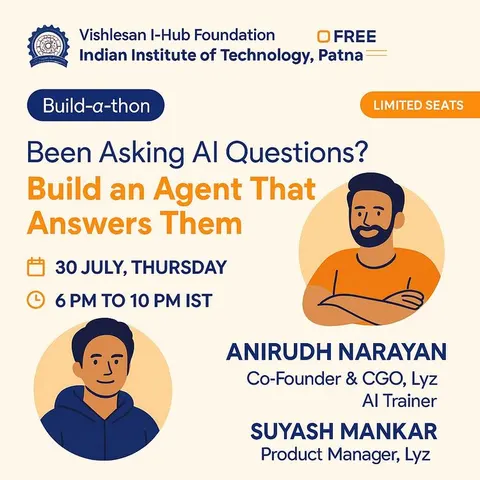
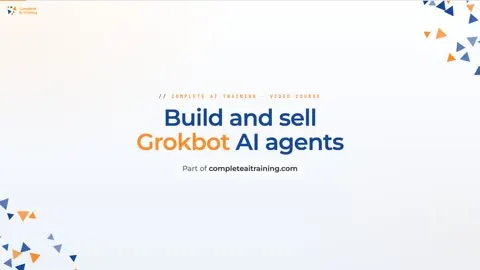
Then your prompt course for recruitersWatch the video courses or add them to your Favorites for later
141 video courses our AI picked for recruiters, most useful first. Save the ones you want to watch later with the heart.
Favorites are saved to your account: sign in or get your AI kit first.
Show all 141 video courses
Get certified, or add certifications to your Favorites
Every course ends in an exam and a certificate you can add to LinkedIn. Save the certifications you are aiming for with the heart.
Favorites are saved to your account: sign in or get your AI kit first.
More certifications for recruitersShow all 24 certifications
Try the AI tools for recruiters
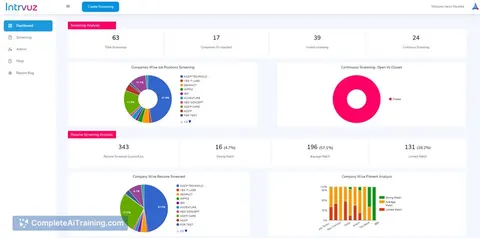
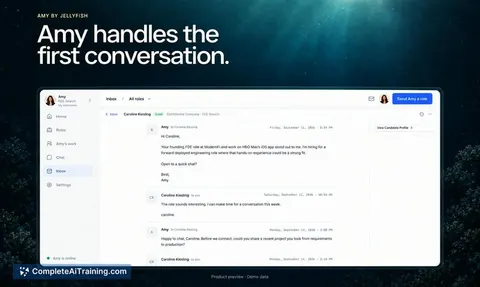
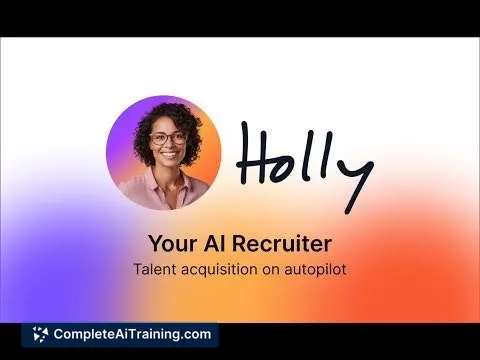
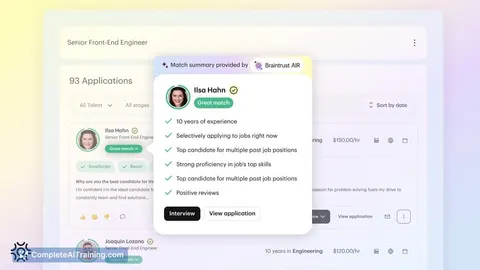
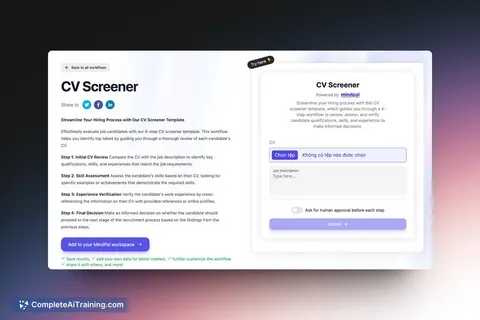
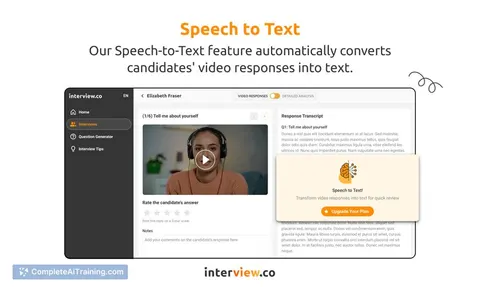
24 AI tools our AI matched to the work of recruiters, best fit first. Each review shows what it does, its alternatives and the jobs it suits.
Favorites are saved to your account: sign in or get your AI kit first.
Show all 24 AI tools
Connect your AI to the apps recruiters use
MCP servers let ChatGPT, Claude or Copilot look things up and get work done in other apps, like your email, calendar or bookkeeping software. These 12 fit the work of recruiters best, well-known apps first.

Linked API MCP server
by Linked-APILets your AI search LinkedIn, read profiles and conversations, and send messages for you.
Social mediaBrowser automation Official
Veezee MCP server
by veezeehqLets your AI look up LinkedIn, Reddit and X profiles, companies, posts and search results for you.
Social mediaResearch Official
HeadHunter (hh.ru) MCP server
by ilyautovLets your AI search hh.ru vacancies, check applications and salary stats, and draft replies for you.
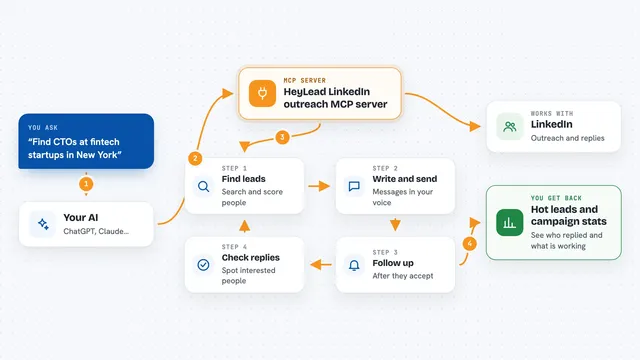
HeyLead LinkedIn outreach MCP server
by D4umakLet your AI find LinkedIn leads, write messages in your voice, follow up, and handle replies for you.
Customer communicationSocial media Official
Greenhouse MCP server
by benmonopoliAsk your AI about your Greenhouse recruiting data and let it handle pipeline, candidate and bulk tasks for you.

GitHunt MCP server
by githunt-agentSearch and score GitHub developers by location, role and skills, right from your AI chat.
ResearchNo installShow all 12 MCP servers

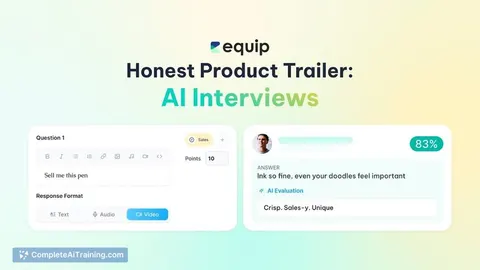
AI Interview Agents MCP server
by dpkdhingra91Let your AI create hiring roles, screen CVs, schedule voice interviews and read back scored reports.
Productivity Official
Pearch.ai MCP server
by Pearch-aiLet your AI search for people and companies in plain words and pull up their profiles.
Research Official
LinkedIn MCP server
by devag7Lets your AI read LinkedIn profiles, jobs, feed and messages, and with your OK, send connects and posts.

Meet.bot MCP server
by poolside-venturesLet your AI check your Meet.bot calendar availability and book meetings for you.
ProductivityMeetings Official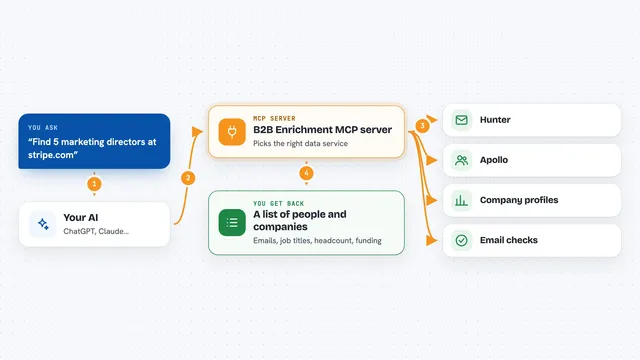
B2B Enrichment MCP server
by Aleksey-PanfFind and verify work emails, and pull company details like size and funding, right inside your AI chat.

Apollo.io MCP server
by louis030195Your AI can search for sales prospects and look up contact and company details using Apollo.io.
Build your own AI apps for recruiters
Apps you build yourself with your own AI, no coding needed and no monthly fee. Our AI picked the 12 that fit the work of recruiters.
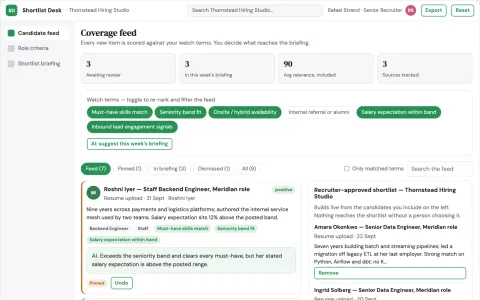
Transparent applicant ranking and shortlist workbench
Cut screening hours while keeping every ranking decision explainable and reviewable.
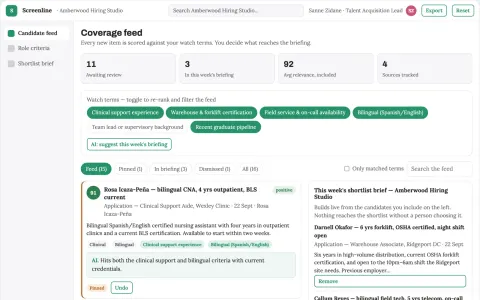
Transparent candidate screening and interview workbench
Reduce time-to-shortlist while keeping hiring evidence reviewable.
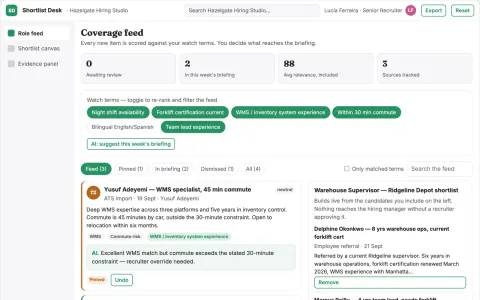
Transparent candidate sourcing and shortlist workbench
Reduce manual screening and coordination while keeping every match decision explainable and recruiter-approved.
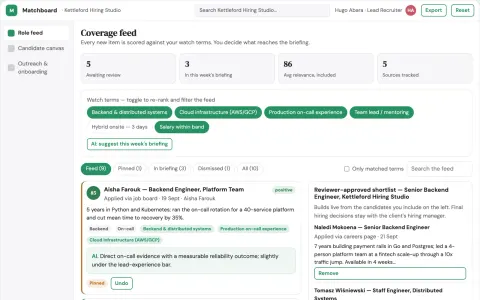
Transparent opportunity matching and shortlist platform
Reduce time to a defensible shortlist while keeping candidates informed.
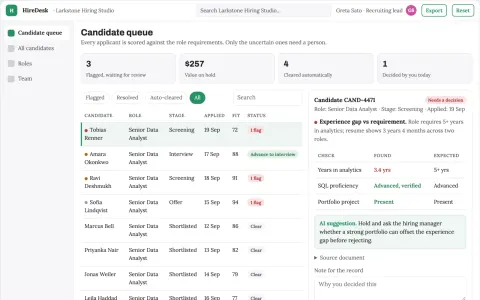
Hiring coordination and candidate screening portal
Reduce tool sprawl and manual coordination while keeping hiring decisions with the employer.
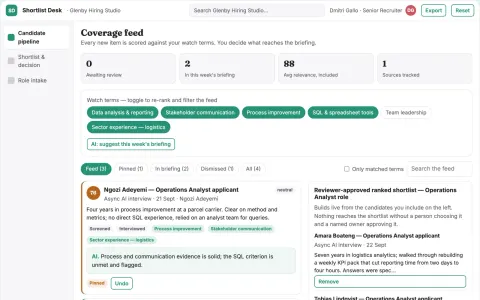
Transparent candidate screening and shortlist workbench
Reduce screening and shortlisting effort while keeping every score traceable to evidence.
Show all 12 apps
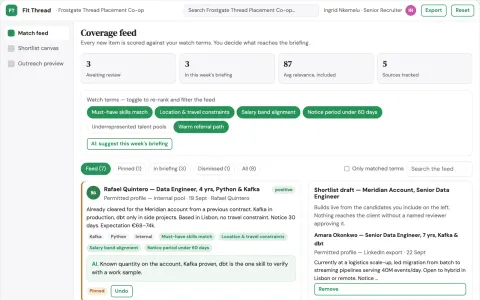
Transparent opportunity matching and shortlist platform
Reduce shortlist rework while keeping the reasoning visible.
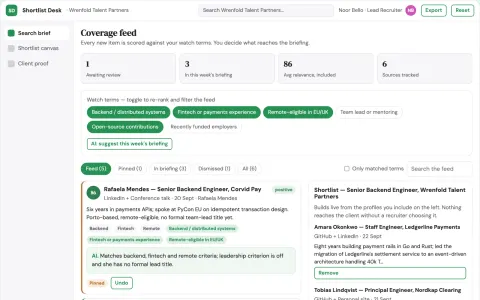
Transparent opportunity matching and shortlist platform
Reduce shortlist assembly time while keeping every match explainable.
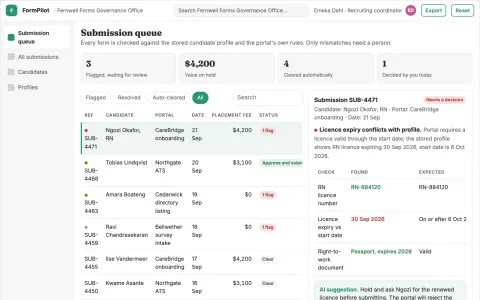
Recruiting form autofill coordination portal
Reduce repetitive form entry while keeping a named recruiter accountable for what is submitted.
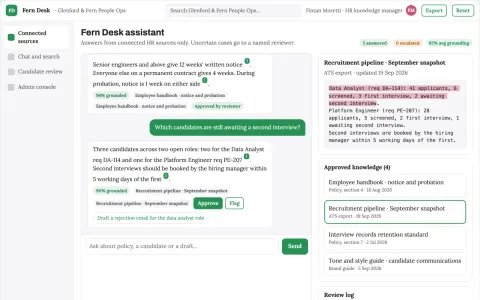
Source-linked HR knowledge and candidate workbench
Reduce tool rent and manual searching while keeping HR data in the client's own environment.
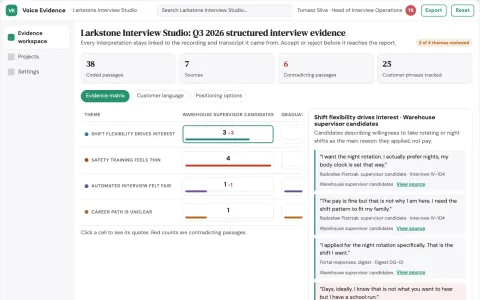
Automated voice interview analysis workspace
Reduce interviewer hours and reporting delay while keeping every answer traceable to its recording.
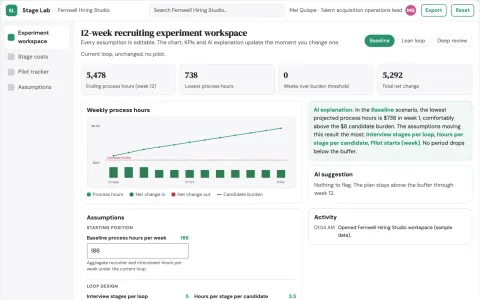
Recruiting process experiment designer
Reduce needless delay and candidate burden.



















































































































About this learning path
6 topicsAI for Recruiters: Hire Well, Save Time
Recruiting is a people job, but a lot of the work around it is paperwork. Writing job posts, scanning resumes, scheduling interviews, and keeping candidates informed can fill a whole day. AI can help with those tasks without losing the human touch.
This learning path is built for recruiters who want practical help. You will set up your AI, connect it to your tools, and learn prompts for the daily work. No technical background needed.
Why AI Matters Now
Hiring moves fast. Candidates expect quick replies, and hiring managers want updates. AI helps you keep pace without working late. It also frees you to spend more time talking with people.
What The Path Includes
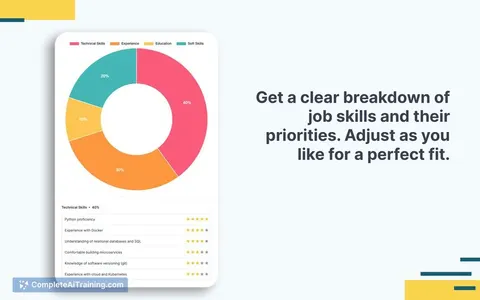
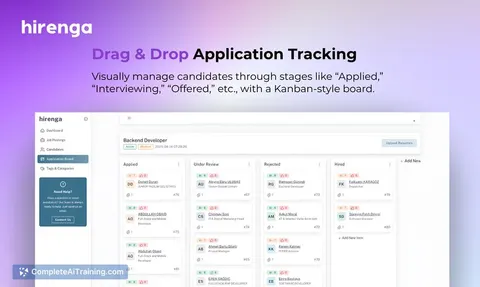
You get setup questions to match AI to your job, a guide to connecting your AI to your ATS and calendar, and skills for using AI inside your tools. The prompt course covers eight lessons from job postings to talent pipelines. Video courses and certifications are picked for recruiters.
How It Saves You Time
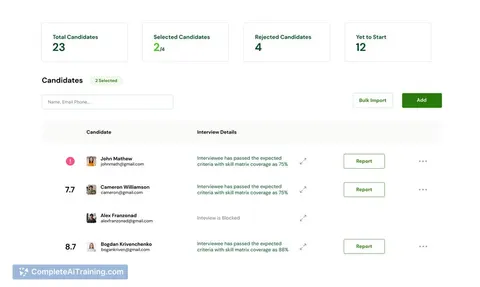
Draft a job posting in minutes instead of an hour. Turn a stack of resumes into a shortlist with clear summaries. Schedule interviews with one email instead of five. The time adds up, and you get it back.
How It Protects Your Career
AI will not replace recruiters who know how to use it. It will replace the busywork that burns you out. Learning these skills keeps you valuable and shows you can adapt. You stay in control of the human decisions.
How To Start
Begin with the setup questions. Then take the prompt course lesson by lesson. Try one prompt on a real task today. Small steps build confidence.
Frequently asked questions
Do I need to be technical to use AI as a recruiter?
No. The path starts with plain setup questions and simple prompts. If you can write an email, you can use these tools. The focus is on recruiting work, not code.Will AI make my candidate communication sound robotic?
Not if you use it well. The course shows how to give AI your voice and details about the role. You review and edit every message. Candidates still get a personal note.How does AI help with resume screening without bias?
AI can summarize resumes against the criteria you set. It does not decide who to hire. You still read the summaries and make the call. The course covers fair and consistent screening.Can AI connect to my ATS and calendar?
Yes, many AI tools can connect to common systems. The path includes a guide to linking your AI to your tools. You keep control of what it can see and do.