MCP server · Research
ActivityPub MCP server
by cameronrye
Lets your AI look up people, posts and trends across Mastodon and other Fediverse servers.
This is a small helper that connects your AI assistant to the Fediverse, the network of social sites like Mastodon, Misskey, Pleroma and Lemmy. Once it is set up, you can ask your AI to look up an account, read a timeline, or check what is trending, and it will go fetch that for you. It is handy if you follow people on Mastodon or want to research a topic across these servers without clicking around yourself.
What is an MCP server? The 30-second version
On its own, your AI can only chat with you using what it already knows. An MCP server is a little helper program that gives your AI one extra skill. This helper gives it a connection to the Fediverse, so it can look up profiles and posts on Mastodon and similar sites when you ask. You do not need to understand how it works inside; you just add it once and then talk to your AI as usual.
What this MCP server does
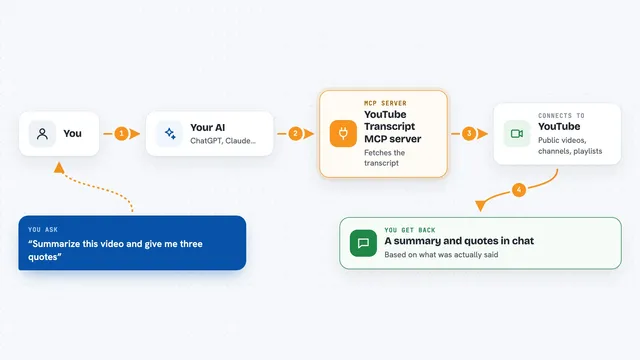
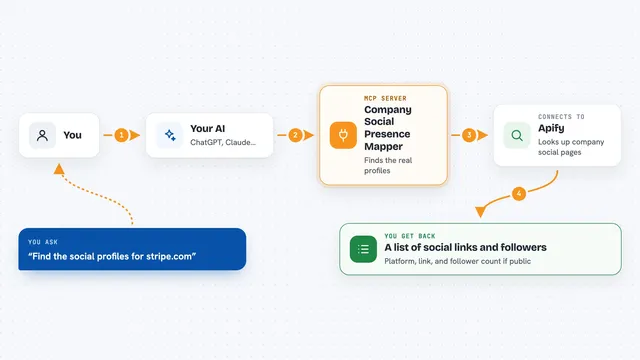
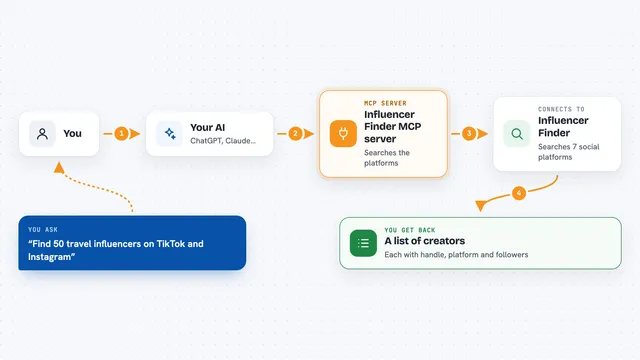
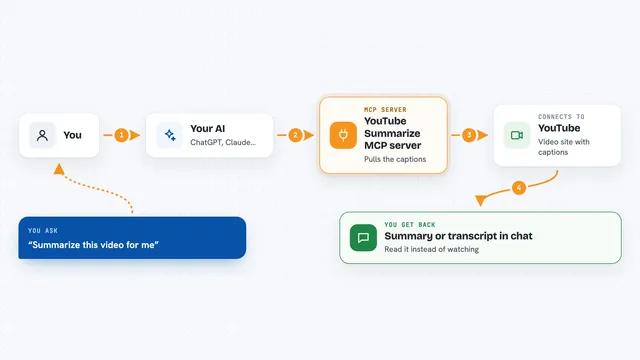
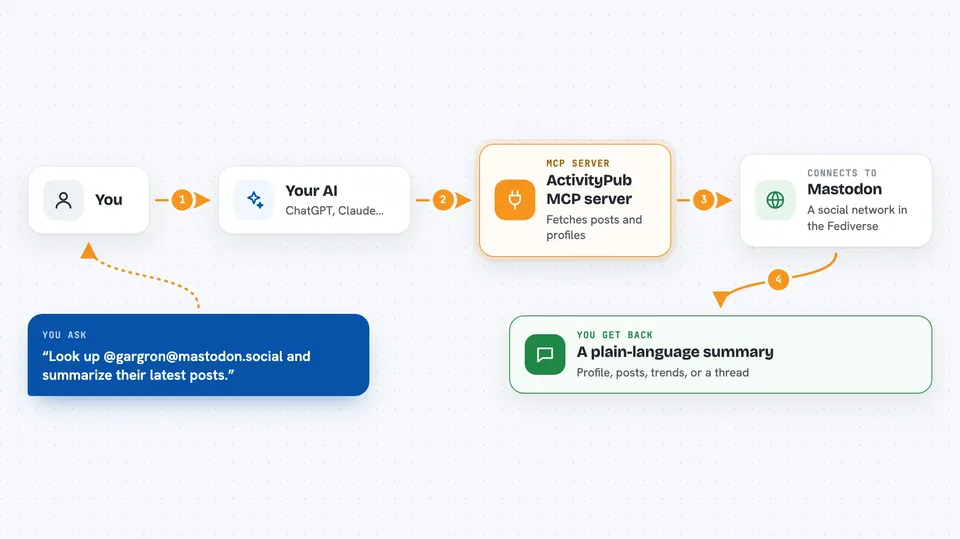
You ask your AI something like "look up this person on Mastodon" or "what is trending today". The AI passes your request to this helper. The helper then talks to the Fediverse server you named, using the open ActivityPub standard, and pulls back the profile, posts or trends. The AI reads that and gives you a short answer in the chat. By default it only reads things; it will not post or change anything unless you turn that on yourself.
 Click to zoom
What you can do with it
- Look up a Fediverse account and summarize their recent posts
- Read the public timeline of a Mastodon or Misskey instance
- Search for posts or people by keyword
- Follow a whole conversation thread from a single post
- See which hashtags and posts are trending on an instance
- Check basic info about an instance, like its software and rules
- Read your own home timeline, notifications and bookmarks if you log in
Try asking your AI
- “Look up @gargron@mastodon.social and summarize their latest posts.”
- “What is trending on mastodon.social right now?”
- “Search the Fediverse for recent posts about renewable energy.”
- “Show me the thread that starts with this post and explain what people are saying.”
What it gives back to you
You get answers written in plain language in the chat, based on what the helper found. That can be a short profile summary, a list of recent posts with dates, a set of trending hashtags, or a rundown of a conversation. If you have logged in, it can also show your own notifications or bookmarks. It does not dump raw technical data on you unless you ask for it.
Before you start
What you need
- Node.js version 20 or newer on your computer
- An MCP client like Claude Desktop or Cursor
- A Mastodon or Misskey account only if you want to read your own timeline, notifications or bookmarks
Good to know
It reads posts, bios and notifications written by strangers, and those can contain text designed to trick your AI, so treat what it reports with a bit of care and keep writes turned off unless you really need them.
Install it with your AI
Add ActivityPub MCP server to your AI, no technical skills needed
You don't install anything by hand. You copy one prompt, paste it into an AI that can work on your computer, and it checks, installs and connects the server for you, asking you when it needs something.
Sign in to get the install prompt
Members get a ready-made prompt that lets the Claude desktop app check ActivityPub MCP server, install it and connect it for them, step by step. You don't need any technical skills: you copy, paste and answer a few questions. Your connected AI can also find and install any of the 4,361 MCP servers here for you.
Who it's for
People who follow or research the Fediverse, social media managers, journalists and anyone curious about what is being said on Mastodon and similar sites.