MCP server · Research
Marketplace Presence Mapper MCP server
by mambalabsdev
Ask your AI which app marketplaces list a company, with installs, ratings, and listing links.
This is a small helper that lets your AI look up where a company shows up in app marketplaces. You give it a company website, like klaviyo.com, and it checks ten popular marketplaces to see if that company has a listing there. It is handy if you do partner research, sales prospecting, or competitive checks and want the answer without opening ten websites by hand.
What is an MCP server? The 30-second version
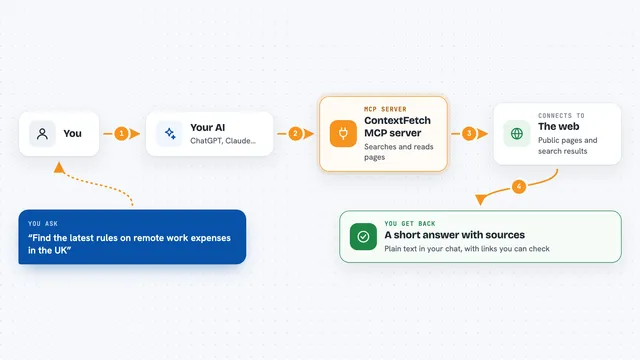
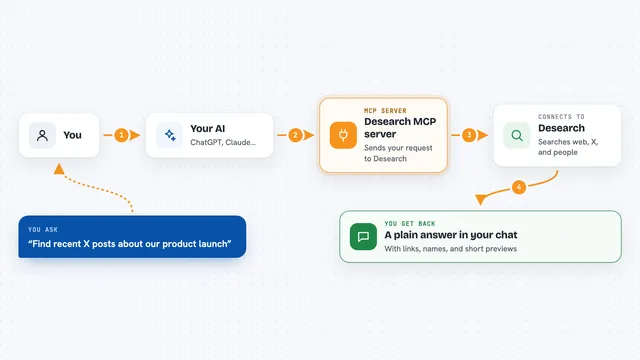
On its own, your AI can only chat with you. It cannot go and check a marketplace for you. An MCP server is a small helper program that gives your AI a new skill, and here that skill is looking up a company across app marketplaces. Once it is connected, you just ask in plain words and the AI uses this helper to fetch the answer for you.
What this MCP server does
You ask your AI something like which marketplaces list klaviyo.com. The AI passes that request to this helper. The helper starts a job on Apify, a service that runs the actual checking in the cloud. That job reads the company's own website for links, then checks ten app marketplaces and confirms each match on the listing page. When it is done, the results come back to your chat as a row per company with the listings it found.
What you can do with it
- Check which of ten app marketplaces list a company
- See the listing URL, name, installs, rating, and review count for each match
- Compare several companies at once by giving a list of domains
- Limit the check to just a few marketplaces, like HubSpot and Salesforce
- See when a company has no listing at all, which comes back free
- Get a match confidence score so you know how sure the result is
Try asking your AI
- “Which app marketplaces list klaviyo.com?”
- “For gong.io, outreach.io, and pandadoc.com, who is on the HubSpot and Salesforce marketplaces?”
- “Does docusign.com have a Chrome extension or a Google Workspace add-on, and how many users?”
- “Check if hubspot.com is listed on Zapier and the Shopify App Store.”
What it gives back to you
You get back one row per company. Each row lists the marketplaces where the company was found, with the listing URL, listing name, installs, rating, review count, and last update date. If a company is not listed anywhere, you get a row saying it is not listed. The AI shows this in the chat as a table or a short summary you can read.
Before you start
What you need
- Node.js 18 or newer on your computer
- An Apify account
- An Apify API token from the Apify console (a kind of password for apps; the site gives you one for free)
Good to know
Each run costs money on your Apify account, about two tenths of a cent per listing found, so a check across many companies can add up.
Install it with your AI
Add Marketplace Presence Mapper MCP server to your AI, no technical skills needed
You don't install anything by hand. You copy one prompt, paste it into an AI that can work on your computer, and it checks, installs and connects the server for you, asking you when it needs something.
Sign in to get the install prompt
Members get a ready-made prompt that lets the Claude desktop app check Marketplace Presence Mapper MCP server, install it and connect it for them, step by step. You don't need any technical skills: you copy, paste and answer a few questions. Your connected AI can also find and install any of the 4,960 MCP servers here for you.
Who it's for
This is most useful for sales, partnerships, and market research people who need to know where a company is listed without checking each marketplace by hand.