MCP server · Research
Personal Email to Company Resolver
by mambalabsdev
Find the likely employer behind a Gmail or other free email address, with a confidence score and evidence links.
This is a small helper for your AI that takes a free email address, like a Gmail or Outlook one, and tries to work out which company the person works at. It is handy when you have a list of signups or contacts with personal addresses and want to know the likely employer behind each one.
What is an MCP server? The 30-second version
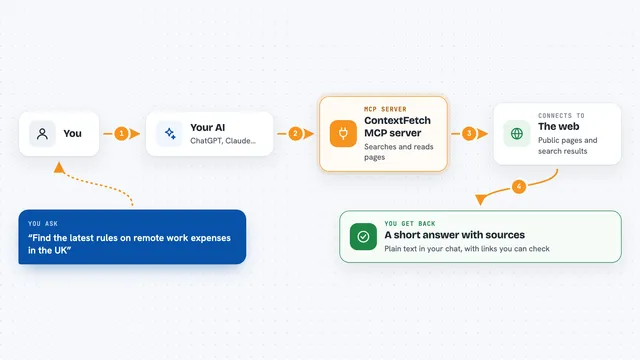
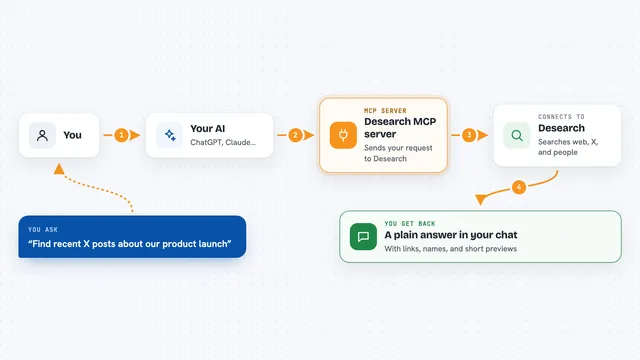
On its own, your AI can only chat with you. An MCP server is a small helper program that gives your AI a new skill or a connection to an app or service. This one connects your AI to a service that looks up public clues about an email address, so the AI can find a likely employer for you when you ask. You do not need to understand how it works inside; you just ask in plain words.
What this MCP server does
You give your AI one or more free email addresses, up to 300 at a time. The AI passes them to this helper, which runs a lookup job on Apify, a service that does the actual work. That job reads public clues: the person's Gravatar profile, any GitHub account whose public commits are signed with the address, and optionally a LinkedIn URL lookup for the person's name and employer. You get back one row per address with the person's name, the likely employer, the employer's website domain, a confidence score, and links to the public pages used as evidence.
What you can do with it
- Resolve the likely employer behind a Gmail, Outlook, iCloud, Yahoo, or other free email address
- Check up to 300 addresses in one run
- See a confidence score so you know how sure the result is
- Get evidence links to the public pages that were used
- Optionally add a web search for addresses that came back without an employer
- Optionally run a LinkedIn URL lookup to raise or lower confidence
Try asking your AI
- “These ten signups used Gmail addresses. Which companies do they work at?”
- “Find the employer behind this Outlook address and show me the evidence.”
- “Resolve the likely company for these five Yahoo addresses and give me a confidence for each.”
- “Which of these personal email addresses look like they belong to people at the same company?”
What it gives back to you
You get a short table in the chat, one row per address. Each row shows the person's name if found, the likely employer, the employer's domain, a confidence score, and a status such as resolved, weak, name only, or not found. For resolved rows you also get links to the public pages that were used as evidence.
Before you start
What you need
- Node.js 18 or newer on your computer
- An Apify account
- An Apify API token (a kind of password for apps; you copy it from your Apify account settings)
- The Claude desktop app or another MCP client
Good to know
Each resolved address costs money on your Apify account, and the optional LinkedIn lookup bills extra per person, so set a cost cap if you are unsure.
Install it with your AI
Add Personal Email to Company Resolver to your AI, no technical skills needed
You don't install anything by hand. You copy one prompt, paste it into an AI that can work on your computer, and it checks, installs and connects the server for you, asking you when it needs something.
Sign in to get the install prompt
Members get a ready-made prompt that lets the Claude desktop app check Personal Email to Company Resolver, install it and connect it for them, step by step. You don't need any technical skills: you copy, paste and answer a few questions. Your connected AI can also find and install any of the 4,960 MCP servers here for you.
Who it's for
Sales, recruiting, and marketing people who have lists of contacts with personal email addresses and want to guess where those people work.