MCP server · Analytics
Power BI Analyst MCP server
Ask your AI to explore Power BI data, run DAX queries, and summarise results for you.
This is a small helper that connects your AI assistant to your Power BI data. Once it is set up, you can ask questions in plain English and your AI will look up the numbers for you. It is handy for analysts and anyone who needs answers from Power BI without clicking through dashboards.
What is an MCP server? The 30-second version
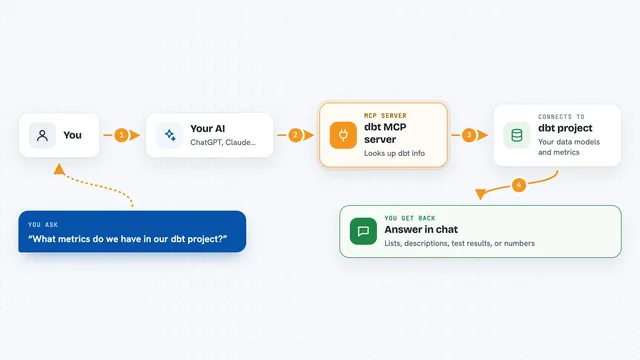
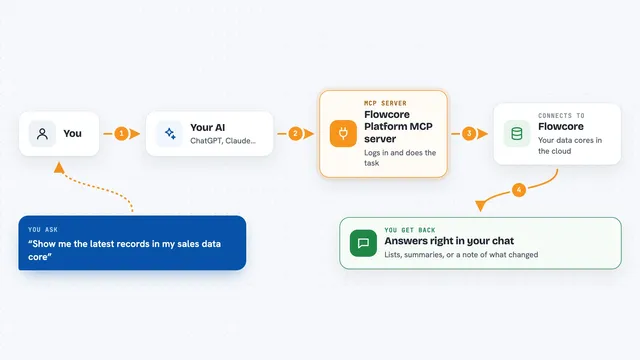
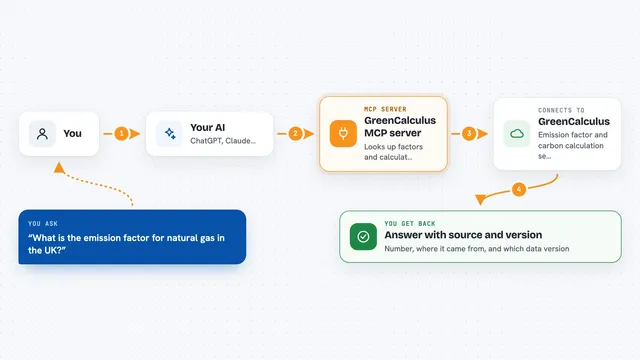
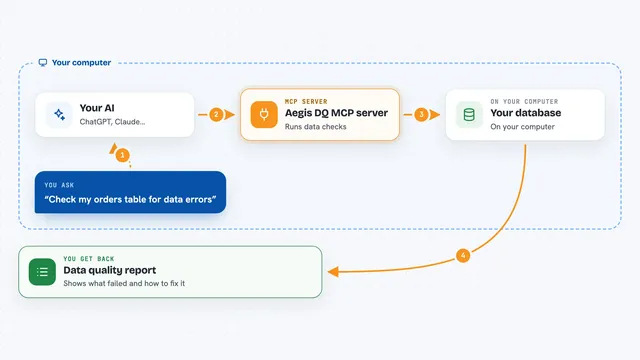
On its own, your AI can only chat. An MCP server is a small helper program that gives your AI a new skill or a connection to an app. This one connects your AI to Power BI, so it can browse your workspaces, tables and measures, and run queries against your data when you ask. You stay in the chat, and the helper does the talking to Power BI behind the scenes.
What this MCP server does
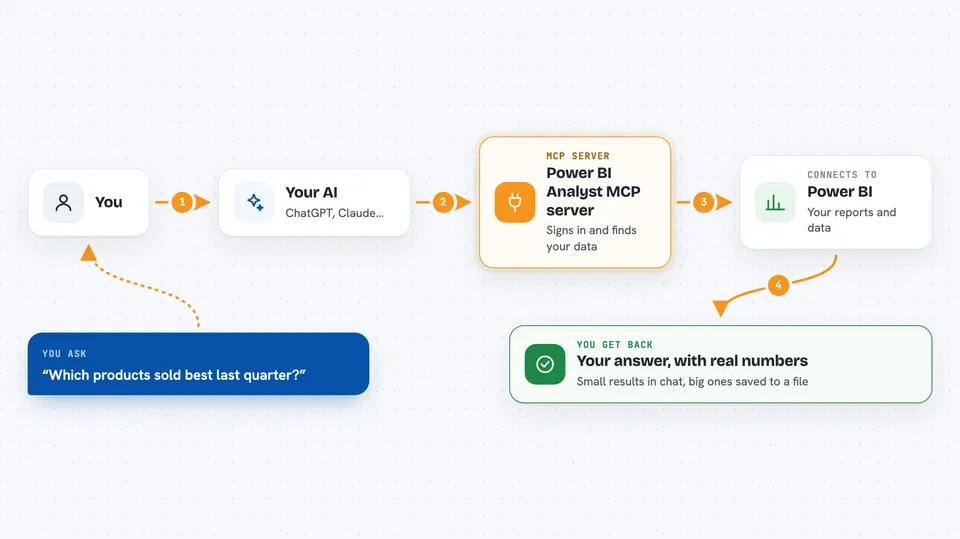
You ask your AI a question about your Power BI data, like which products sold best last quarter. The AI uses this helper to sign in to Power BI, look at your workspaces and datasets, and find the right tables and measures. It then writes and runs a DAX query, which is the language Power BI uses to pull numbers. If the result is small, you see it right in the chat. If it is large, the helper saves it to a file on your computer and gives your AI a short summary, so your chat stays fast.
 Click to zoom
What you can do with it
- List the Power BI apps and datasets you have access to
- Browse tables, columns and measures in a dataset
- Run DAX queries and get results in the chat
- Save large query results to a local CSV file
- Page through big results without slowing down your chat
- Search your past queries to reuse earlier work
- Sign out and clear your saved login when needed
Try asking your AI
- “What were total sales by market and product category for Q1 2025?”
- “List every measure in this dataset and explain what it calculates.”
- “Show me the top 10 customers by revenue last year.”
- “What is driving the margin decline in EMEA?”
What it gives back to you
You get answers in plain language, backed by real numbers from Power BI. Small results appear as a table in the chat. Large results are saved as a CSV file on your computer, and your AI gets a short summary with the row count, column names and a preview. Your AI can then read through the file in pages and summarise what it found.
Before you start
What you need
- Python 3.10 or newer
- A Power BI Pro, Premium Per User, or Premium capacity licence
- An Azure AD app registration (free, about 5 minutes to set up)
- Your Application (client) ID and Directory (tenant) ID from that registration
Good to know
It can read your Power BI data and save query results as files on your computer, so be mindful of where those files end up and who can see them.
Install it with your AI
Add Power BI Analyst MCP server to your AI, no technical skills needed
You don't install anything by hand. You copy one prompt, paste it into an AI that can work on your computer, and it checks, installs and connects the server for you, asking you when it needs something.
Sign in to get the install prompt
Members get a ready-made prompt that lets the Claude desktop app check Power BI Analyst MCP server, install it and connect it for them, step by step. You don't need any technical skills: you copy, paste and answer a few questions. Your connected AI can also find and install any of the 4,361 MCP servers here for you.
Who it's for
Business analysts and data-minded office workers who use Power BI and want quick answers without building dashboards or writing queries by hand.