MCP server · Copywriting
Pipepost MCP server
by MendleM
Write, score, publish and promote blog posts to Dev.to, Ghost, Hashnode, WordPress, Medium and social apps from your chat.

Pipepost is a helper you add to Claude Code so your AI can write, check and publish blog posts for you. Instead of copying text into five different websites by hand, you ask in plain words and it does the posting. It is handy for bloggers, marketers and anyone who writes content and wants to save time.
What is an MCP server? The 30-second version
On its own, your AI can only chat with you. An MCP server is a small helper program that gives your AI a new skill, here a connection to your blog and social accounts. Once Pipepost is connected, your AI can score your article, publish it to Dev.to or Ghost, and post about it on Bluesky or X when you ask. You stay in the chat, and Pipepost does the running around.
What this MCP server does
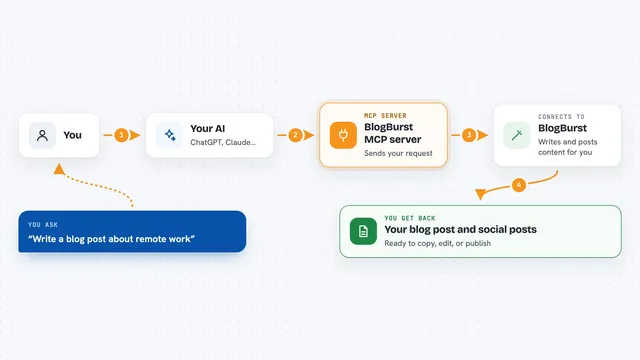
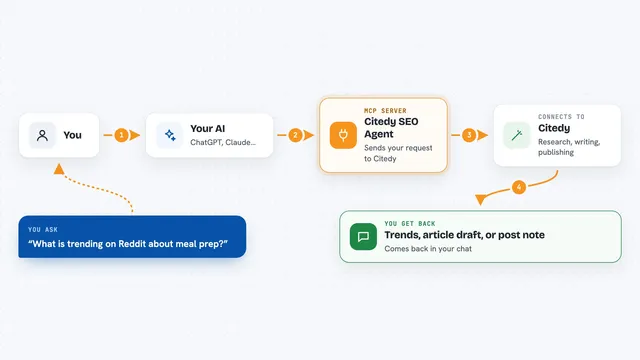
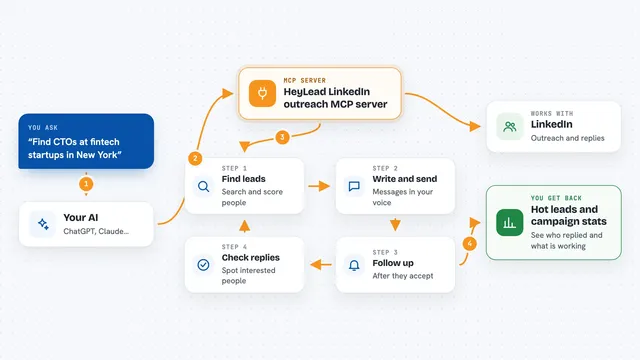
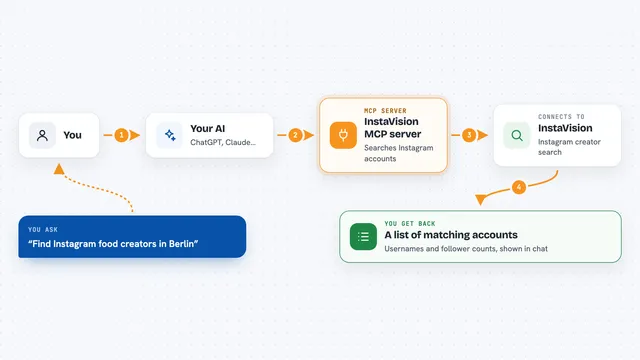
You write or paste an article in your chat and ask for something, like a score or a publish. Your AI sends that request to Pipepost, which is running quietly on your own computer. Pipepost then talks to the right website, for example Dev.to or Unsplash, using the keys you saved earlier. It brings the result back into the chat, like an SEO score, a list of posts, or a confirmation that your article is live.
 Click to zoom
What you can do with it
- Score an article for SEO and get a list of things to fix
- Publish the same post to several blogs at once
- Generate social posts for Twitter, LinkedIn, Reddit and Bluesky
- Find a cover image on Unsplash with proper credit
- Check your article for broken links and readability problems
- Submit a URL to search engines so it gets indexed faster
- See views, reactions and comments across your platforms
Try asking your AI
- “Score this article for SEO targeting mcp servers”
- “Publish this to Dev.to as a draft”
- “Cross-publish to all platforms”
- “Generate social posts for Twitter, LinkedIn and Reddit”
What it gives back to you
You get answers right in the chat, like a score with notes, a list of your drafts, or a short summary of your post views. When you publish, it tells you the link to the live post. When it finds an image, it shows the photo details and the credit line to use. Everything appears as normal text you can read and copy.
Before you start
What you need
- The Claude Code app on your computer
- Node.js installed (the free program that runs npx)
- API keys for the platforms you want to use, like Dev.to or Ghost (each site gives you one for free in its settings)
Good to know
It can publish and post to your real accounts, so check the content before you say yes, and some actions use paid credits.
Install it with your AI
Add Pipepost MCP server to your AI, no technical skills needed
You don't install anything by hand. You copy one prompt, paste it into an AI that can work on your computer, and it checks, installs and connects the server for you, asking you when it needs something.
Sign in to get the install prompt
Members get a ready-made prompt that lets the Claude desktop app check Pipepost MCP server, install it and connect it for them, step by step. You don't need any technical skills: you copy, paste and answer a few questions. Your connected AI can also find and install any of the 4,361 MCP servers here for you.
Who it's for
Bloggers, content marketers and small teams who publish to several platforms and want to skip the copy-paste work.