MCP server · Productivity
Meridian MCP server
Lets your AI browse Meridian services, create and track requests, check payments, and schedule meetings for you.

This is a helper for Meridian, a platform that handles startup founder services like company incorporation and visas. Once you connect it, your AI assistant can look up services, start requests, follow their progress, and book meetings without you clicking around the site. It is handy if you are setting up a company and want to get things moving through chat.
What is an MCP server? The 30-second version
On its own, your AI can only chat with you. An MCP server is a small helper program that gives your AI a new skill or a connection to an app or service. This one connects your AI to Meridian, so it can look up services and requests there, or create and update things for you when you ask. You stay in the chat, and the helper does the talking to Meridian behind the scenes.
What this MCP server does
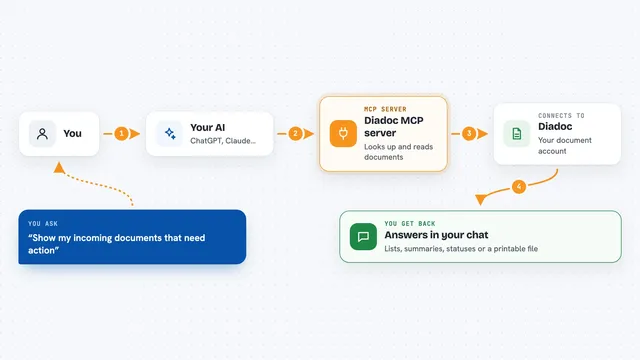
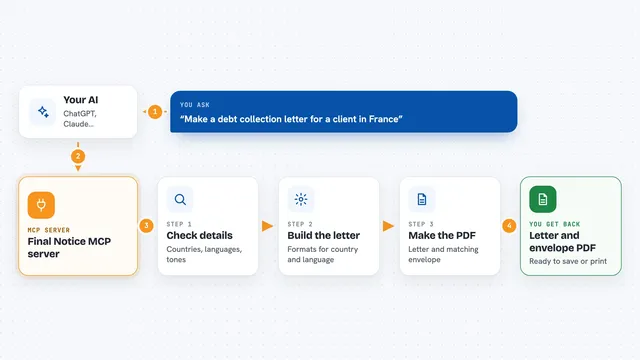
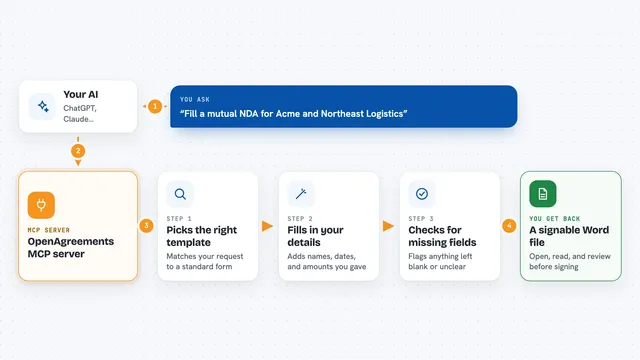
You ask your AI something like what services Meridian offers, or how your request is going. The AI passes that to this helper, which talks to the Meridian platform. Meridian sends back the list of services, the details of your request, the payment status, or the meetings on your calendar. The AI then shows you the answer in plain words in the chat. If you ask it to, it can also create a new request, move a step forward, or set up a meeting.
 Click to zoom
What you can do with it
- Browse Meridian services and categories
- Create a new service request with your answers
- Track the status and steps of an existing request
- Check whether a payment has gone through
- Schedule a meeting and send invites
- Accept or decline a meeting invitation
- Check that the connection to Meridian is working
Try asking your AI
- “What services does Meridian offer for company incorporation?”
- “Show me my open service requests and where each one stands”
- “Has my payment for the visa request been verified?”
- “Book a meeting with the team about my request next Tuesday”
What it gives back to you
You get back plain answers in the chat: lists of services, the current phase of a request and its steps, the payment status, and the meetings on your schedule. When you ask it to change something, like creating a request or moving a step forward, it tells you what it did. If something is missing, like a key, it explains what would be called and what to set up.
Before you start
What you need
- A Meridian account
- A Meridian API key (a kind of password for apps; it starts with mrd_ and you get it from Meridian)
- An MCP-compatible app like Claude Desktop, Claude Code, or Codex CLI
Good to know
It can create requests, move steps forward, and book meetings on your Meridian account, so check what your AI is about to do before you say yes.
Install it with your AI
Add Meridian MCP server to your AI, no technical skills needed
You don't install anything by hand. You copy one prompt, paste it into an AI that can work on your computer, and it checks, installs and connects the server for you, asking you when it needs something.
Sign in to get the install prompt
Members get a ready-made prompt that lets the Claude desktop app check Meridian MCP server, install it and connect it for them, step by step. You don't need any technical skills: you copy, paste and answer a few questions. Your connected AI can also find and install any of the 4,361 MCP servers here for you.
Who it's for
Startup founders and small teams who use Meridian for incorporation, visas, and similar services and would rather handle it through chat.