MCP server · Health and learning
XERT MCP server
by Milofax
Lets your AI read your XERT cycling data: fitness signature, training status, workouts and rides.

This is a small helper that connects your AI assistant to your XERT account, the cycling analytics service. Once it is set up, you can just ask your AI about your fitness numbers, training load or recent rides, and it will look them up for you. It is handy if you train with power and use XERT to track your progress.
What is an MCP server? The 30-second version
On its own, your AI can only chat. An MCP server is a small helper program that gives your AI a new skill or a connection to an app or service. This one connects your AI to XERT, so when you ask a question about your cycling data, the AI can go and fetch the answer from your XERT account and tell you in plain words.
What this MCP server does
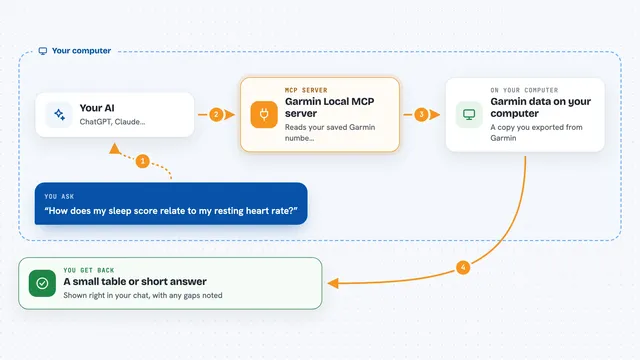
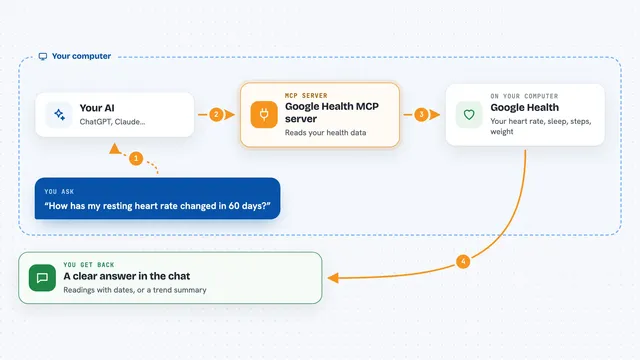
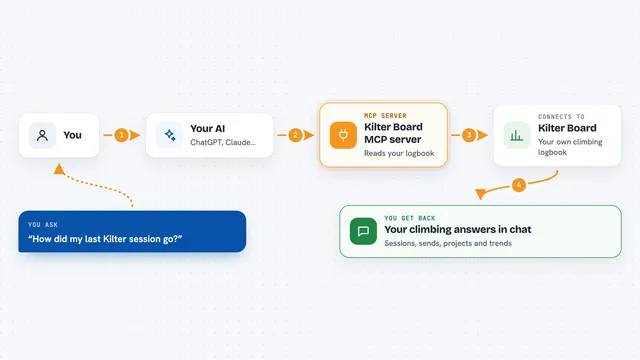
You ask your AI something like what your current FTP is, or how your training looks this week. The AI passes that question to this helper. The helper talks to XERT using your saved login, pulls the numbers or the list you asked for, and hands it back to the AI. The AI then explains it to you in the chat, in normal language.
 Click to zoom
What you can do with it
- Check your current fitness signature (FTP, LTP, HIE, Peak Power)
- See your training status, freshness and recommended XSS
- Get your workout of the day
- List and view your saved workouts
- Export a workout as a ZWO or ERG file
- Browse your recent activities with XSS and MPA data
- Upload a FIT file for analysis
Try asking your AI
- “What's my current FTP and training status?”
- “Show me my workout of the day”
- “List my activities from the last 7 days”
- “What was my XSS breakdown for yesterday's ride?”
What it gives back to you
You get answers in the chat: your fitness numbers, a short training status summary, a list of workouts or rides, or the details of one activity. If you ask for an export, it can give you a ZWO or ERG file for your workout. It can also confirm when a FIT file has been uploaded.
Before you start
What you need
- A XERT account (free or premium)
- Node.js 18 or later installed on your computer
- The Claude desktop app (or another AI app that supports MCP servers)
Good to know
It can upload files to your XERT account, so check before you ask it to upload anything you did not mean to send.
Install it with your AI
Add XERT MCP server to your AI, no technical skills needed
You don't install anything by hand. You copy one prompt, paste it into an AI that can work on your computer, and it checks, installs and connects the server for you, asking you when it needs something.
Sign in to get the install prompt
Members get a ready-made prompt that lets the Claude desktop app check XERT MCP server, install it and connect it for them, step by step. You don't need any technical skills: you copy, paste and answer a few questions. Your connected AI can also find and install any of the 4,609 MCP servers here for you.
Who it's for
Cyclists who train with power and use XERT, and anyone who wants to ask their AI about their training data without clicking around the XERT website.