MCP server · Developer tools
MAX messenger MCP server
Helps your AI build and check bots and mini-apps for the MAX messenger, in English or Russian.
This is a helper for people who build bots and small apps for the MAX messenger (max.ru). It gives your AI up to date facts about the MAX API and tools that check, generate and test MAX code. It is handy if you write bots for MAX or move an existing Telegram bot over to it.
What is an MCP server? The 30-second version
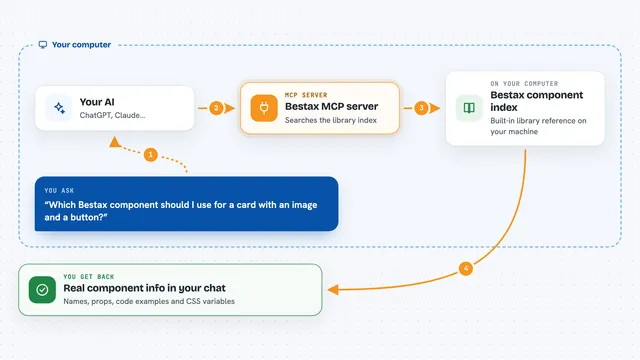
On its own, your AI can only chat with you. An MCP server is a small helper program that gives your AI a new skill or a connection to another service. This one connects your AI to the MAX messenger's developer documentation and tools. So when you ask about MAX, your AI can look up current facts, check your code and build things for you instead of guessing.
What this MCP server does
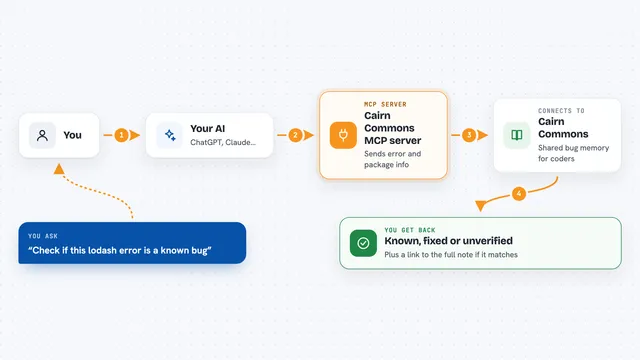
You ask your AI something about MAX, like whether your bot code is up to date. Your AI uses this helper, and the helper looks through current MAX facts, limits and 2026 changes. It can also check your code, build a starter bot, create message layouts and test data. Then you get back an answer, a list of problems with fixes, or ready to use code, right in the chat.
What you can do with it
- Look up current MAX Bot API facts and limits
- Check your bot code for outdated MAX API usage and old Telegram leftovers
- Generate a starter MAX bot in Python, TypeScript or Go
- Build and validate message layouts with buttons and images
- Create tracking links and ad reports for MAX ad campaigns
- Make signed test data for mini-app backends
- Create a Send to MAX share link and button for any website
Try asking your AI
- “Check this bot for MAX problems and paste code”
- “Make a MAX bot in TypeScript with a webhook”
- “Add a Send to MAX button to my site's article pages”
- “I'm buying ads in 5 MAX channels, make tracking links and tell me which channel paid off”
What it gives back to you
You get answers in plain language, often with a link to the official MAX docs and the date the facts are current for. When it checks code, it lists the problems with line numbers and suggested fixes. When it builds something, you get ready to use code, message layouts or test data you can copy. Ad reports come back as numbers like cost per click, ROAS and ROMI, with a note when a difference between channels may just be chance.
Before you start
What you need
- The Claude desktop app or another app that supports MCP servers
- Nothing else for the hosted version
- For the local version: a MAX bot token from business.max.ru (only needed for the tools that act as your bot)
- For the local version: the Russian trusted root certificate file from gosuslugi.ru/crt
Good to know
The tools that act as your bot can send messages and change your bot's settings, so only use them when you mean to, and keep your bot token private.
Install it with your AI
Add MAX messenger MCP server to your AI, no technical skills needed
You don't install anything by hand. You copy one prompt, paste it into an AI that can work on your computer, and it checks, installs and connects the server for you, asking you when it needs something.
Sign in to get the install prompt
Members get a ready-made prompt that lets the Claude desktop app check MAX messenger MCP server, install it and connect it for them, step by step. You don't need any technical skills: you copy, paste and answer a few questions. Your connected AI can also find and install any of the 4,960 MCP servers here for you.
Who it's for
Developers and technical teams who build bots or mini-apps for the MAX messenger, or who want to move a Telegram bot over to MAX.