MCP server · Research
OpenReadout MCP server
by openreadout
Lets your AI open raw lab instrument files and pull out images, spectra, and numbers for you.
OpenReadout is a free tool that reads raw files from lab machines: microscopes, mass spectrometers, plate readers, and about 120 other kinds. Without it, those files usually need the expensive software that came with the instrument just to be opened at all. It is handy for anyone in a lab who has data sitting in a folder and wants answers about it quickly, without touching the instrument PC.
What is an MCP server? The 30-second version
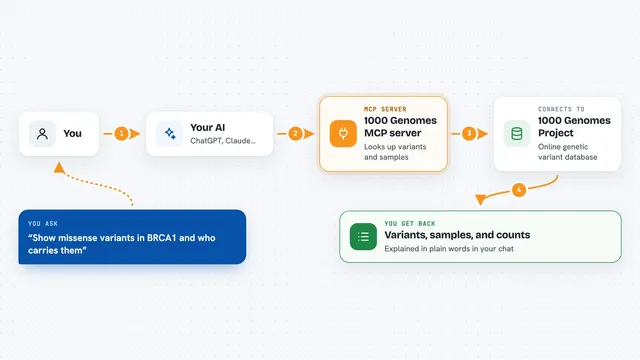
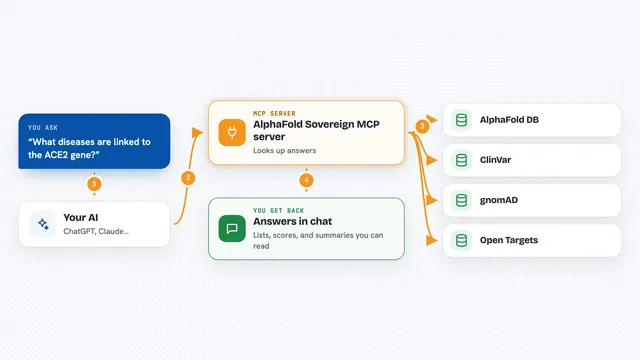
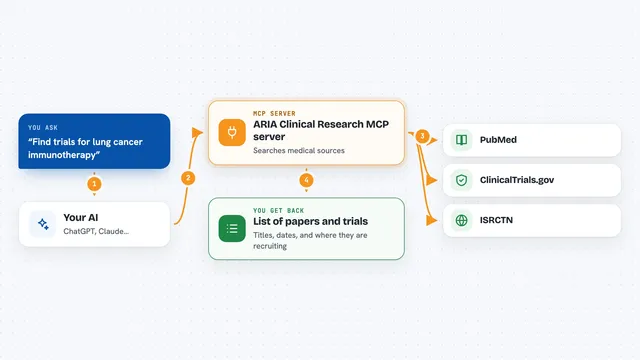
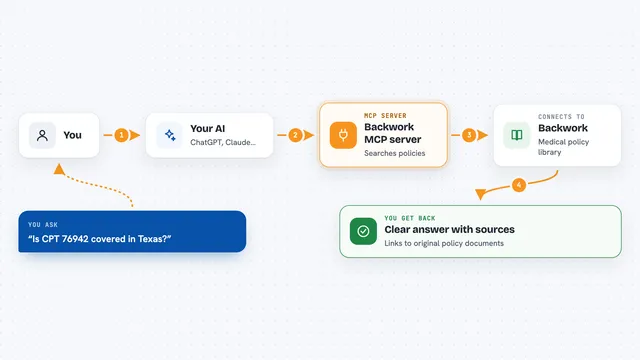
On its own, your AI can only chat. An MCP server is a small helper program that gives your AI a new skill or a connection it did not have before. This one connects your AI to OpenReadout, which understands lab instrument files. So when you ask about a file on your computer, your AI can actually open it through this helper and tell you what is inside.
What this MCP server does
You point your AI at a file, for example a microscope image or a chromatography run. Your AI passes that file to the OpenReadout helper. The helper reads the file directly, without any vendor software, and pulls out the important parts: things like image size, channel names, pixel size, spectra, or measured values. Your AI then explains those results to you in the chat, or makes a picture or a converted copy if you asked for one.
What you can do with it
- Ask what is inside a file, like its format, size, channels, and settings
- Check whether a file copied off an instrument is complete or damaged
- Get a picture preview of an image, trace, or spectrum
- Convert a raw file into a more open format like OME-TIFF or CSV
- Find peak areas in a chromatogram or Cq values in qPCR data
- Get metadata or tables out as plain text you can paste elsewhere
Try asking your AI
- “Open the file cells.lif and tell me the channels, pixel size, and objective used”
- “Is this file complete, or did the copy get cut off partway through?”
- “Show me a preview image of the first plane in this CZI file”
- “Convert this folder of raw microscopy files to OME-TIFF for me”
- “What were the peak areas in this GC chromatogram file?”
What it gives back to you
You get back plain answers in the chat: file details, a list of what is inside, numbers like peak areas or counts, or a short note that the file is damaged. If you asked for a picture, you get a PNG image you can look at right there. If you asked for a conversion, you get a new file saved next to the original. Everything is usually also available as structured text, so it is easy to copy into a report.
Before you start
What you need
- The OpenReadout program installed on your computer (it is one single file, no other software needed)
- An AI app that supports MCP servers, like the Claude desktop app or Cursor
Good to know
It opens your files read-only and does not use the internet, so it is safe by default.
Install it with your AI
Add OpenReadout MCP server to your AI, no technical skills needed
You don't install anything by hand. You copy one prompt, paste it into an AI that can work on your computer, and it checks, installs and connects the server for you, asking you when it needs something.
Sign in to get the install prompt
Members get a ready-made prompt that lets the Claude desktop app check OpenReadout MCP server, install it and connect it for them, step by step. You don't need any technical skills: you copy, paste and answer a few questions. Your connected AI can also find and install any of the 4,361 MCP servers here for you.
Who it's for
Lab researchers, core facility staff, and anyone who works with raw data from microscopes, spectrometers, plate readers, or similar instruments.