MCP server · Research
Pactlio contract tools MCP server
by Pactlio-ai
Lets your AI look up contract rules by state and draft or review contracts for you.

Pactlio is a helper for contracts. Once you connect it, your AI can answer questions like which rules apply to a contract in a certain US state, or whether a non-compete is enforceable there. It is handy if you deal with contracts at work but are not a lawyer.
What is an MCP server? The 30-second version
On its own, your AI can only chat with you. An MCP server is a small helper program that gives your AI a new skill or a connection to an app. This one connects your AI to Pactlio, a contract service. So when you ask about a contract, your AI can go look things up there and bring the answer back to you.
What this MCP server does
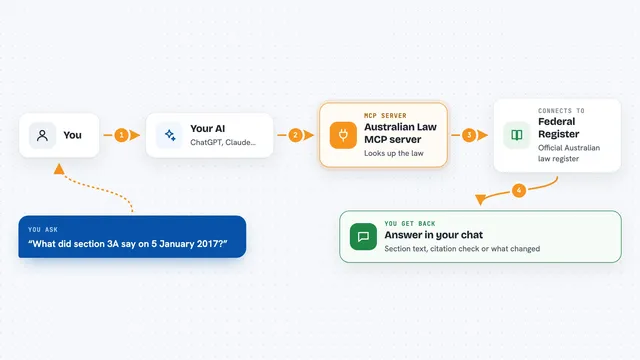
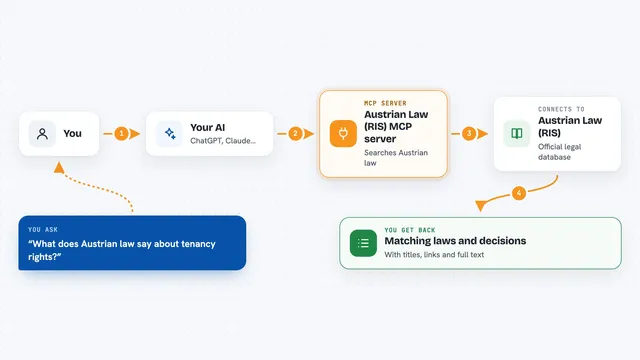
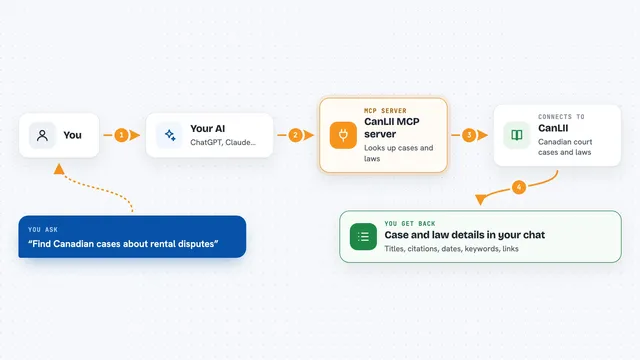
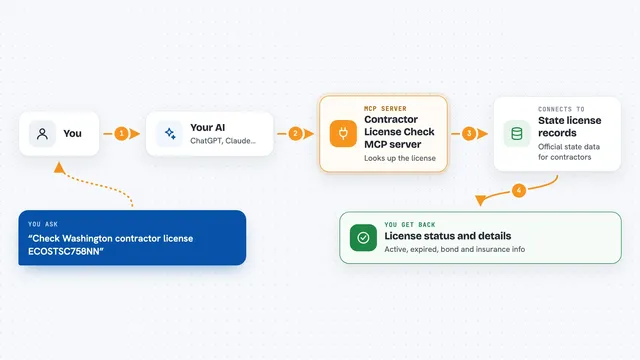
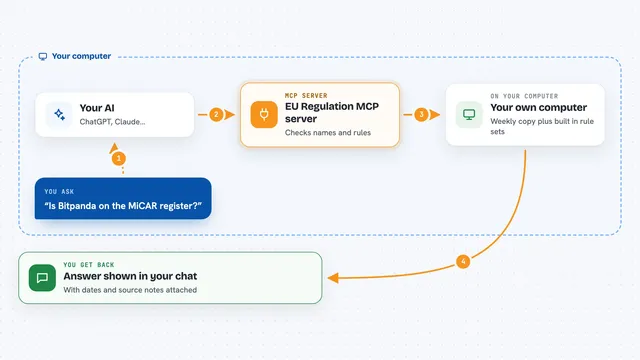
You ask your AI something about a contract, like which rules apply in Texas. Your AI sends that question to the Pactlio helper. The helper looks up the answer in Pactlio's contract data and sends it back. Your AI then explains it to you in the chat. For drafting, the helper can also start writing a contract for you, which takes a few minutes.
 Click to zoom
What you can do with it
- List the 20 contract and policy types Pactlio covers
- Look up statute-cited requirements for a contract type in a US state or country
- Check whether a non-compete is enforceable in any US state
- Get the list of details needed to draft a certain contract
- Start an AI draft of a contract (takes 3 to 5 minutes)
- Check on a draft that is being written and see a free preview
- Analyze pasted contract text for risks
Try asking your AI
- “What does Texas require in an employment contract?”
- “Is a non-compete enforceable in California?”
- “What details do you need from me to draft an NDA?”
- “Can you review this contract text and point out the risky parts?”
What it gives back to you
For the lookup tools, you get clear answers in the chat: lists of contract types, state rules with the statutes cited, or a yes/no on non-competes. For drafting, you get the opening sections of the contract as a free preview, plus a link to unlock the full document. For analysis, you get a rundown of the risks found in the text you pasted.
Before you start
What you need
- An MCP client like Claude, ChatGPT, Cursor, or Claude Code
- Nothing else: it is free and anonymous, no API key needed
Good to know
Pactlio is not a law firm and does not give legal advice, so treat every output as an AI draft to review with a real lawyer before relying on it, and drafting costs money ($19 to $49) to unlock the full document.
Install it with your AI
Add Pactlio contract tools MCP server to your AI, no technical skills needed
You don't install anything by hand. You copy one prompt, paste it into an AI that can work on your computer, and it checks, installs and connects the server for you, asking you when it needs something.
Sign in to get the install prompt
Members get a ready-made prompt that lets the Claude desktop app check Pactlio contract tools MCP server, install it and connect it for them, step by step. You don't need any technical skills: you copy, paste and answer a few questions. Your connected AI can also find and install any of the 4,361 MCP servers here for you.
Who it's for
Anyone who handles contracts at work, like office managers, HR staff, founders, or small business owners who want quick answers without a lawyer on call.