MCP server · Research
DICOMweb MCP server
Lets your AI search a medical image archive and read reports and images for you.

This is a small helper that connects your AI assistant to a DICOMweb medical image archive. A DICOMweb archive is where hospitals and clinics keep scans like CT and MRI images, plus the reports that go with them. If you work with medical images and want to look things up by just asking, this is for you.
What is an MCP server? The 30-second version
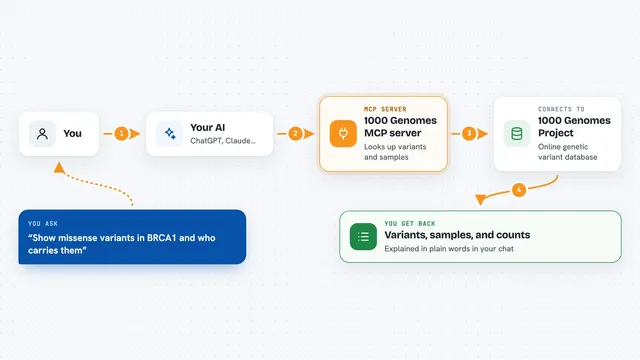
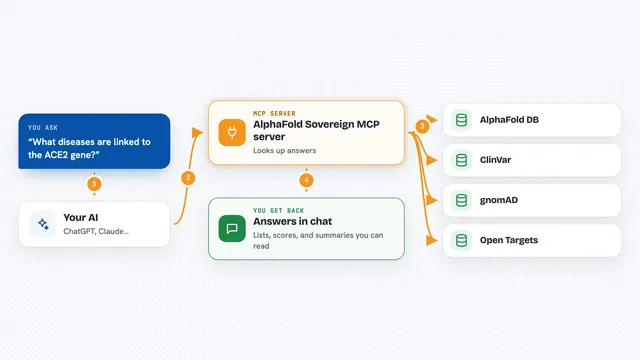
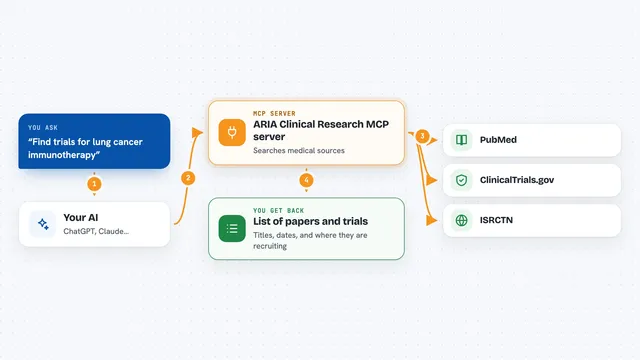
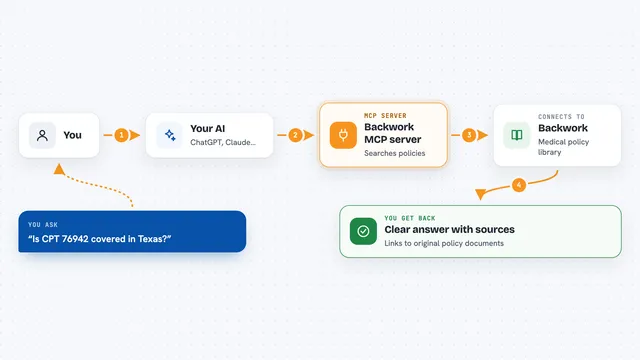
On its own, your AI can only chat. It cannot see your medical image archive. An MCP server is a small helper program that gives your AI a new skill, and here that skill is talking to a DICOMweb archive. Once it is set up, you ask a question in plain words and the AI uses this helper to look things up in the archive for you.
What this MCP server does
You ask your AI something like find all CT studies for a patient. The AI passes that request to this helper. The helper talks to your DICOMweb server, which is the system holding the images and reports. The server sends back a list, some text, or an image frame, and the AI shows it to you in the chat. You never have to type archive addresses or codes yourself.
 Click to zoom
What you can do with it
- Search studies by patient name, date range, or scan type
- Browse the series and instances inside a study
- Read the details stored with a single image
- View a specific image frame as a picture
- Find and read structured reports in a study
- Find and read text from PDF reports stored in the archive
Try asking your AI
- “Find all CT studies for patient John Doe”
- “Search for studies from January 2024”
- “Show me the first frame of this instance as a JPEG”
- “Are there any PDF reports in this study?”
What it gives back to you
You get answers right in the chat. Searches come back as lists of studies, series, or instances with their details. Reports come back as readable text. Image frames come back as a picture you can look at. The helper only reads from the archive; it does not change anything there.
Before you start
What you need
- Node.js 20 or later on your computer
- A running DICOMweb server that supports QIDO-RS and WADO-RS, such as Orthanc
- The web address of that server
- A username and password or a token, if your server asks for one
Good to know
This helper reads medical data, which is private and often protected by rules, so only point it at archives you are allowed to access and be careful about what you share in the chat.
Install it with your AI
Add DICOMweb MCP server to your AI, no technical skills needed
You don't install anything by hand. You copy one prompt, paste it into an AI that can work on your computer, and it checks, installs and connects the server for you, asking you when it needs something.
Sign in to get the install prompt
Members get a ready-made prompt that lets the Claude desktop app check DICOMweb MCP server, install it and connect it for them, step by step. You don't need any technical skills: you copy, paste and answer a few questions. Your connected AI can also find and install any of the 4,361 MCP servers here for you.
Who it's for
People who work with medical images, like radiologists, clinical researchers, and health IT staff, who want to look things up in a DICOM archive by asking their AI.