MCP server · Social media · official
Publora MCP server
by publora · official
Let your AI schedule and publish social media posts to X, LinkedIn, Instagram, TikTok and more.

This is the official connector that lets your AI assistant handle your social media for Publora. Instead of opening the Publora app and clicking around, you just tell your AI what you want in plain English. It is handy for anyone who posts to several networks and would rather type one sentence than fill in five forms.
What is an MCP server? The 30-second version
On its own, your AI can only chat. It cannot see your Publora account or post anything for you. An MCP server is a small helper that gives your AI a new skill, and this one connects it to Publora, your social media scheduling tool. Once it is connected, your AI can look up your posts, schedule new ones, and check how things are doing when you ask.
What this MCP server does
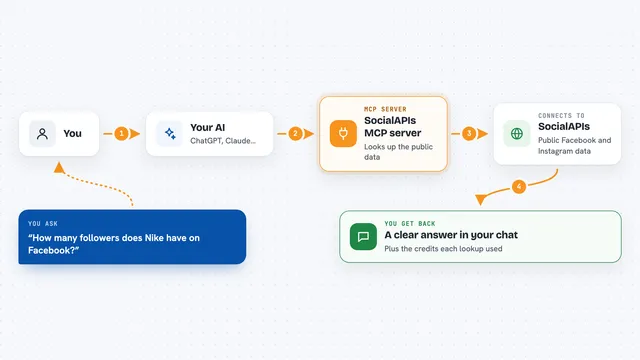
You ask your AI something like "schedule this for tomorrow at 9am" or "what is going out next week". The AI passes that request to this helper, which talks to your Publora account. Publora then creates the draft, schedules the post, or sends back the list you asked for. You see the result right in the chat, as a normal reply. You never have to leave the conversation.
 Click to zoom
What you can do with it
- Schedule a post for a specific day and time
- Publish the same message to several networks at once
- See what posts you already have lined up
- Edit or delete a draft or scheduled post
- Check engagement numbers on Mastodon and Bluesky posts
- See follower counts for a connected account
- Comment on, react to, or reshare a LinkedIn post
Try asking your AI
- “Schedule a LinkedIn post for tomorrow at 9am saying we are hiring”
- “Post this to Twitter and LinkedIn”
- “What do I have scheduled for next week?”
- “How did my last Bluesky post do?”
What it gives back to you
You get answers in plain chat text. Ask for your schedule and you get a list of posts with dates and networks. Ask about a post and you get its status, like draft, scheduled or published. Ask about engagement and you get numbers such as likes, reposts and replies. When it makes a change, it tells you what it did.
Before you start
What you need
- A Publora account
- An API key from your Publora dashboard (a kind of password for apps; the site gives you one)
- A paid plan for some features, like Mastodon and Bluesky statistics
Good to know
It can publish, edit and delete real posts on your live accounts, so read the AI's summary before you say yes.
Install it with your AI
Add Publora MCP server to your AI, no technical skills needed
You don't install anything by hand. You copy one prompt, paste it into an AI that can work on your computer, and it checks, installs and connects the server for you, asking you when it needs something.
Sign in to get the install prompt
Members get a ready-made prompt that lets the Claude desktop app check Publora MCP server, install it and connect it for them, step by step. You don't need any technical skills: you copy, paste and answer a few questions. Your connected AI can also find and install any of the 4,361 MCP servers here for you.
Who it's for
Marketers, content creators and small business owners who post to several social networks and want to do it by chatting instead of clicking.