MCP server · Research
Genomics MCP server
by rewire-bio
Let your AI find public genomics datasets and read a region from genomic files, with sources listed.
Genomics MCP is a small helper program you run on your own computer. It connects your AI assistant to public genomics archives like EGA, ENA, ENCODE, GEO and NCBI, and to genomic files you already have on disk. It is handy for researchers who want their AI to pull real data and reference evidence without writing any code.
What is an MCP server? The 30-second version
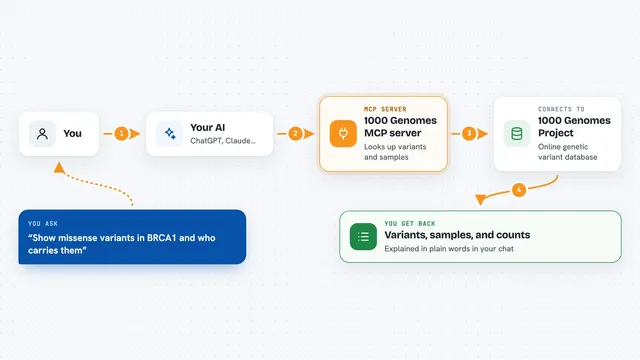
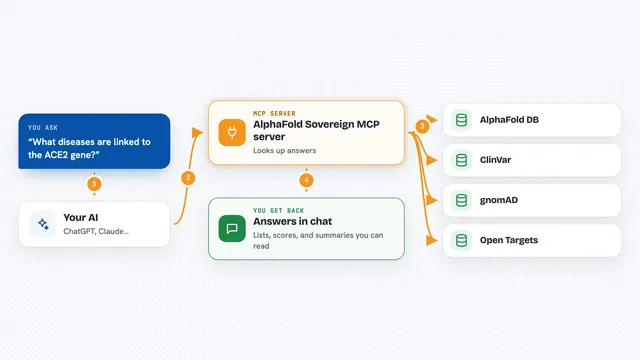
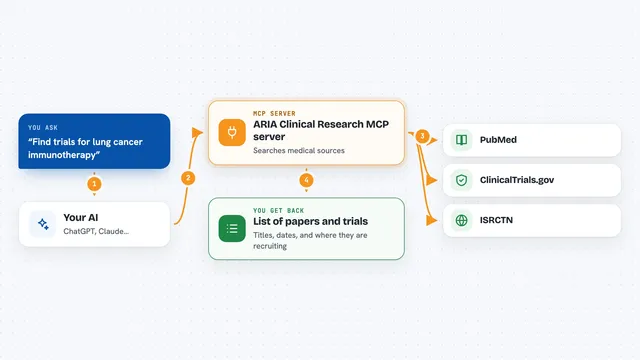
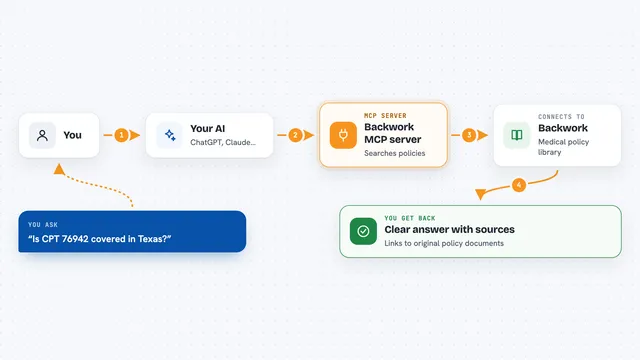
On its own, your AI can only chat. It cannot open a genomic file or search a public archive. An MCP server is a small helper program that gives your AI one new skill. This one gives it a connection to genomics data sources, so when you ask about a dataset or a region, the AI can go and look it up for you.
What this MCP server does
You ask your AI a question about genomic data in plain words, for example to show the reads from a file over a certain region. Your AI passes the request to this helper program on your computer. The helper talks to the right archive or opens the file, reads only the part you asked for where the format allows it, and sends the result back. Your AI then tells you what came back and which sources were used. It reports the accessions, versions and times where the source gives them.
What you can do with it
- Search public datasets in EGA, ENA, ENCODE, GEO and NCBI
- Read a bounded region from BAM, CRAM, VCF, FASTA, BED, GFF3 or bigWig files
- Fetch a sequence, a set of variants or a coverage value over a region
- Download a file with a size limit, a checksum and resume support
- Look up a variant, gene or protein in reference databases like ClinVar, gnomAD or Ensembl
- Compare samples or inspect a locus across several files
- Report which sources were consulted and what each one returned
Try asking your AI
- “Show the reads from EGA file EGAF00007243773 in dataset EGAD00001003338 overlapping GRCh38 chr10:10000-10050.”
- “What is the mean signal of ENCODE file ENCFF792QDS over GRCh38 chr1:1000000-1001000?”
- “Check the reference base of GRCh38 variant 7-140753336-A-T against NCBI, then list its ClinVar records.”
- “Download the ENA FASTA for DQ285577.1 and show its first 30 bases.”
What it gives back to you
You get answers in the chat in plain words. That can be a list of datasets or samples, a set of reads or variants over the region you asked for, a sequence, a number such as a mean signal, or a local file path after a download. The reply also says which sources were consulted and what each one returned, with accessions and versions where available. If a limit was hit, the answer says it was truncated.
Before you start
What you need
- A supported computer (Linux x86_64 for the Docker image, or macOS arm64 / Linux x86_64 from source)
- Python 3.12, uv, a C compiler and the libcurl and zlib development files if you install from source
- Docker if you use the container image (tested on Linux x86_64)
- An allowed data folder path if you want to read your own local files
Good to know
It can download files and read local folders you allow, and downloads count against a default 100 MiB budget, so keep an eye on any call that asks for a larger one.
Install it with your AI
Add Genomics MCP server to your AI, no technical skills needed
You don't install anything by hand. You copy one prompt, paste it into an AI that can work on your computer, and it checks, installs and connects the server for you, asking you when it needs something.
Sign in to get the install prompt
Members get a ready-made prompt that lets the Claude desktop app check Genomics MCP server, install it and connect it for them, step by step. You don't need any technical skills: you copy, paste and answer a few questions. Your connected AI can also find and install any of the 4,361 MCP servers here for you.
Who it's for
Computational biologists and researchers who want an AI assistant to pull public genomics data or read their own indexed files without writing integration code.