MCP server · Analytics
RegiStep MCP server
by saikiyusuke
Lets your AI look up store sales data from AirREGI, Smaregi and BASE, and chat about the numbers.

RegiStep is a helper that connects your AI assistant to the sales data of your shops. It works with AirREGI, Smaregi and BASE online stores, so you can ask questions about your sales in plain words. It is handy if you run one or more shops and want quick answers without opening a dashboard.
What is an MCP server? The 30-second version
On its own, your AI can only chat. An MCP server is a small helper program that gives your AI a new skill or a connection to an app or service. This one connects your AI to RegiStep, which sits on top of your point of sale and online store data. Once it is connected, your AI can look things up there and answer you when you ask.
What this MCP server does
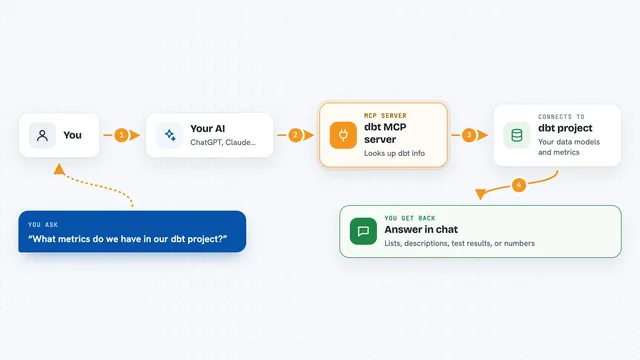
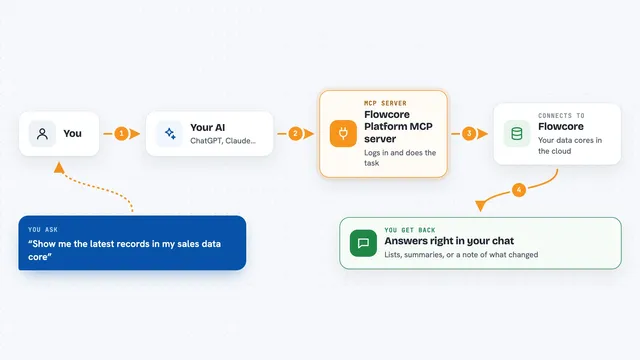
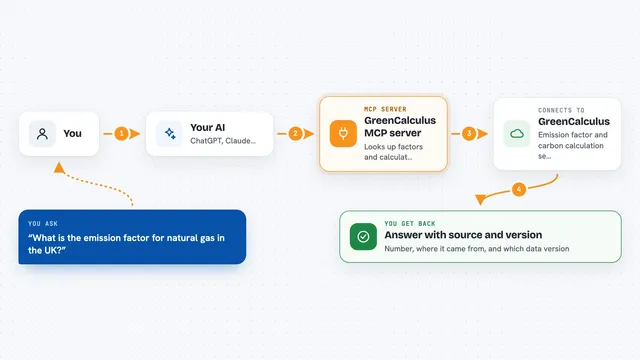
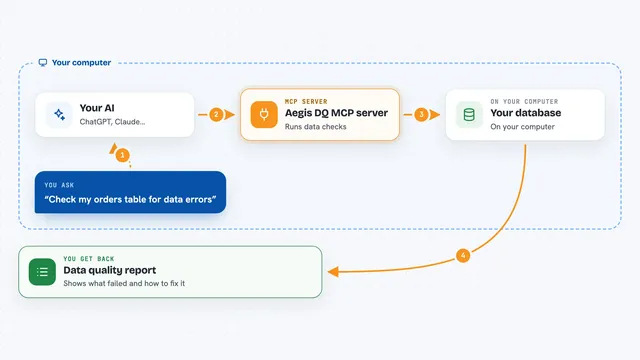
You ask your AI a question about your shops, like how sales went last week. Your AI passes that question to this helper. The helper talks to RegiStep, which reads the sales data from AirREGI, Smaregi or BASE. RegiStep sends the numbers back, and your AI turns them into a short answer in the chat. You can also ask it to compare days, stores or weather, and it will explain what it found.
 Click to zoom
What you can do with it
- Check sales for a store or a date range
- Compare sales between shops or between days
- Ask for a plain-language summary of a busy or slow period
- Look at sales from your BASE online store
- See how weather lines up with your sales
- Chat about your numbers instead of reading a dashboard
Try asking your AI
- “How much did my Shibuya store sell last Saturday?”
- “Compare last week's sales between my two shops.”
- “Which day was my slowest this month, and what was the weather like?”
- “Give me a short summary of my BASE store sales for the past 7 days.”
What it gives back to you
You get answers in the chat, in normal sentences. That can be a number, a short list of days or stores, or a small summary of a period. If you ask for a comparison, it explains the difference in plain words. It does not hand you a spreadsheet unless the tool supports that, so think of it as a quick spoken answer.
Before you start
What you need
- A RegiStep account
- Your AirREGI, Smaregi or BASE store connected to RegiStep
- An AI assistant that can use MCP servers, like the Claude desktop app
Good to know
It reads your shop sales data, which is private business information, so only connect it if you are comfortable sharing that with your AI assistant.
Install it with your AI
Add RegiStep MCP server to your AI, no technical skills needed
You don't install anything by hand. You copy one prompt, paste it into an AI that can work on your computer, and it checks, installs and connects the server for you, asking you when it needs something.
Sign in to get the install prompt
Members get a ready-made prompt that lets the Claude desktop app check RegiStep MCP server, install it and connect it for them, step by step. You don't need any technical skills: you copy, paste and answer a few questions. Your connected AI can also find and install any of the 4,609 MCP servers here for you.
Who it's for
Shop owners and small retail teams who use AirREGI, Smaregi or BASE and want quick sales answers without digging through reports.