MCP server · Research
ScrapeCrate MCP server
by scrapecrate
Lets your AI pull YouTube transcripts, Google Maps places and reviews, Trustpilot and Meta ad data for you.
This is a helper that connects your AI assistant to ScrapeCrate, a service that gathers public data from sites like YouTube, Google Maps, Trustpilot and the Meta Ad Library. Once it is connected, you can just ask your AI in normal words and it will fetch that information for you. It is handy if you research videos, local businesses, reviews or ads and do not want to copy and paste things by hand.
What is an MCP server? The 30-second version
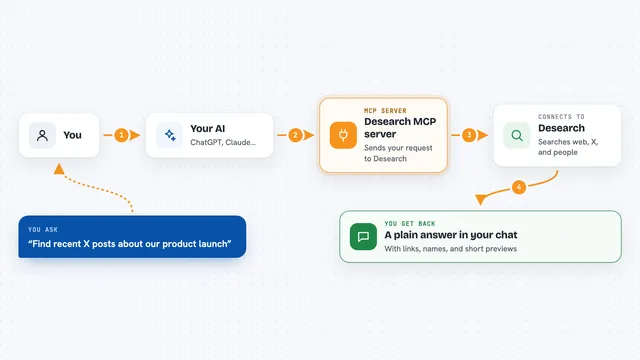
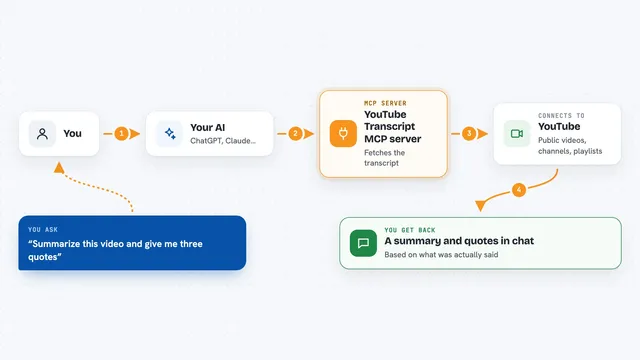
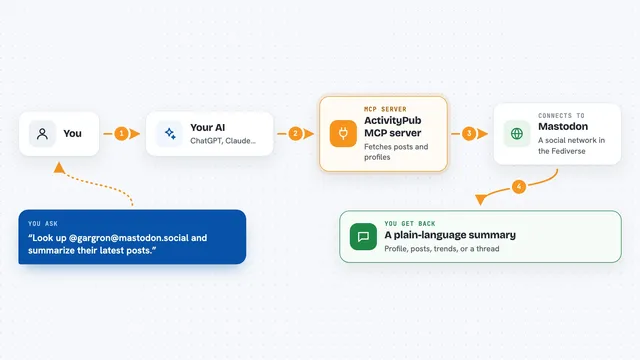
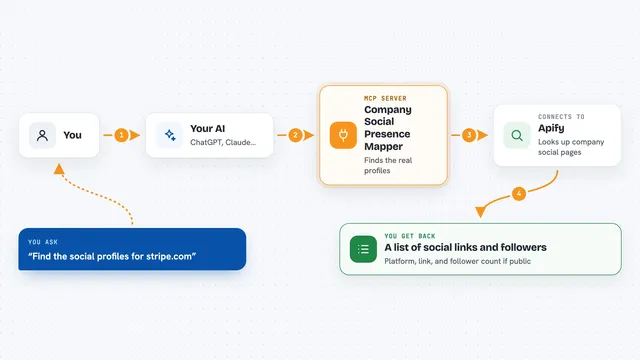
On its own, your AI can only chat with you using what it already knows. An MCP server is a small helper program that gives your AI a new skill or a connection to an outside service. This one connects your AI to ScrapeCrate, which collects public data from sites like YouTube, Google Maps and Trustpilot. So when you ask a question, your AI can reach out through this helper and bring real information back into the chat.
What this MCP server does
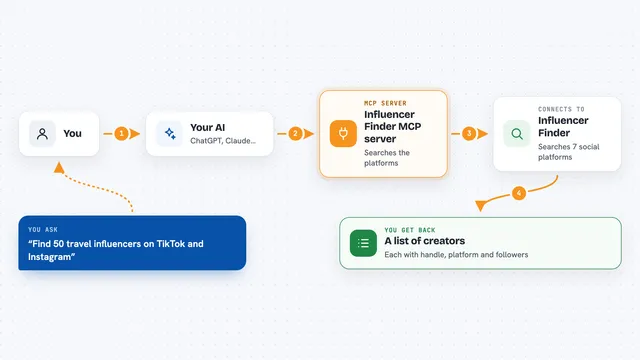
You ask your AI something in plain words, like for a video transcript or the reviews of a restaurant. Your AI sends that request through this helper, which talks to the ScrapeCrate service. ScrapeCrate then gathers the data you asked for from the site, such as YouTube, Google Maps or Trustpilot. The result comes back into your chat as text you can read and use. You can also check how many credits your account has left.
What you can do with it
- Get the transcript of a YouTube video
- Look up details and reviews for a place on Google Maps
- Pull reviews for a company from Trustpilot
- Search the Meta Ad Library for ads and advertisers
- Find app details and reviews from the App Store and Google Play
- Get YouTube channel info, comments and search results
- Check your ScrapeCrate account balance
Try asking your AI
- “Get me the transcript of this YouTube video: [link]”
- “What do people say in the reviews for this restaurant on Google Maps?”
- “Show me recent Trustpilot reviews for this company”
- “Find ads in the Meta Ad Library from this advertiser”
What it gives back to you
You get the data back as text in your chat: transcripts, lists of places, review text, ad details, app info or your account balance. Your AI usually tidies it into a short summary or a list so it is easy to read. Nothing is saved anywhere by the helper itself; it just brings the answer into the conversation.
Before you start
What you need
- A ScrapeCrate account
- Either sign in through the hosted server, or an API key from your ScrapeCrate dashboard if you run it locally
- For the local version: the uvx tool installed on your computer
Good to know
Each tool call uses credits from your ScrapeCrate account, so heavy use can cost money, though failed calls are free.
Install it with your AI
Add ScrapeCrate MCP server to your AI, no technical skills needed
You don't install anything by hand. You copy one prompt, paste it into an AI that can work on your computer, and it checks, installs and connects the server for you, asking you when it needs something.
Sign in to get the install prompt
Members get a ready-made prompt that lets the Claude desktop app check ScrapeCrate MCP server, install it and connect it for them, step by step. You don't need any technical skills: you copy, paste and answer a few questions. Your connected AI can also find and install any of the 4,960 MCP servers here for you.
Who it's for
People who research videos, local businesses, reviews or ads and want their AI to gather that public data for them.