MCP server · Copywriting
SearchAtlas MCP server
Lets your AI run SEO audits, keyword research, content and ad tasks inside your SearchAtlas account.
SearchAtlas is a marketing platform for SEO, content, ads, and local listings. This MCP server connects your AI assistant to your SearchAtlas account so you can ask for marketing work in plain words instead of clicking through the dashboard. It is handy for marketers, SEO specialists, and small business owners who already use SearchAtlas.
What is an MCP server? The 30-second version
On its own, your AI can only chat with you. An MCP server is a small helper program that gives your AI a new skill or a connection to an app. This one connects your AI to SearchAtlas, so when you ask a marketing question or request, the AI can look things up and run tasks in your SearchAtlas account for you.
What this MCP server does
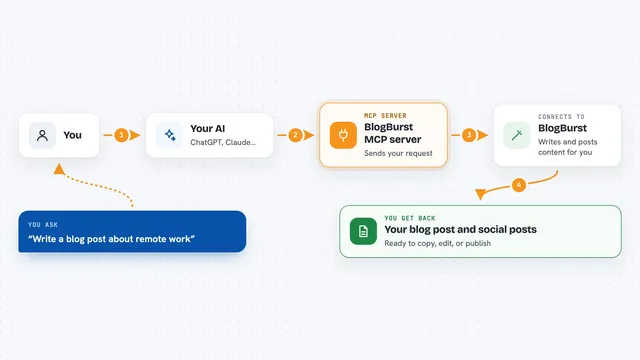
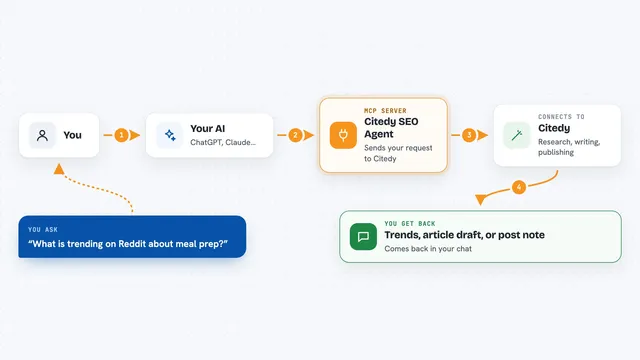
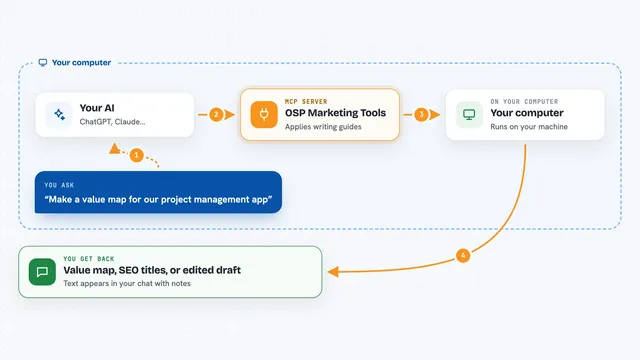
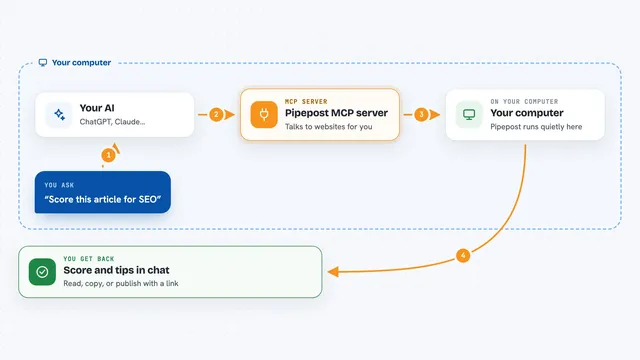
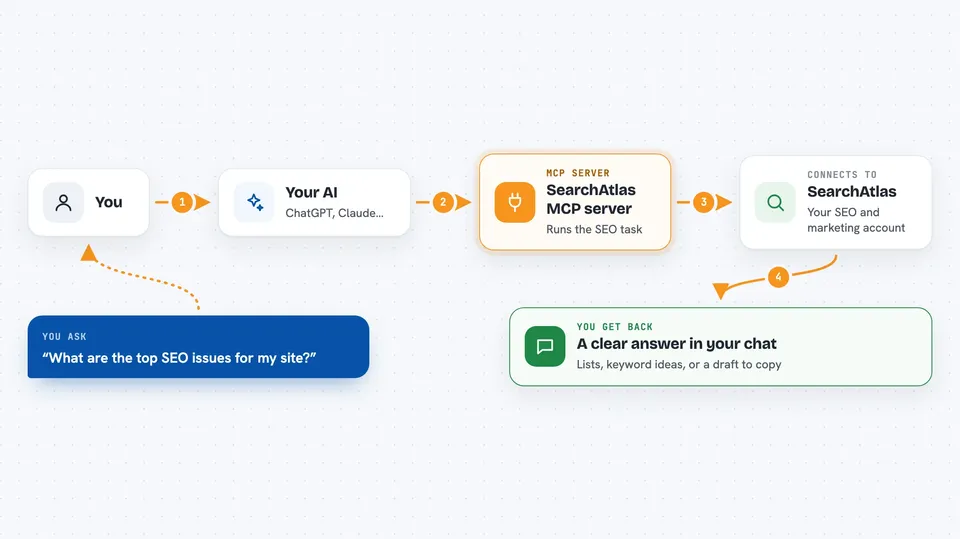
You ask your AI something like "what are the top SEO issues for my site?" The AI picks the right SearchAtlas tool for that request. The helper passes your question to the SearchAtlas service, which does the actual work, like running an audit or pulling keyword data. Then the answer comes back into your chat as a summary, a list, or a report you can read right there.
 Click to zoom
What you can do with it
- Run a technical SEO audit on a website
- Find long-tail keywords for a topic or product
- Write or edit a blog post draft
- Check backlinks and site details for a domain
- List and manage your SearchAtlas projects
- Look at Google Ads and keyword performance
- Check how your brand shows up in AI answers
Try asking your AI
- “What are the top SEO issues for my site?”
- “Run a technical SEO audit on example.com”
- “Write a blog post about technical SEO best practices”
- “Find long-tail keywords for project management software”
What it gives back to you
You get answers in the chat: lists of issues, keyword ideas, site details, or a written draft. Some tasks return summaries or reports you can read and copy. When you ask it to change something in your account, it tells you what it did.
Before you start
What you need
- A SearchAtlas account (sign up on their dashboard site)
- Node.js version 18 or newer on your computer
- Your SearchAtlas token, which you get by running the searchatlas login command
Good to know
It can change things in your SearchAtlas account, like creating campaigns or orders, so check with your AI about what it is about to do before you say yes.
Install it with your AI
Add SearchAtlas MCP server to your AI, no technical skills needed
You don't install anything by hand. You copy one prompt, paste it into an AI that can work on your computer, and it checks, installs and connects the server for you, asking you when it needs something.
Sign in to get the install prompt
Members get a ready-made prompt that lets the Claude desktop app check SearchAtlas MCP server, install it and connect it for them, step by step. You don't need any technical skills: you copy, paste and answer a few questions. Your connected AI can also find and install any of the 4,361 MCP servers here for you.
Who it's for
Marketers, SEO specialists, content writers, and small business owners who use SearchAtlas and want to work faster through their AI assistant.