MCP server · Copywriting
TopicForge MCP server
by TopicForge
Plan SEO article batches, run them, and pull the finished articles back as Markdown, all from your AI chat.
TopicForge is a service that writes SEO articles in batches. This MCP server connects that service to your AI assistant, so you can plan topics, start a batch, check on it, and get the finished articles without leaving the chat. It is handy if you write content for a website and want to move faster than doing everything by hand.
What is an MCP server? The 30-second version
On its own, your AI can only chat with you. An MCP server is a small helper program that gives your AI a new skill or a connection to another service. This one connects your AI to TopicForge, so when you ask for article ideas or a finished article, the AI can actually go and get them for you. You do not need to understand how it works under the hood; you just talk to your AI like normal.
What this MCP server does
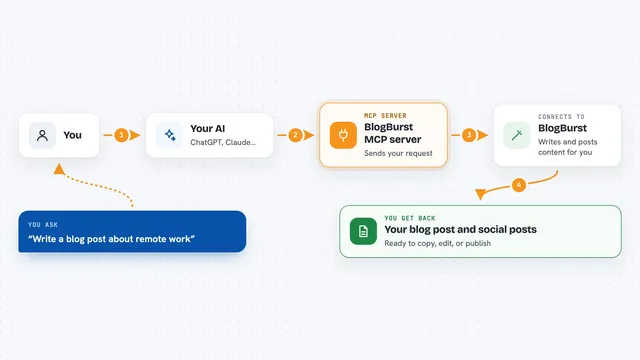
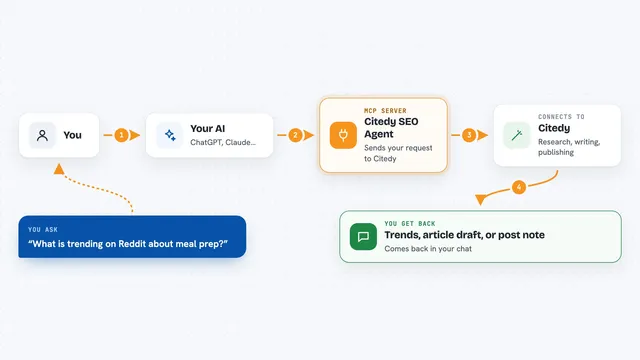
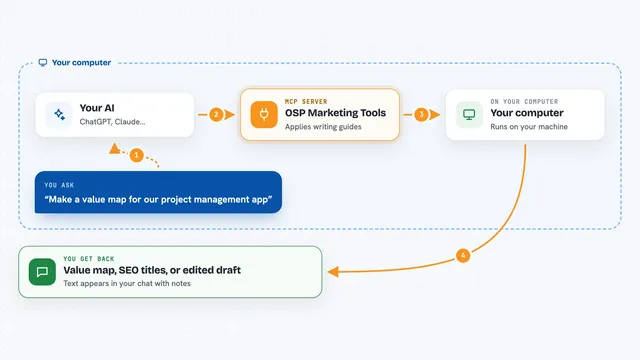
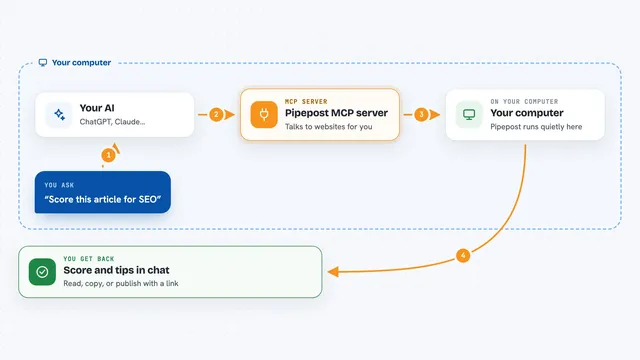
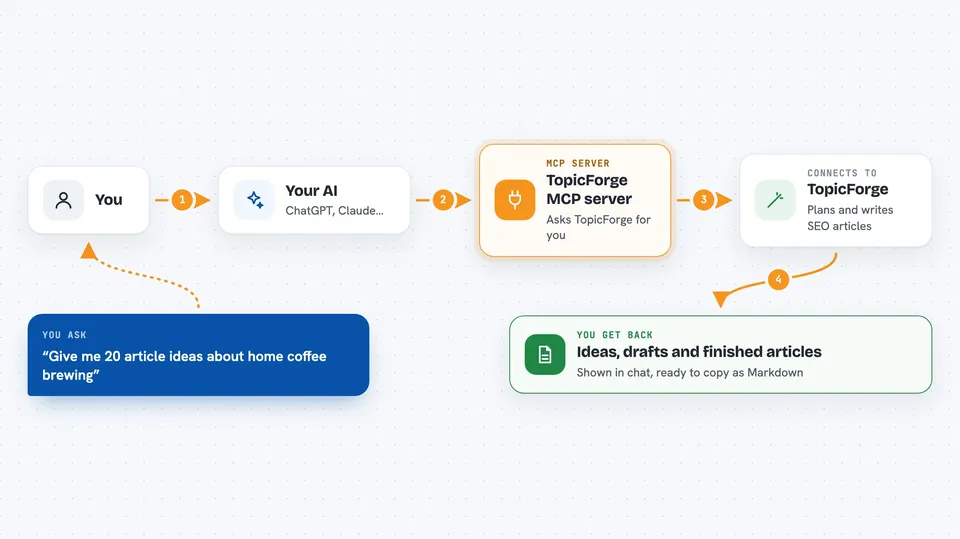
You ask your AI something like "give me 20 article ideas about home coffee brewing." The AI passes that to this helper, which asks TopicForge. TopicForge sends back a list of ideas, and your AI shows them to you in the chat. When you are ready, you can ask it to run a batch of articles, then check on progress and pull the finished pieces out as Markdown files.
 Click to zoom
What you can do with it
- Turn one topic into 15 to 25 article ideas
- Write FAQ questions and the matching FAQ schema code for a page
- Draft a 150 to 160 character meta description for a page
- Start a batch of articles and let TopicForge write them
- Check how a running batch is going
- Fetch a finished article by its ID
- Export an article as Markdown you can paste into your site
Try asking your AI
- “Give me 20 article ideas about beginner gardening in small apartments”
- “Write an FAQ section and FAQ schema for my page about dog dental care”
- “Draft a meta description for my article on budget travel in Portugal”
- “Start a batch of 10 articles from these topics and tell me when it is done”
What it gives back to you
You get answers right in the chat: lists of topic ideas, FAQ questions with the schema code, meta descriptions, and status updates on a running batch. When articles are ready, you can pull them back as Markdown text you can copy. You can also see and change the workspace settings that control how the articles are written.
Before you start
What you need
- A TopicForge account
- An API key from TopicForge (a kind of password for apps; you create one in your account settings)
- Node.js installed on your computer if you run it yourself
- The Claude desktop app, Cursor, or Claude Code if you want to add it there
Good to know
Running a batch spends real money on your TopicForge account, and updating generation settings changes how future articles are written, so check before you confirm.
Install it with your AI
Add TopicForge MCP server to your AI, no technical skills needed
You don't install anything by hand. You copy one prompt, paste it into an AI that can work on your computer, and it checks, installs and connects the server for you, asking you when it needs something.
Sign in to get the install prompt
Members get a ready-made prompt that lets the Claude desktop app check TopicForge MCP server, install it and connect it for them, step by step. You don't need any technical skills: you copy, paste and answer a few questions. Your connected AI can also find and install any of the 4,361 MCP servers here for you.
Who it's for
Content marketers, SEO specialists, and small business owners who publish a lot of articles and want to plan and produce them faster.