MCP server · Research
SEOSiri Bio-Robotics MCP server
Lets your AI turn lab data and muscle signals into robot-ready G-code coordinates.

This is a small helper program that connects your AI to a bio-robotics engine. It takes biological data and lab measurements and turns them into the exact coordinates and commands a robot arm or lab machine can follow. It is handy for lab researchers, bioengineers, and anyone prototyping lab automation or prosthetics.
What is an MCP server? The 30-second version
On its own, your AI can only chat. An MCP server is a small helper program that gives your AI a new skill or a connection to a service. This one connects your AI to a bio-robotics engine, so it can look up protein data, work out lab plate positions, and turn muscle signals into robot movement commands. You ask in plain words, and the helper does the math and hands back the numbers.
What this MCP server does
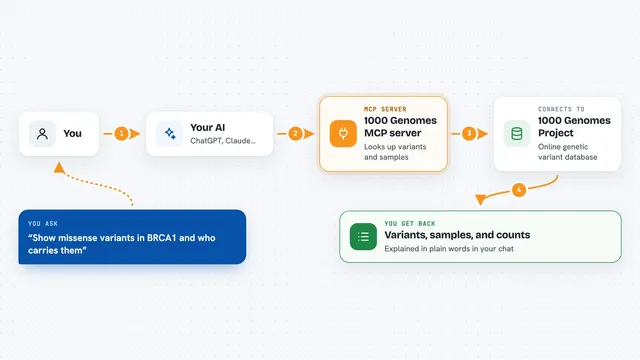
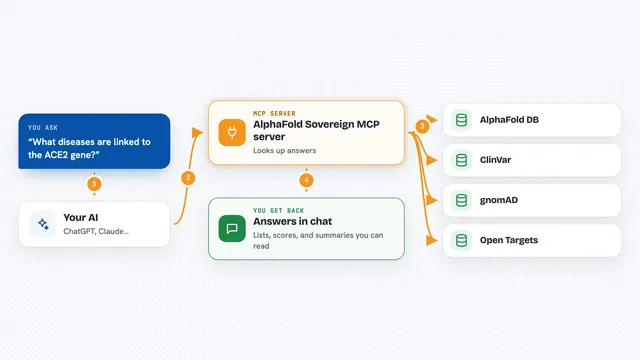
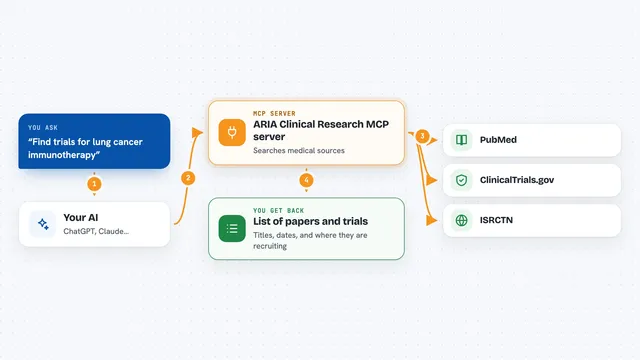
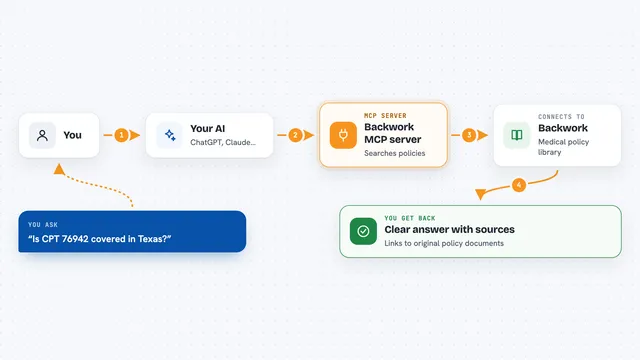
You ask your AI something about a protein, a lab plate, or a muscle signal. The AI passes your request to this helper program. The helper either fetches live data from a public protein database or runs a fixed set of math steps on your numbers. It then gives back coordinates in meters or millimeters, G-code lines, or simple answers like a melting temperature. The AI shows you the result in the chat.
 Click to zoom
What you can do with it
- Look up a protein sequence from the UniProt database by its ID
- Turn lab assay numbers into exact spatial measurements in meters
- Convert a plate well name like B5 into millimeter offsets
- Work out a safe pipetting speed and pressure delay from liquid thickness and volume
- Calculate the GC content and melting temperature of a DNA sequence
- Translate muscle signal values into joint angles and G-code speed commands
- Run a safety check on the muscle-to-movement translation before you use it
Try asking your AI
- “Fetch the protein sequence for P42212 and tell me how many residues it has”
- “What is the x and y offset in millimeters for well B5 on a 96-well plate”
- “Calculate the melting temperature of this DNA sequence: ATGCGTACGTTAGC”
- “Translate an EMG reading of 350 microvolts into an elbow servo angle and G-code command”
What it gives back to you
You get back plain numbers, short answers, and ready-to-use command lines. For example, a protein lookup returns a sequence and a status message, a plate lookup returns x and y in millimeters, and a muscle signal returns an angle in degrees plus a G-code line. Everything shows up as text in your chat, so you can copy it into your notes or your machine setup.
Before you start
What you need
- Python 3.10 or newer
- An MCP-compatible client such as Claude Desktop or Cursor IDE
- uv if you want to run it straight from GitHub without downloading the code
Good to know
The muscle-signal tool is for research and prototyping only, not for real medical or prosthetic control, and any robot commands it produces should be checked before you run them on real hardware.
Install it with your AI
Add SEOSiri Bio-Robotics MCP server to your AI, no technical skills needed
You don't install anything by hand. You copy one prompt, paste it into an AI that can work on your computer, and it checks, installs and connects the server for you, asking you when it needs something.
Sign in to get the install prompt
Members get a ready-made prompt that lets the Claude desktop app check SEOSiri Bio-Robotics MCP server, install it and connect it for them, step by step. You don't need any technical skills: you copy, paste and answer a few questions. Your connected AI can also find and install any of the 4,609 MCP servers here for you.
Who it's for
Lab researchers, bioengineers, and students who prototype lab automation, pipetting robots, or prosthetic control and want quick calculations without writing code.