MCP server · Productivity
Partelisto MCP server
by TargetGrps
Ask your AI about Spanish rental bookings, guest forms, and police registration status.

This is a helper for people who manage short-term rentals in Spain. It connects your AI assistant to your Partelisto account so you can ask plain questions about arrivals, guest forms, and SES.HOSPEDAJES police registration. Handy if you run holiday lets and want quick answers without clicking through a dashboard.
What is an MCP server? The 30-second version
On its own, your AI can only chat with you. An MCP server is a small helper program that gives your AI a new skill or a connection to an app or service. This one connects your AI to Partelisto, your Spanish rental management account. Once it is connected, the AI can look up your bookings and check-in status there and answer your questions for you.
What this MCP server does
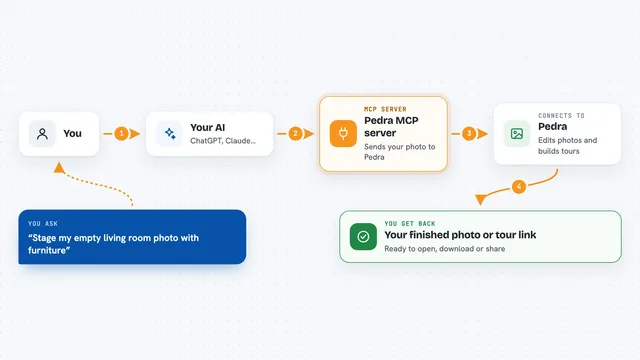
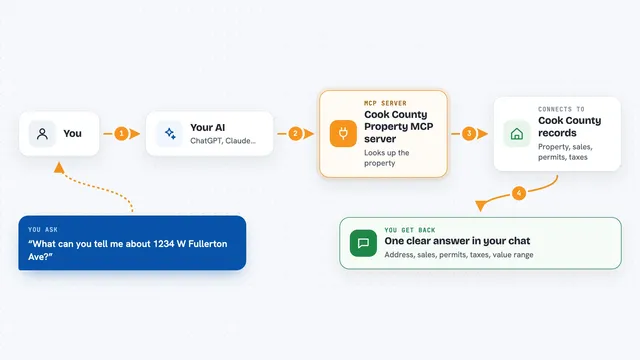
You ask your AI a question in normal words, like what needs attention today. The AI sends that question to this helper. The helper talks to your Partelisto account through the same secure connection the website uses. It brings back the answer, such as which arrivals still need a guest form or which bookings failed police registration. Then the AI explains it to you in the chat.
 Click to zoom
What you can do with it
- List your properties
- List your bookings
- Check whether a guest form is complete
- See which bookings failed SES.HOSPEDAJES police registration
- See how close your account is to its plan limit
- Get a short list of what needs your attention today
- Resend a guest's check-in link (needs extra permission)
- Create a booking (needs extra permission)
Try asking your AI
- “What needs my attention today?”
- “Which of today's arrivals still have an incomplete guest form?”
- “Show me bookings where SES.HOSPEDAJES submission failed.”
- “Resend the check-in link for booking X.”
What it gives back to you
You get back clear answers in the chat, like a list of bookings, a short summary of what needs attention, or a yes or no on a guest form. It can also show numbers, such as how many bookings you have used against your plan limit. If you ask it to resend a check-in link or create a booking, it tells you whether that action worked. It never shows guest personal details like email, phone, passport number, or date of birth.
Before you start
What you need
- A Partelisto account (the signed-in host account you already use)
- An AI app that supports MCP connectors, like Claude or ChatGPT
- Permission to read your data, and extra permission if you want it to send links or create bookings
Good to know
The send link and create booking actions change things in your account and email your guests, so only grant the extra write permission if you are comfortable with that.
Install it with your AI
Add Partelisto MCP server to your AI, no technical skills needed
You don't install anything by hand. You copy one prompt, paste it into an AI that can work on your computer, and it checks, installs and connects the server for you, asking you when it needs something.
Sign in to get the install prompt
Members get a ready-made prompt that lets the Claude desktop app check Partelisto MCP server, install it and connect it for them, step by step. You don't need any technical skills: you copy, paste and answer a few questions. Your connected AI can also find and install any of the 4,361 MCP servers here for you.
Who it's for
Hosts and property managers of Spanish short-term rentals who want fast answers about bookings, guest forms, and police registration.