MCP server · Analytics · official
SQAI MCP server
by thyn-ai · official
Lets your AI ask safe, read-only questions about your data files and get exact, repeatable answers with a record of how it got them.
SQAI is a helper that lets your AI answer questions about structured data, like a spreadsheet or a CSV file, without ever changing anything. It is made by the company behind SQAI and is meant for people who want trustworthy answers from their data, not guesses. If you have ever wanted to ask your AI "which region sold the most?" and get a real number back, this is for you.
What is an MCP server? The 30-second version
On its own, your AI can only chat. An MCP server is a small helper program that gives your AI a new skill or a connection to an app or service. This one connects your AI to SQAI, a tool that reads and calculates over structured data. Once it is set up, you can ask a question in plain words and the AI will use this helper to look things up or run a calculation for you.
What this MCP server does
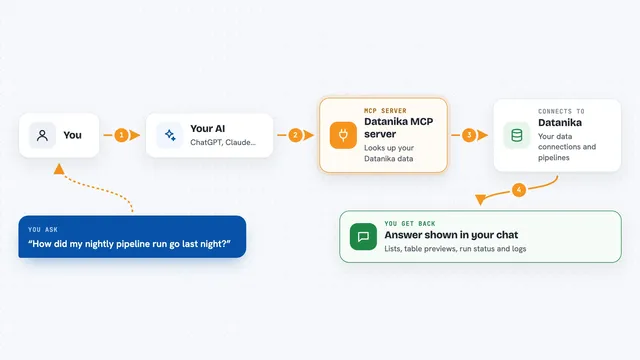
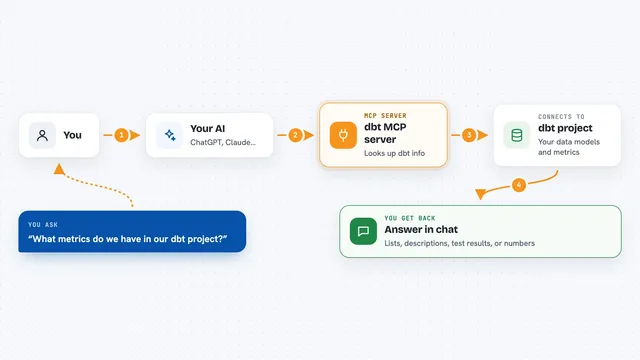
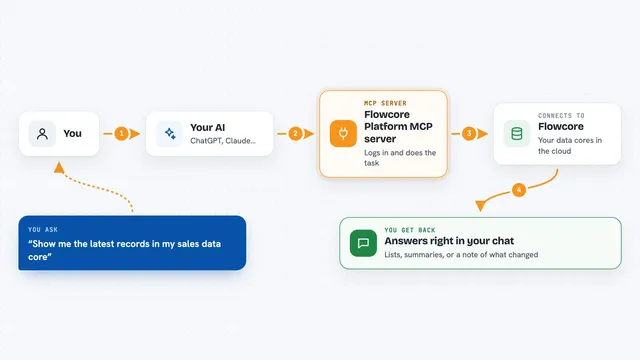
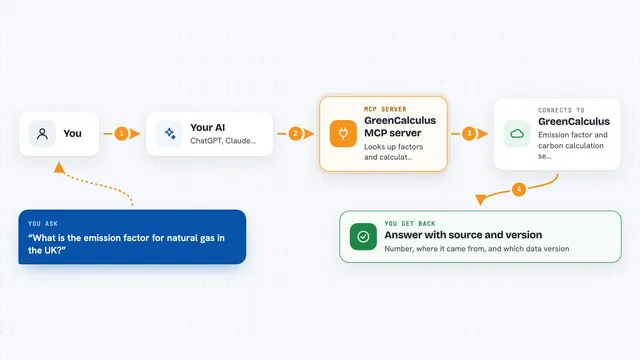
You ask your AI a question about your data, like which product sold best last month. The AI sends that question to this helper, which turns it into a safe, read-only query or calculation. The helper checks the query against rules you set, runs it, and gets an exact answer. Then it hands the answer back to the AI, along with a fingerprint that proves the result can be repeated. The AI shows you the answer in the chat.
What you can do with it
- List the data sources you have connected, with their exact field names and types
- Ask a question about your data and get a precise, read-only answer
- Run calculations like totals, averages, or counts over your data
- Check what a query would do before it runs, without actually running it
- Get a fingerprint for each result so you can confirm it later
- Keep long results retrievable by a reference code instead of cutting them off
Try asking your AI
- “Which region had the highest total revenue in the sales file?”
- “List the sources I have connected and what fields they contain.”
- “Show me the average order value per month for last year.”
- “Before running this, explain what query you would use to count customers by country.”
What it gives back to you
You get a clear answer in the chat, like a number, a short table, or a list of sources and fields. Each result comes with a reference code and a fingerprint so you can check it again later. If a result is too long for the chat, you get a code you can use to fetch the full version. You never get raw database code or changes to your files.
Before you start
What you need
- Node.js installed on your computer (the free version from nodejs.org is fine)
- A free SQAI account, set up once with the command sqai login (it registers your computer)
- The path to your data file, like ./data/sales.csv, set in the SQAI_SOURCES setting
Good to know
It only reads your data and never changes it, but you need to log in once with a free SQAI account before any question will work.
Install it with your AI
Add SQAI MCP server to your AI, no technical skills needed
You don't install anything by hand. You copy one prompt, paste it into an AI that can work on your computer, and it checks, installs and connects the server for you, asking you when it needs something.
Sign in to get the install prompt
Members get a ready-made prompt that lets the Claude desktop app check SQAI MCP server, install it and connect it for them, step by step. You don't need any technical skills: you copy, paste and answer a few questions. Your connected AI can also find and install any of the 4,960 MCP servers here for you.
Who it's for
Anyone who works with spreadsheets or CSV files and wants reliable answers from their AI, especially analysts, operations staff, and managers who need numbers they can trust.